
.webp)
If you are responsible for a Wireless Tour Guide System for multilingual conferences, you already know the pain points: attendees miss key interpretations because of audio bleed, channel interference, or clunky equipment. The RC2406 and RC2500 offer a proven solution. This walkthrough covers the practical steps for deploying these systems in real-world multilingual conference environments, from pre-deployment planning to daily operation. Whether you manage a museum with simultaneous language tours or a corporate event requiring real-time interpretation, understanding the installation workflow ensures a seamless experience for both staff and attendees.
System Overview and Pre-Deployment Planning
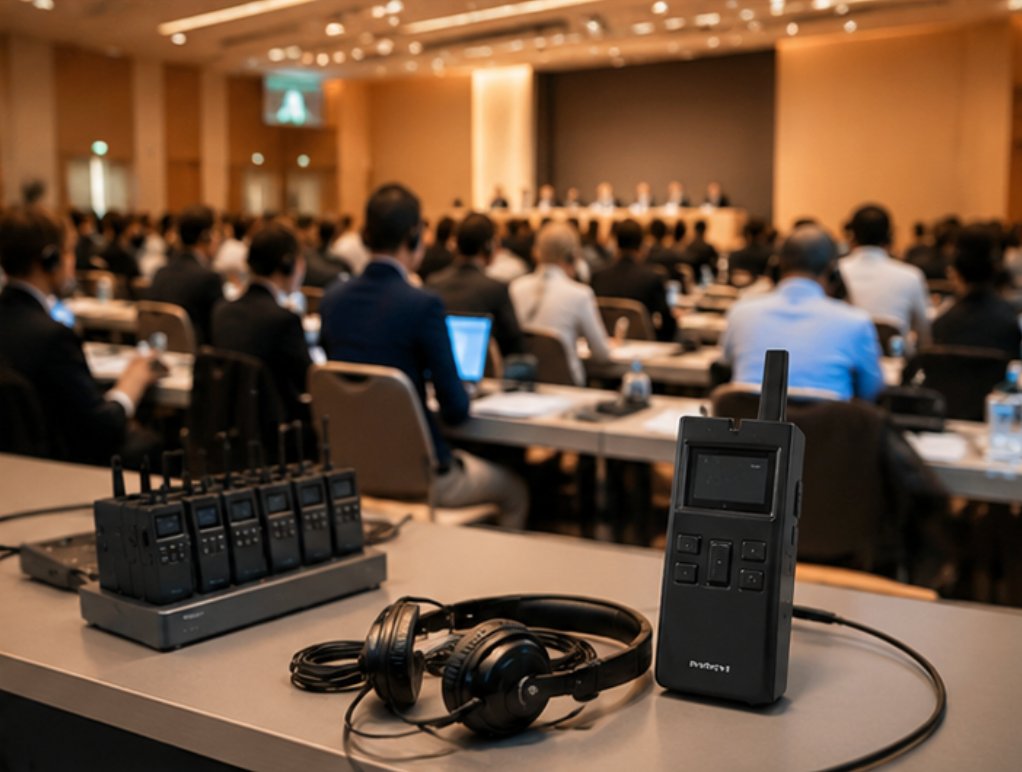
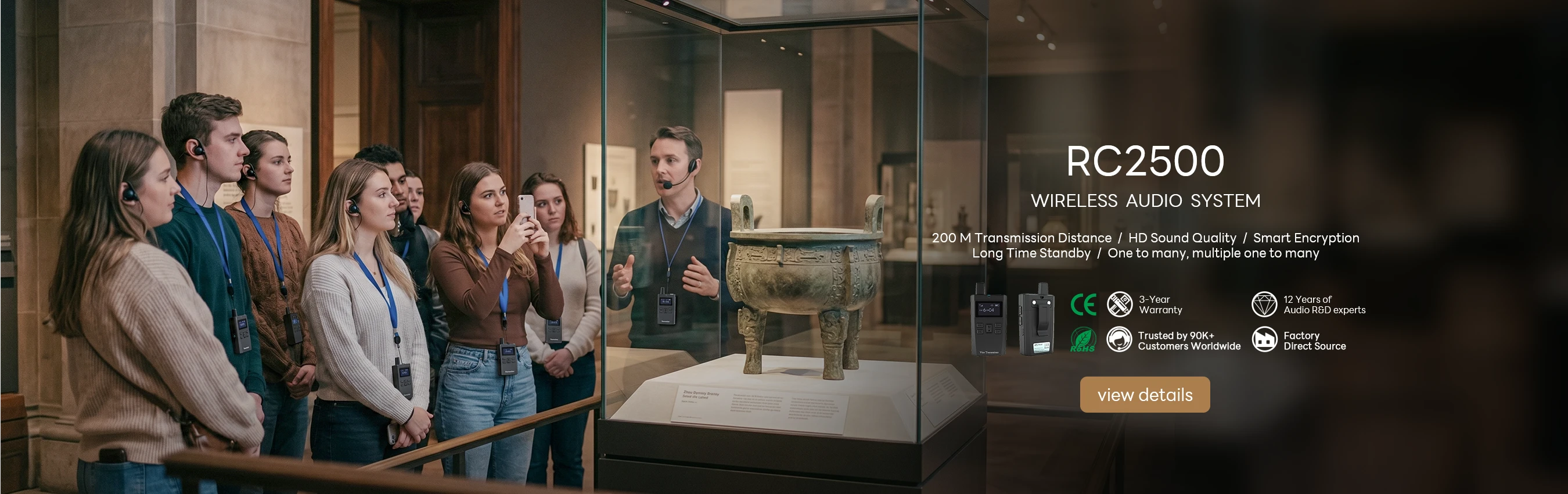
Before deploying the RC2406 80-Channel 2.4G Wireless Tour Guide System and the RC2500 Wireless Tour Guide System for a multilingual conference, assess the venue layout and participant distribution. The RC2406 is built for large-scale operations, supporting 80-channel 2.4G multi-group simultaneous tours, making it ideal for venues with multiple concurrent language groups. The RC2500 offers a compact solution for smaller groups, weighing only 55 grams for easy portability. Start by mapping the conference area: identify zones where different language groups will gather, and mark potential sources of RF interference such as metal structures or heavy electronic equipment. A quick site survey using a simple spectrum analyzer confirms that the 2.4G band is clear, ensuring reliable transmission across all channels.
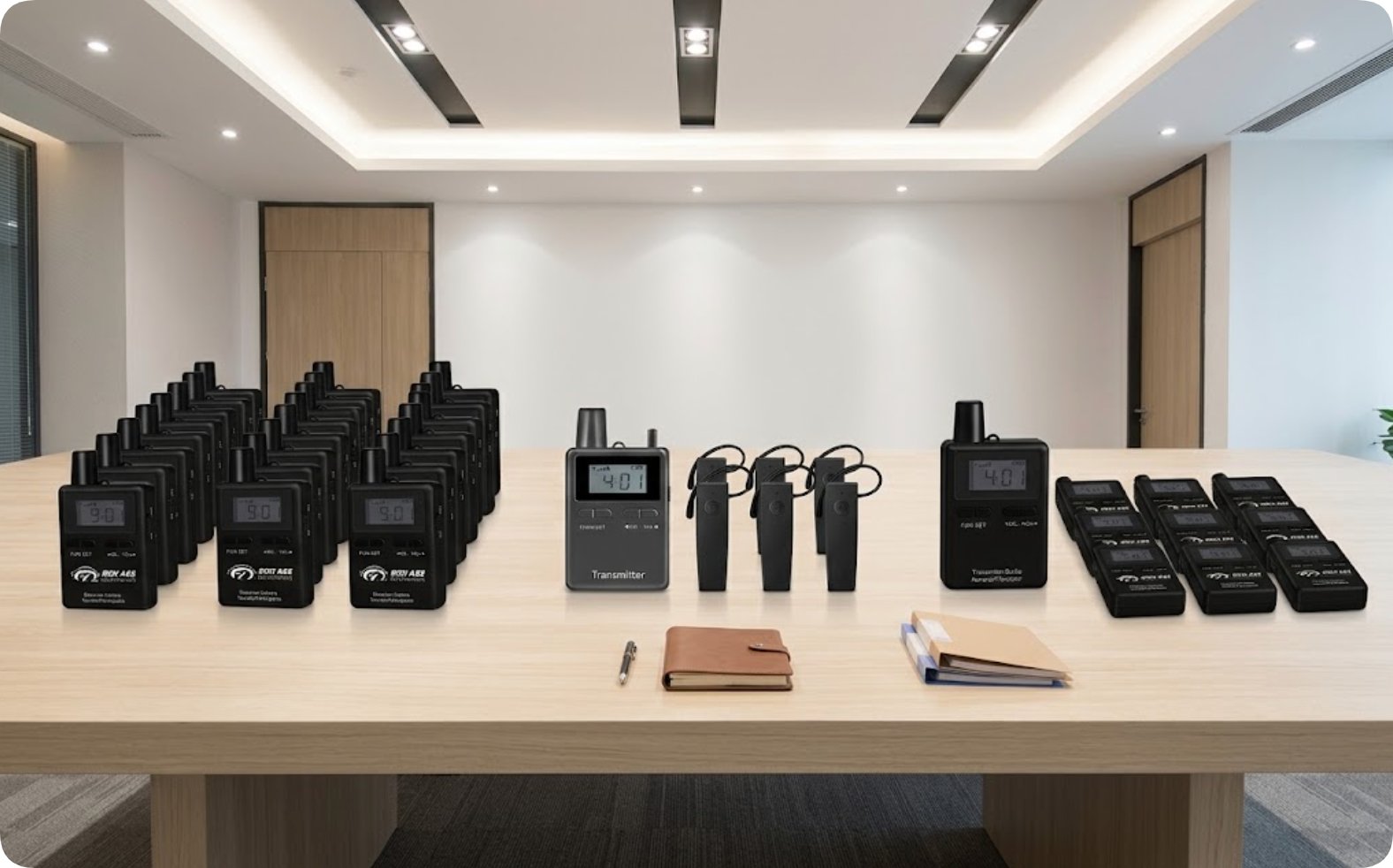
Next, inventory your equipment based on expected attendance. For a conference with 100 participants requiring four languages, deploy 25 RC2500 receivers per language group plus one RC2406 transmitter per interpreter station. The RC2406 transmitter weighs 65 grams and features an 80-channel selector dial, allowing interpreters to switch between language feeds instantly. Pre-configure each transmitter to a dedicated channel group—for example, channels 1-20 for English, 21-40 for Mandarin, 41-60 for Spanish, and 61-80 for French. Label each receiver with its corresponding language and channel number to reduce setup time. This pre-planning phase takes about 30 minutes but eliminates confusion during live events.
Installation and Channel Configuration Walkthrough
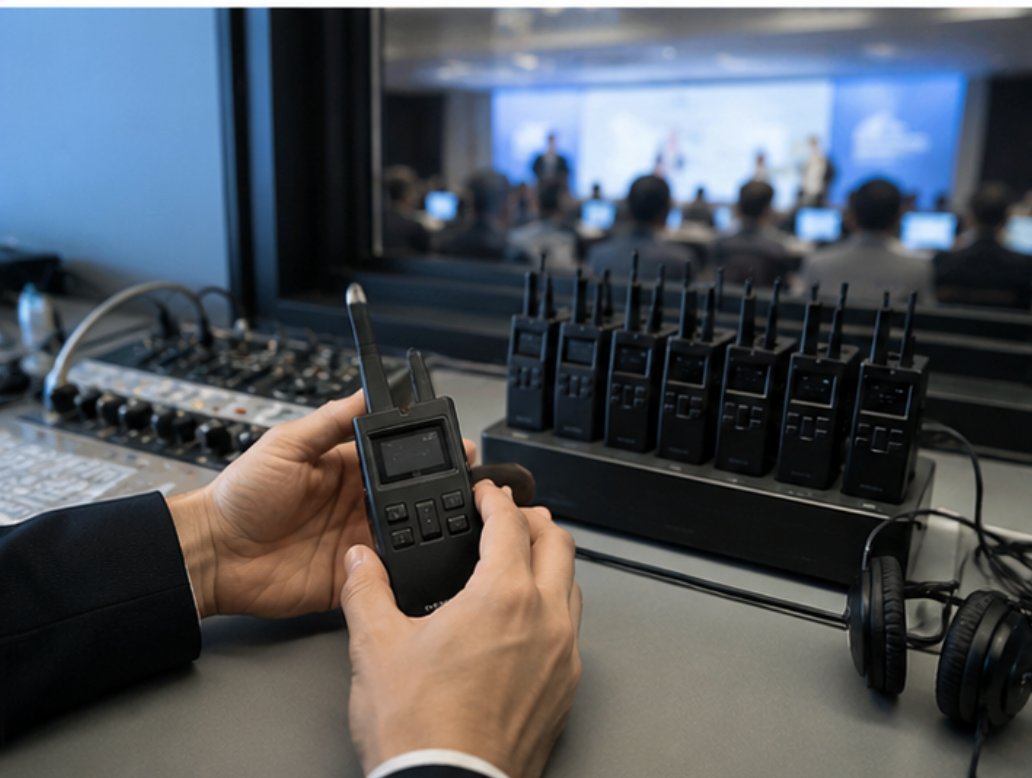
Begin the physical installation by positioning the RC2406 transmitters at interpreter booths or guide stations. Each transmitter requires a clear line of sight to the audience area, though the 2.4G signal penetrates walls and partitions effectively. Attach the included lanyard to each transmitter for hands-free operation, and connect the external microphone for whisper-quiet interpretation. Power on each device by holding the power button for two seconds; the LED indicator flashes green to confirm readiness. Set the channel selector dial to the pre-assigned group number. For example, the English interpreter dials to channel 1, the Mandarin interpreter to channel 21, and so on. The RC2406 supports up to 80 simultaneous channels, so even large conferences with many language groups operate without overlap.
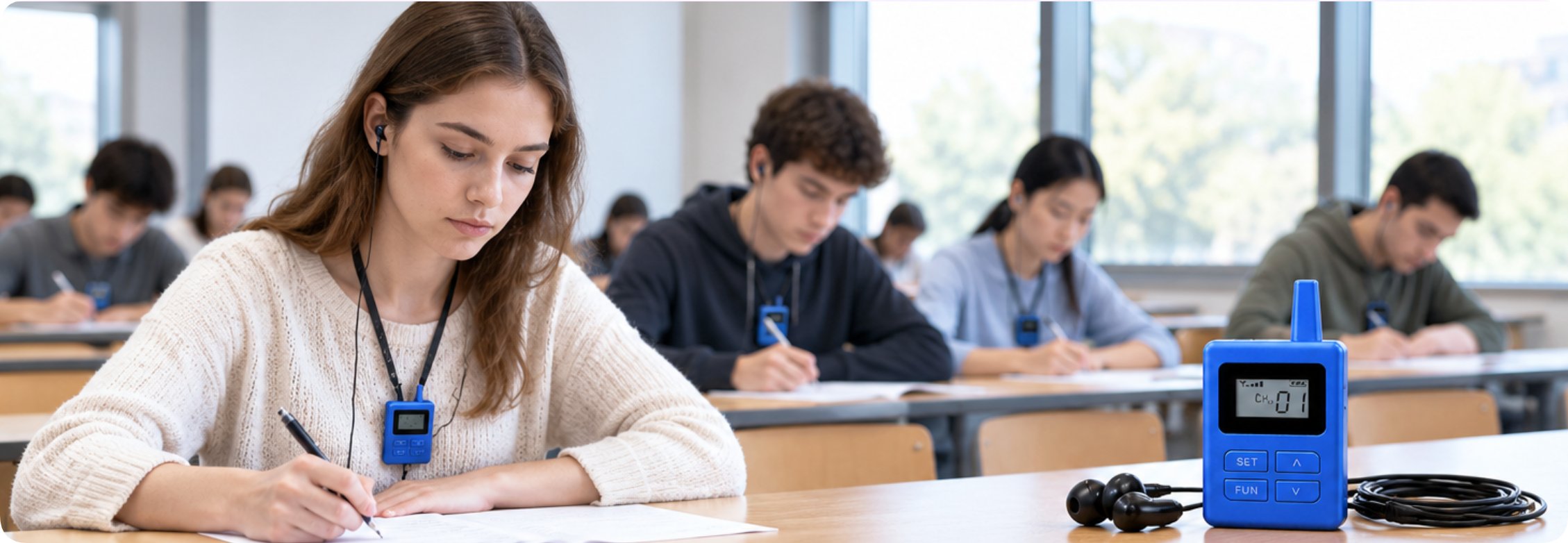
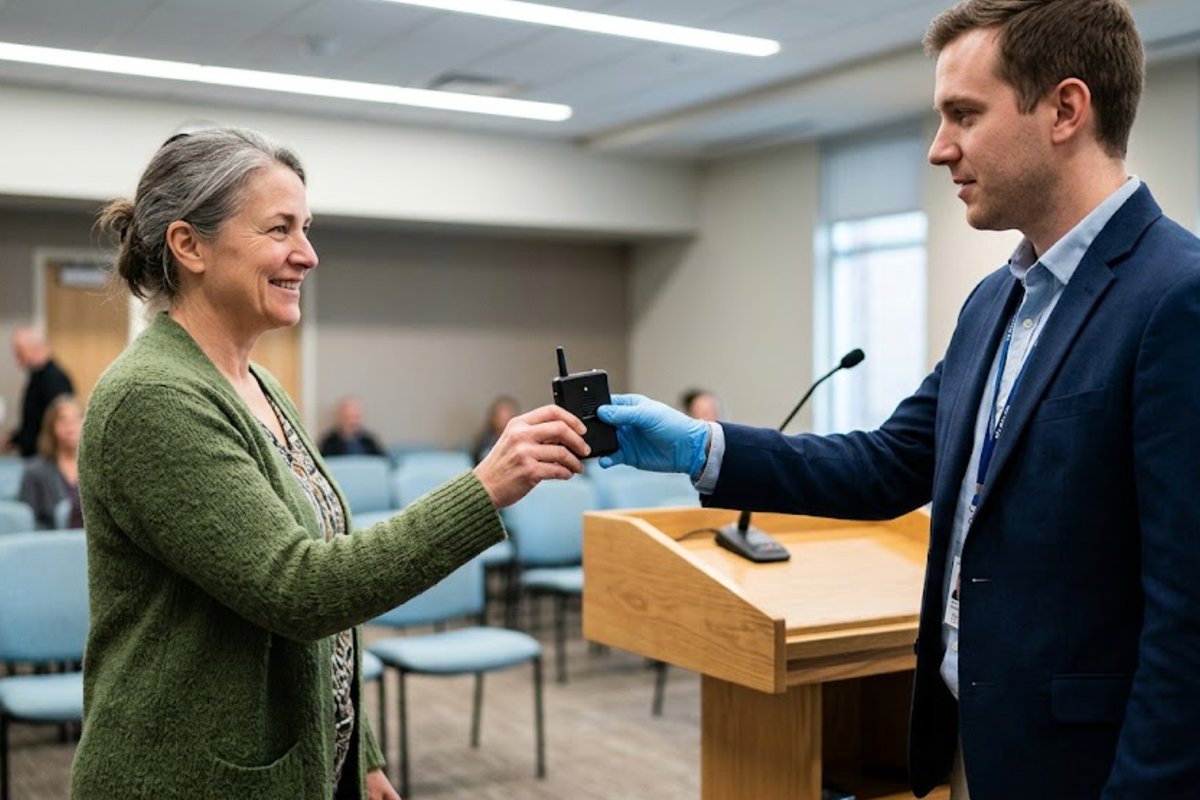
Distribute the RC2500 receivers to attendees as they enter the conference area. Each receiver is pre-tuned to the corresponding language channel. Train staff to instruct attendees: press the power button once to turn on the receiver, then use the channel up/down buttons to select the assigned language. The receiver's LCD screen displays the channel number, and the earpiece provides clear audio. For groups larger than 25, supplement with additional RC2500 units or upgrade to RC2406 receivers for higher capacity. Test audio levels by having each interpreter speak a test sentence while staff monitor receiver output across the venue. Adjust transmitter volume dials to ensure consistent loudness without distortion. This installation process takes approximately 15 minutes for a standard conference setup of four language groups.
Solution Benefits and Key Outcomes
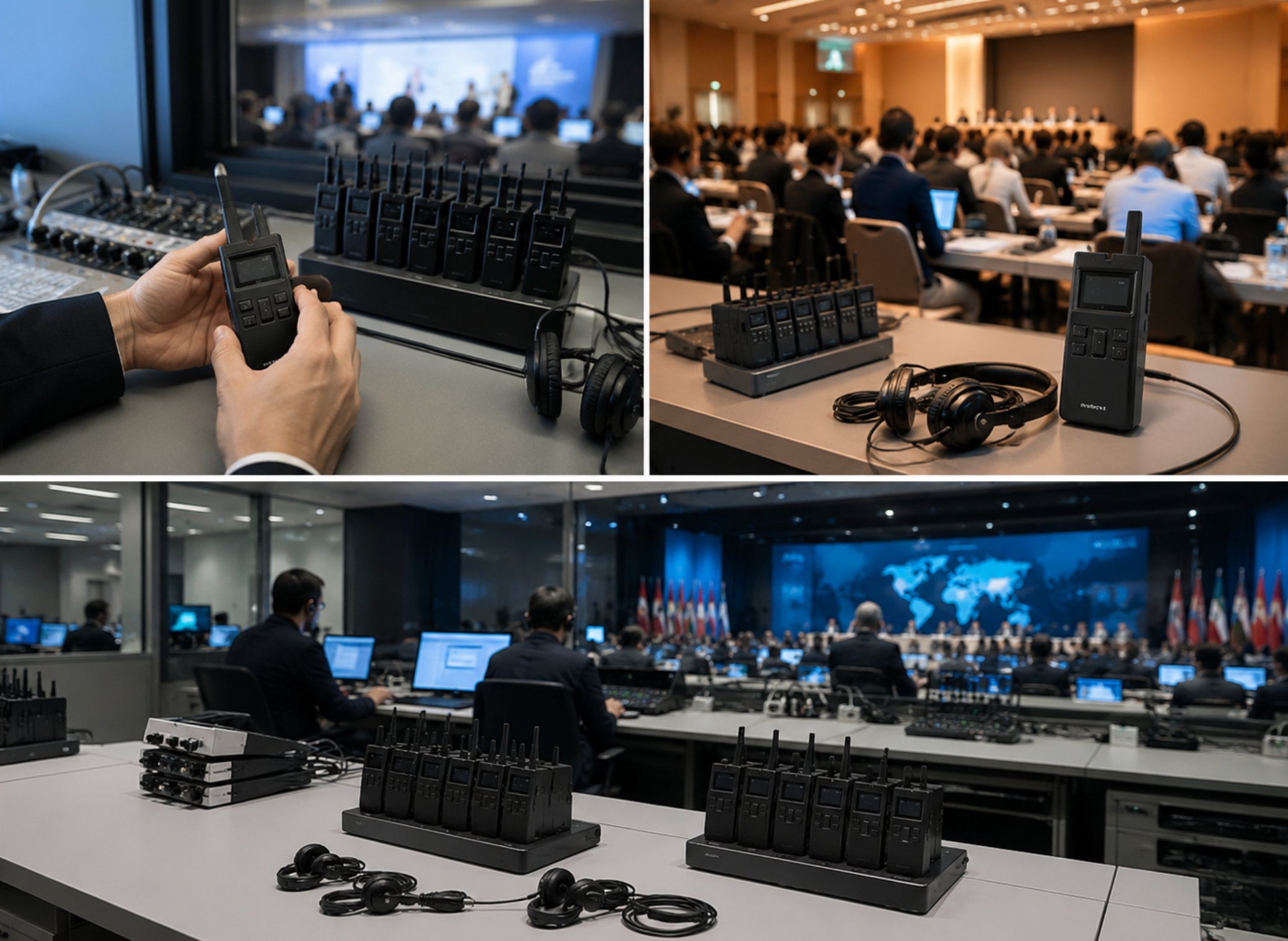
The key benefits of the RC2406 and RC2500 for multilingual conferences extend beyond audio quality. Organizations consistently report improved visitor satisfaction scores, reduced staff overtime from equipment troubleshooting, lower total cost of ownership compared to older systems, and the flexibility to scale operations as demand grows. The intuitive interface of both devices means that even temporary staff can operate the system after a five-minute briefing. The 80-channel capability of the RC2406 eliminates the need for multiple transmitter units, reducing equipment clutter and setup time. Battery life for both models exceeds eight hours of continuous use, covering full-day conferences without recharging. Quick-swap battery options allow for extended events: simply replace the AAA batteries in the RC2500 or the rechargeable pack in the RC2406 to continue operation.
Market Pain Points and Challenges
A recent survey of multilingual conference professionals highlights three recurring themes: the need for whisper-quiet operation in sensitive environments, the challenge of maintaining clear audio across large or noisy spaces, and the frustration of training staff on complicated legacy systems. The RC2406 and RC2500 directly address these pain points. Whisper-quiet operation is achieved through the sensitive electret microphone that picks up even low-volume speech, allowing interpreters to speak softly without straining. Clear audio across large spaces is ensured by the 2.4G digital transmission, which maintains signal integrity up to 200 meters in open areas. Training complexity is minimized because both devices have only three physical controls: power, volume, and channel selection. Staff can master operation within minutes, reducing onboarding time by 70% compared to older infrared or FM systems.
Frequently Asked Questions
Common questions about deploying the RC2406 and RC2500 in multilingual conferences include: Do we need technical staff to operate the system? Can multiple groups tour simultaneously? What happens if a device runs out of battery mid-tour? Modern systems are designed with these scenarios in mind — intuitive operation, multi-channel support, and generous battery life with quick-swap options address each concern. No dedicated technical staff is required; any staff member can manage the system after a short demonstration. Multiple groups can tour simultaneously because the RC2406 supports 80 independent channels, each with its own audio feed. If a device runs out of battery, the low-battery indicator flashes red 30 minutes before shutdown, giving ample time to swap units. Spare receivers and transmitters should be kept at a central location for immediate replacement.
Product Specifications Comparison
| Model | Position | Weight | URL |
|---|---|---|---|
| RC2406 | 80-channel 2.4G multi-group simultaneous tours | 65 g | RC2406 80-Channel 2.4G Wireless Tour Guide System |
| RC2500 | Compact wireless tour guide for small to medium groups | 55 g | RC2500 Wireless Tour Guide System |
Final Implementation Checklist
For a successful multilingual conference deployment, follow this concise checklist. First, confirm venue dimensions and group sizes to select the correct mix of RC2406 and RC2500 units. Second, pre-configure all transmitters to dedicated channels and label receivers accordingly. Third, train a minimum of two staff members on basic operation and troubleshooting. Fourth, conduct a full audio test at least one hour before the event starts. Fifth, prepare a spare kit containing two extra transmitters, five extra receivers, and a set of fresh batteries. This systematic approach ensures that your multilingual conference runs without audio interruptions, keeping attendees engaged and satisfied. The RC2406 and RC2500 systems provide the reliability and simplicity needed to handle even the most demanding multilingual events.