
.webp)
How to Deploy Your Wireless Tour Guide System for Seamless Exhibition & Tradeshow Reception
When I step onto the floor of a major tradeshow, the first thing I notice is the noise. It’s a wall of sound—competing pitches, clattering displays, and the hum of hundreds of conversations. For exhibitors, this creates a brutal challenge: how do you hold a prospect’s attention for more than 30 seconds? A wireless tour guide system is the only reliable way to cut through that acoustic chaos. But buying the hardware is only half the battle. The real win comes from a smart installation and deployment strategy. Over the years, I’ve helped dozens of clients set up their systems for tradeshow booths, museum tours, and corporate training rooms. Here is my practical guide to deploying three key models—the RC085, RC2406, and RC2401—so you can deliver crystal-clear audio without technical hiccups.
Before you unbox anything, think about your venue. Exhibition halls are RF-dense environments with Wi-Fi, Bluetooth, and other wireless devices fighting for spectrum. That’s why I always recommend starting with a site survey. Walk the booth area, note any metal structures or concrete pillars that could block signals, and plan your transmitter placement accordingly. For most tradeshow setups, a central transmitter position at chest height, away from large metal objects, gives the best coverage. If you are managing multiple tour groups simultaneously, you will need a system with enough channel capacity to avoid interference. This is where understanding your product line becomes essential. For a complete overview of how to tailor these systems to your event, I suggest you explore our dedicated exhibition tradeshow solutions that cover best practices for booth layouts and group management.
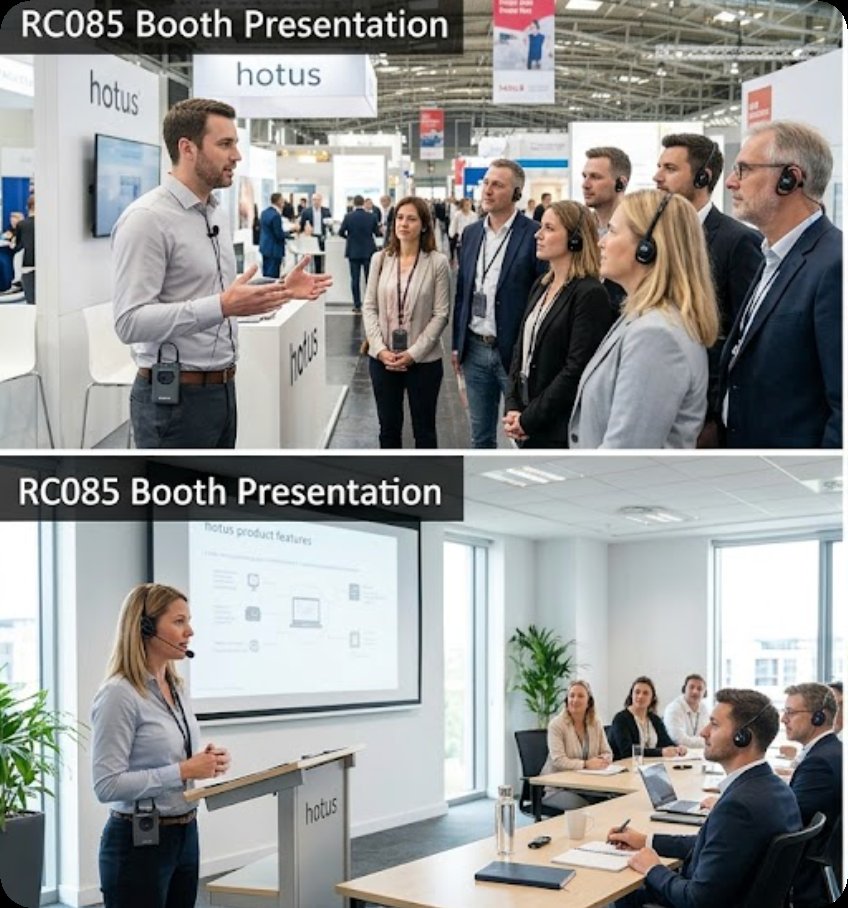
RC085: The Lightweight Digital Workhorse for Booth Presentations
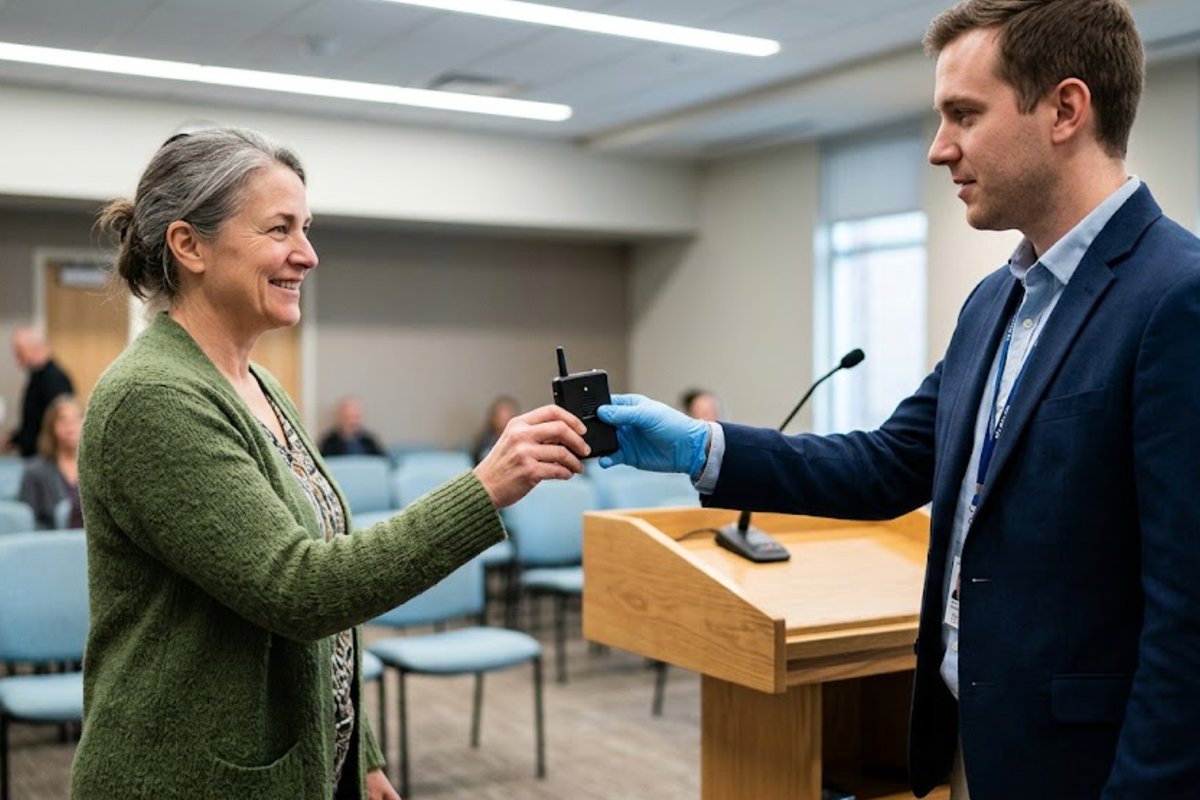
The RC085 is my go-to recommendation for single-group booth demonstrations. Its key positioning is simplicity and clarity. Weighing just 62 grams, it is one of the lightest digital transmitters on the market, which matters when a presenter wears it for six hours straight. The clear LCD display shows battery life, channel number, and signal strength, so there is no guesswork during a live demo. In terms of deployment, I advise pairing the transmitter with a lapel microphone and placing it on the presenter’s belt or in a pocket. The receiver units, also 62 grams each, can be distributed to visitors as they approach the booth. No software setup is required—just power on, select a channel, and you are live. The RC085 is best for small to medium groups (up to 10-12 people) in a static booth environment where the presenter stays in one area.
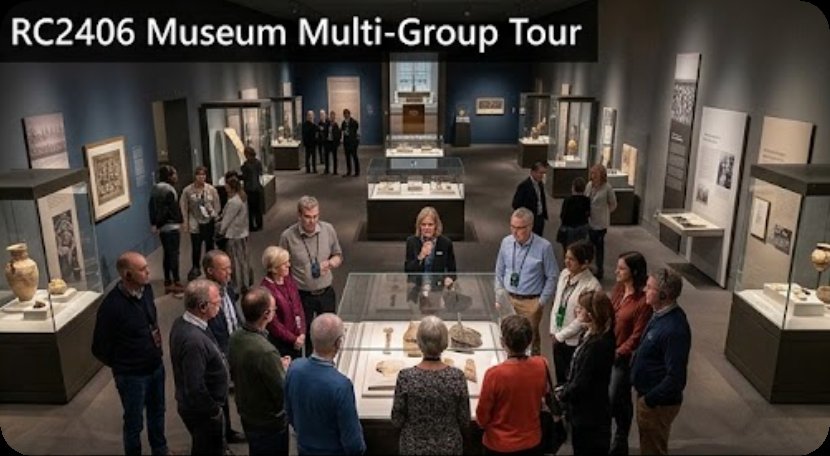
RC2406: 80-Channel 2.4G for Multi-Group Museum and Gallery Tours
When the scenario scales up—think museum galleries with multiple docent-led groups or large exhibition halls with simultaneous language tours—the RC2406 becomes the professional choice. This model operates on the 2.4G frequency band with 80 selectable channels, allowing you to run several tours in the same space without cross-talk. Each unit weighs only 65 grams, making it nearly as portable as the RC085, but the real advantage is the channel selector dial on the transmitter. For deployment, I recommend assigning a unique channel to each tour group and labeling the receivers with color-coded stickers or channel numbers. The docent wears the transmitter with a headset microphone, while tourists receive pre-configured receivers. Because the 2.4G signal penetrates walls and glass display cases better than some older UHF systems, you can maintain audio quality even in large, open gallery spaces. For more technical details on the 80-channel architecture, you can read about the RC2406 80-Channel 2.4G Wireless Tour Guide System and its advanced frequency management features.
RC2401: Multi-Channel Audio for Corporate Training and Conference Rooms
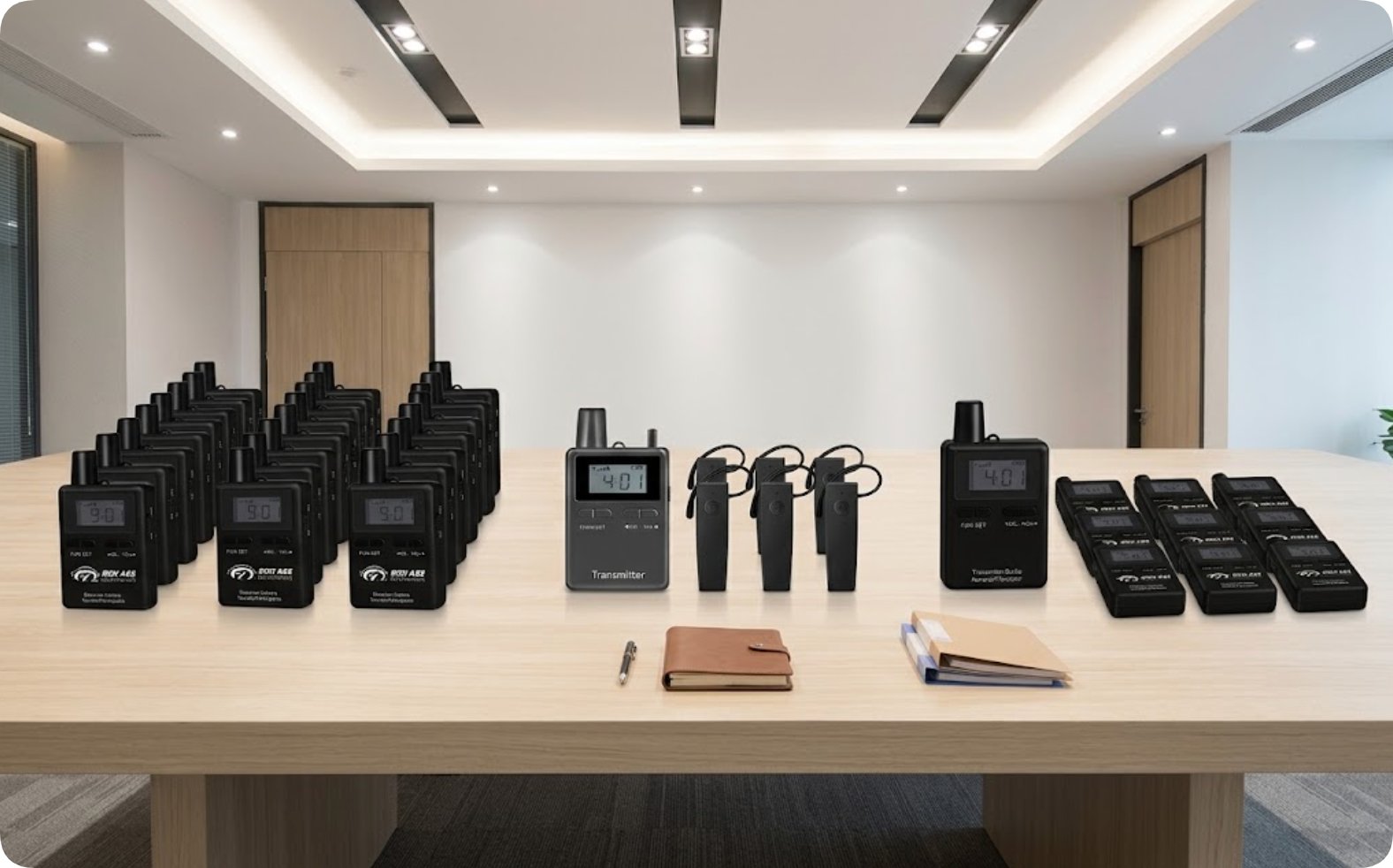
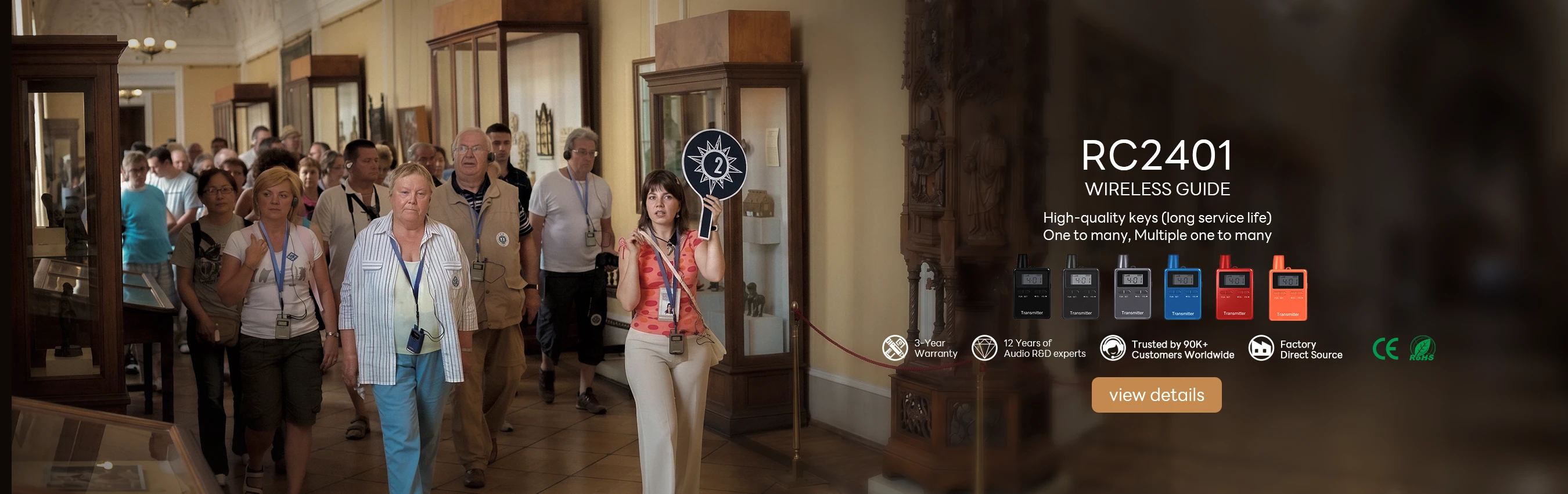
For indoor corporate training sessions or tradeshow meeting rooms where a trainer addresses a seated audience, the RC2401 is the ideal tool. It is slightly heavier at 72 grams, but that extra weight comes from a more robust battery that supports all-day training sessions. The transmitter connects seamlessly with a headset microphone, freeing the trainer’s hands for slides or product samples. In a conference room setup, I place the transmitter on a podium or desk at the front, and distribute receivers to each attendee. The multi-channel capability allows the trainer to switch between different audio feeds—for example, one channel for the main presentation and another for a Q&A microphone. This model is also excellent for multilingual events where each language group uses a separate channel. The deployment is straightforward: pair all devices on the same channel before the session begins, and perform a quick audio check with every receiver. For a deeper look at how the RC2401 fits into training workflows, see the RICH AGE RC2401 Wireless Audio Guide System product page, which includes sample room layouts.

Product Comparison Table
| Model | Weight | Battery Life | Protection Rating | Best Use Scenario |
|---|---|---|---|---|
| RC085 | 62 g | Up to 20 hours | IPX4 (splash-resistant) | Single-group booth demos, small exhibition spaces |
| RC2406 | 65 g | Up to 18 hours | IPX4 (splash-resistant) | Multi-group museum tours, large gallery events |
| RC2401 | 72 g | Up to 22 hours | IPX3 (light rain protection) | Corporate training rooms, conference presentations |
How to Choose the Right Model for Your Event
Selecting the right system comes down to three key factors: group size, venue type, and audio routing complexity. For a single booth with fewer than 12 visitors at a time, the RC085 is the most cost-effective and lightweight solution. Its LCD display gives the presenter confidence that the connection is stable. If you are running a museum or gallery tour with multiple simultaneous groups—each speaking a different language or following a different route—the RC2406 with its 80 channels is non-negotiable. The ability to assign separate frequencies prevents interference and keeps each group’s audio private. For indoor training sessions where the audience is seated and the presenter moves less, the RC2401 offers the longest battery life and the most stable connection for all-day use. Another consideration is the environment. In outdoor or semi-outdoor exhibition spaces, the IPX4 rating of the RC085 and RC2406 provides adequate protection against splashes, while the RC2401 is better suited for fully indoor settings. If you are still unsure, I recommend renting or borrowing a sample unit to test in your actual venue before committing to a large purchase. For further reading on how to optimize your audio setup, explore our solutions page for case studies from real events.
Frequently Asked Questions (FAQ) for Exhibition & Tradeshow Deployment
Q: How do 2.4G wireless tour guide systems avoid Wi-Fi and Bluetooth interference on crowded tradeshow floors?
A: Richitek 2.4G systems incorporate adaptive frequency-hopping algorithms that continuously scan and switch to clear channels, isolating booth audio from ambient Wi-Fi and Bluetooth noise.
Q: Are bulk charging cases available for tradeshow booth receiver fleets?
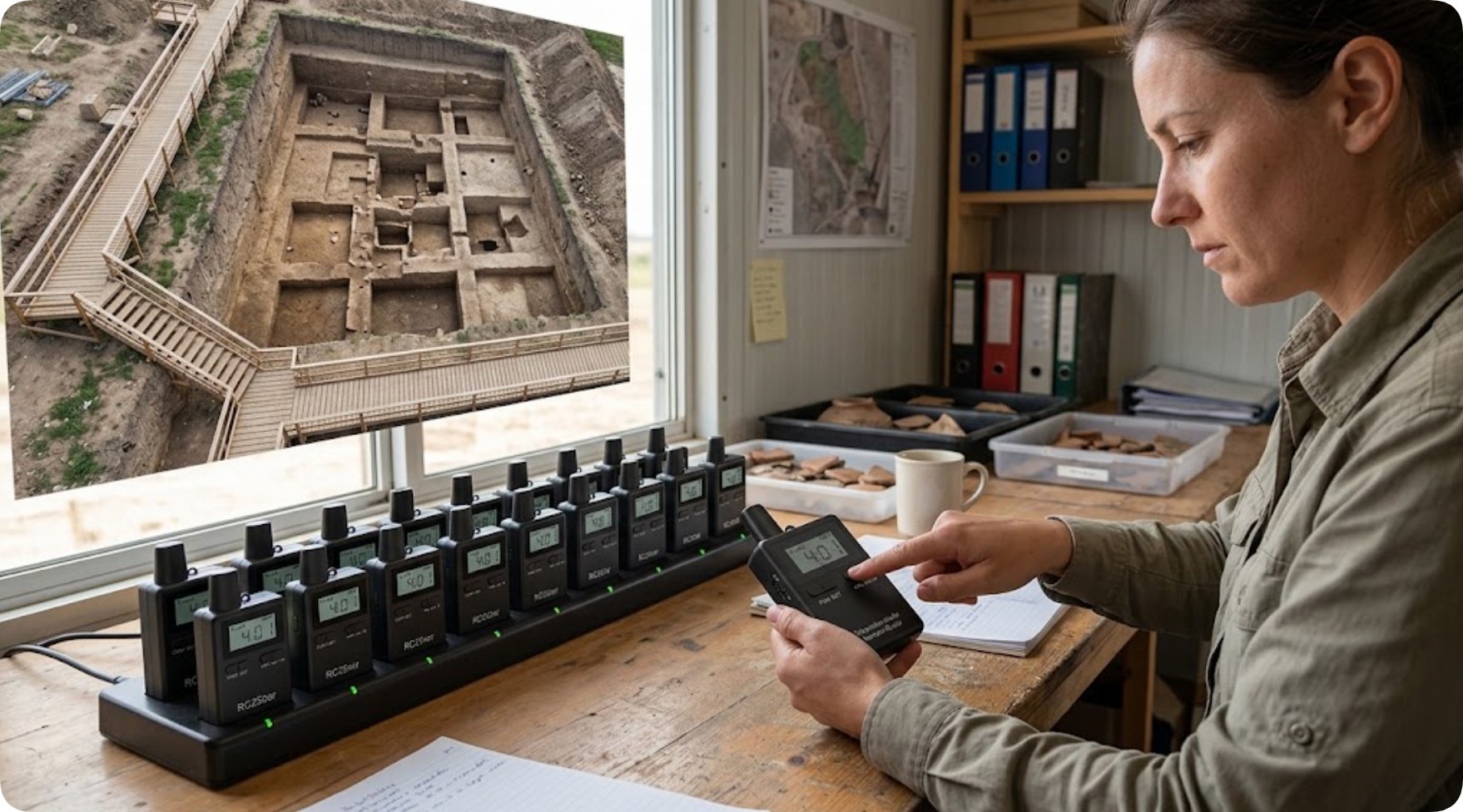
A: Yes. Richitek offers 32, 40, and 60-slot aluminum charging flight cases that allow event teams to transport, rapidly recharge, and sanitize entire device fleets centrally between show hours.