
A leading China factory specializing in Wireless Tour Guide Systems, Church Audio Guides, and Translation Headphones with premium OEM/ODM solutions.

Tel:+86 18922879583

Email:tiger.wang@richitek.com

RC2501 and RC8860 Outdoor Large Venue Troubleshooting Guide

If you run sound for an Outdoor Large Venue, you already know the pain points by name: patchy coverage across open ground, wind that buries the speaker's voice, batteries that give out just before the finale, and moisture that turns a dependable kit into a box of crackles. None of these are mysterious, and all of them are fixable. The RC2501 and RC8860 are field-tested units that have worked their way through stadium concourses, open-air exhibitions, equestrian arenas, and festival grounds. Even the most reliable hardware can misbehave when a signal travels across open ground, wind rushes past a microphone, or a long day drains every battery in the pack. This article takes a practical, troubleshooting view of these two units, showing you how to recognize a failure pattern, diagnose it quickly, and get the tour moving again on the spot. A dependable wireless guide system for Outdoor Large Venue is only as good as the team that can bring it back online in under two minutes.

💡 Why Outdoor Large Venue Audio Fails

Outdoor events do not fail the way indoor sessions do, and expecting them to behave the same way is the first mistake. Inside a hall, walls contain the signal, dampen reflections, and smooth the sound; outside, open space, reflective surfaces, passing vehicles, and the crowd itself create conditions that a small tour guide system rarely meets indoors. Field experience shows that failures in large venues cluster around four patterns: signal loss or intermittent audio, wind noise masking speech, batteries running flat mid-program, and moisture damage after rain or heavy dew. Each pattern has a different fix, and once your staff can tell them apart at a glance, most issues resolve in under two minutes.

📡 Diagnosing Signal Attenuation and Interference

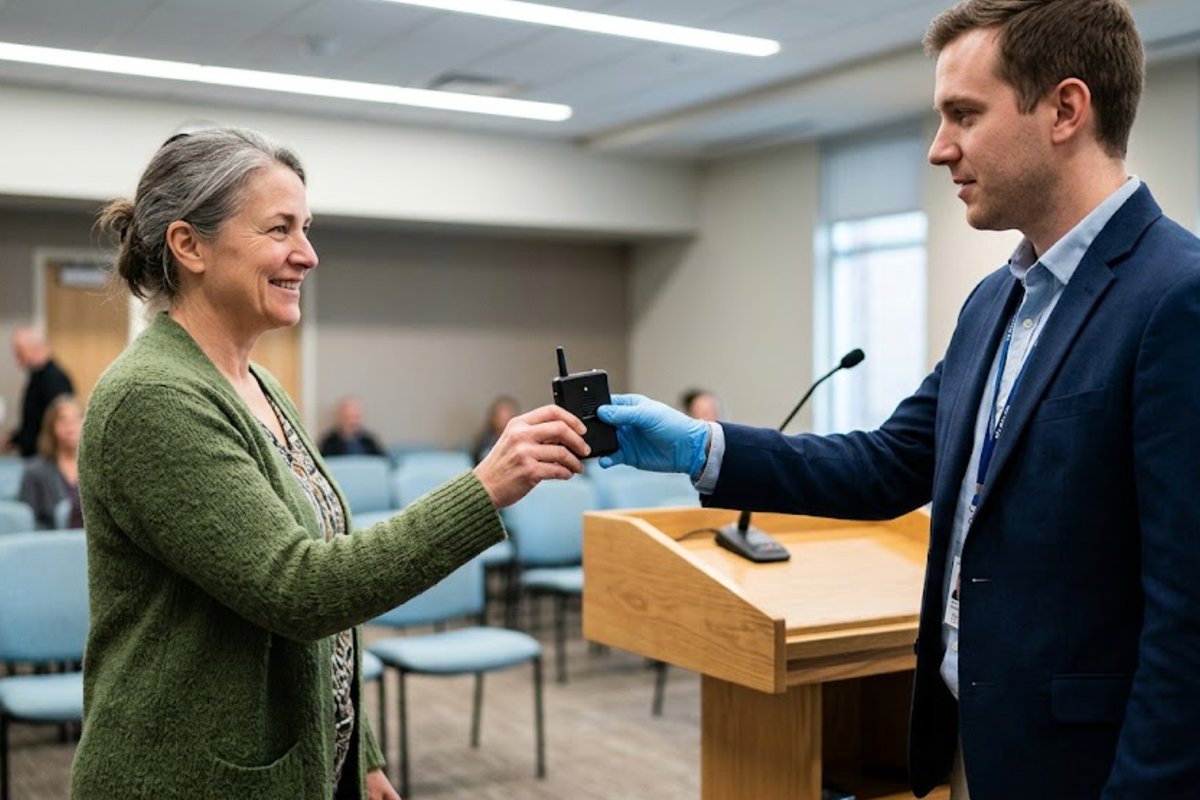
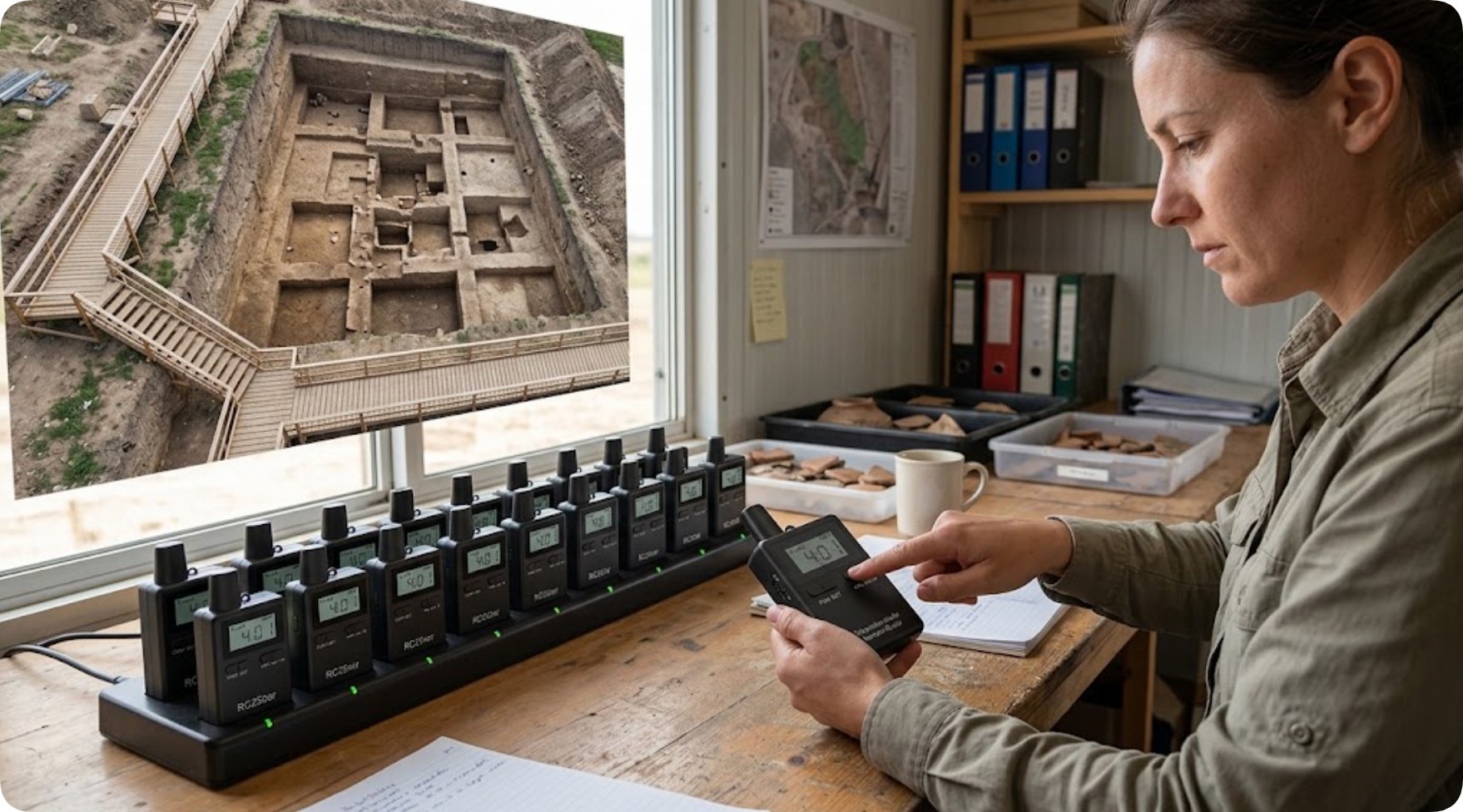
Open-air signal loss is rarely a flat, sudden failure. More often the audio breaks up at a specific distance, or when the guide turns away from the group, and then returns as soon as the guide turns back or the visitors close the gap. That signature points to attenuation, the natural weakening of a radio signal as bodies, fences, poles, and columns shadow the receiver. The first recovery step is physical: mount the transmitter higher, keep it clear of the body rather than tucked behind a hip, and cluster the group together during the affected segment so the receiver stays within a comfortable range. Interference is the second half of the problem. Nearby radios, walkie-talkies, backstage monitors, and event electronics can occupy adjacent frequencies, producing buzz, hum, or chirping that follows the group around the venue. Switch to a clear channel before the tour continues, and make channel selection part of the standard pre-event checklist. When problems persist despite this, the compact RC2501 Wireless Tour Guide System allows a quick on-the-spot unit swap that keeps the program moving while the suspect unit is checked at the break.

RC2501 and RC8860 Outdoor Large Venue Troubleshooting Guide(图1)

Solving Wind Noise and Hard-to-Hear Audio

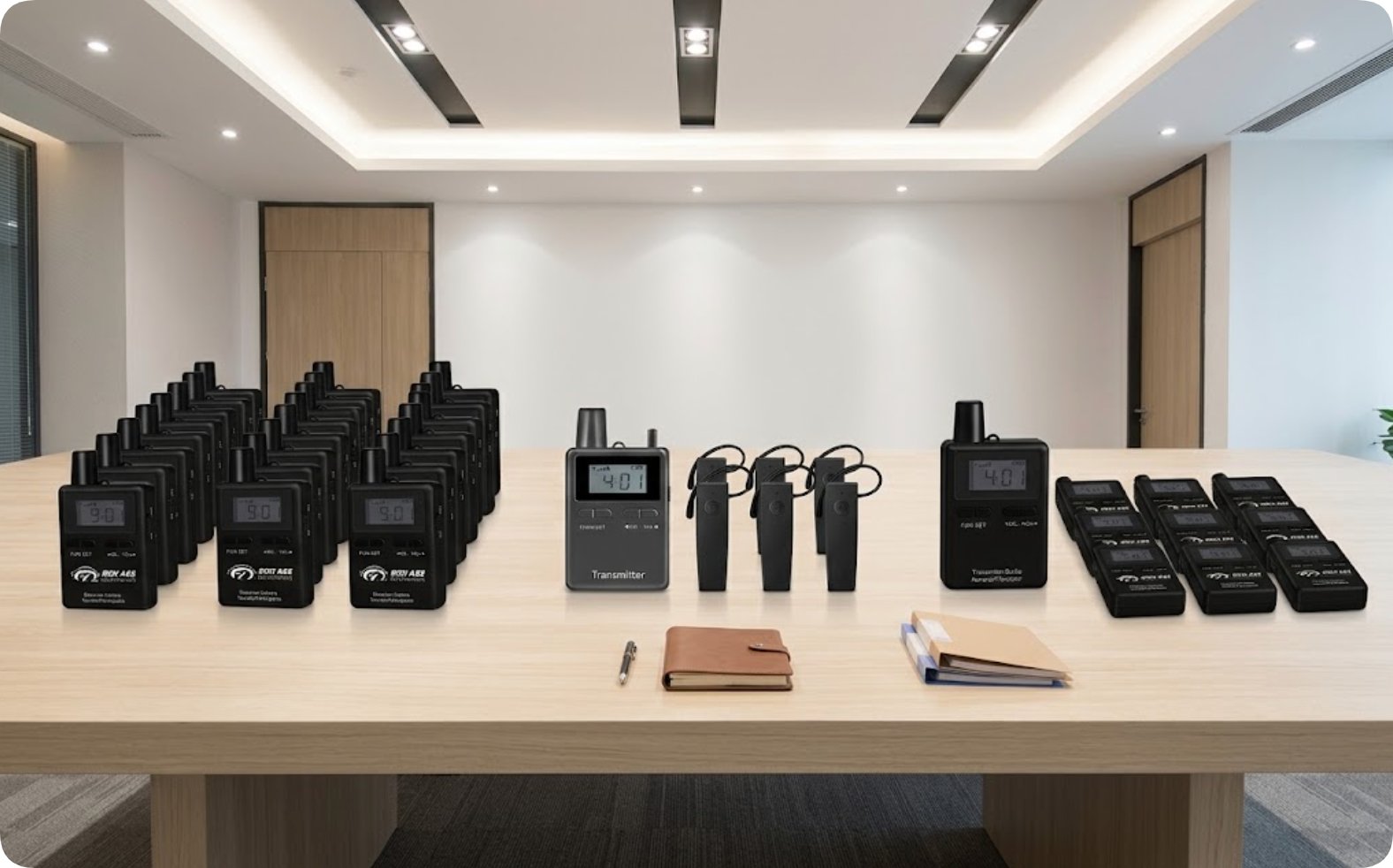
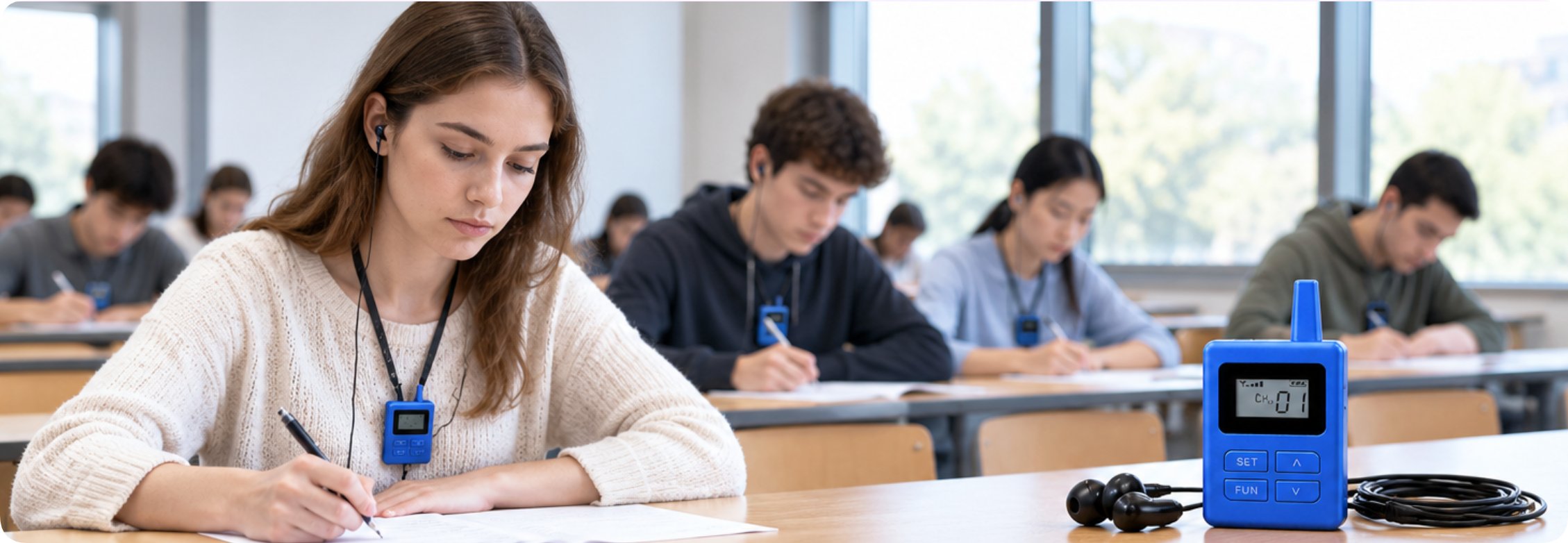
Wind is the quiet enemy of every outdoor guide. A light breeze across a microphone element produces a low rumble that sits directly on top of speech, burying the guide's words by the time they reach the visitor's receiver. The first fix is always physical, not electronic: reposition the microphone so the wind passes across the capsule rather than straight into it, and fit a foam or fur windshield before the event starts. If visitors still report unclear audio, work down the chain of obvious suspects in order: receiver volume, earpiece seating, and battery level on the receiving units. Each accounts for a surprising share of "the guide sounds far away" complaints, and each is a thirty-second check. For high-motion outdoor coaching, where the coach projects across distance and moves constantly, the RC8860 Tour Guide Transmitter For Teaching is built for exactly this use. A close comparison such as RC085 vs RC8860 helps you judge which unit tolerates harsh outdoor audio better before you commit a full season's budget.

RC2501 and RC8860 Outdoor Large Venue Troubleshooting Guide(图2)

🔋 Managing Battery Life for Full-Day Events

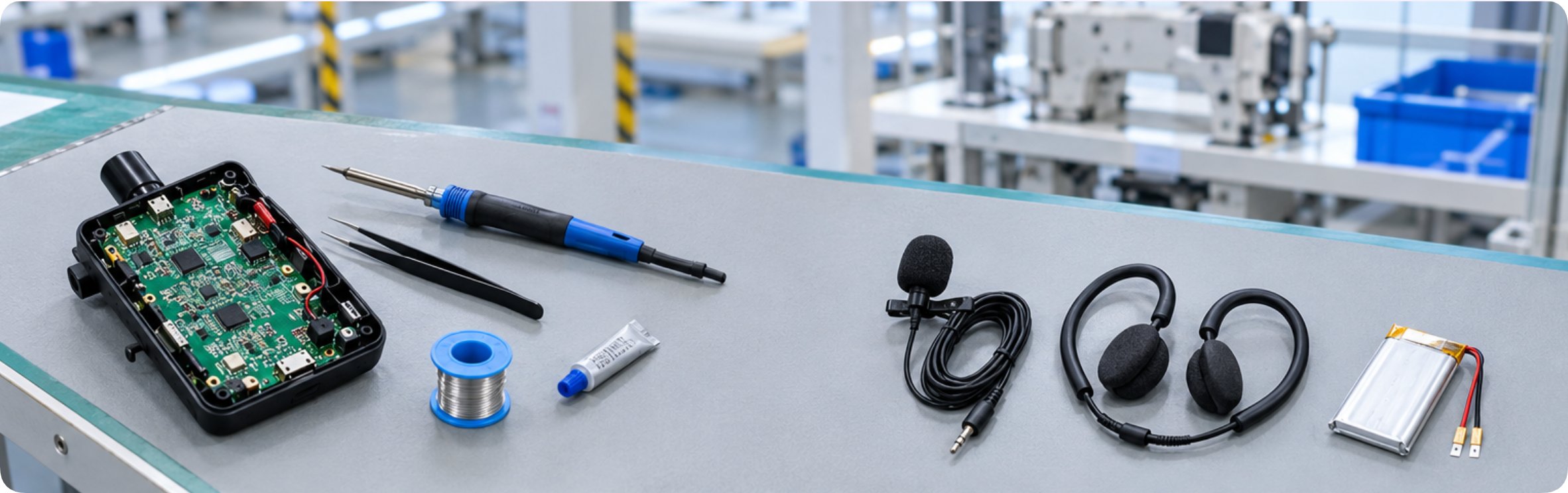
A dead battery is the most reported field failure, and it is almost always avoidable. The usual story is the same: units get used the previous day, go into storage, are not topped up, and then run flat at the busiest moment of the event. The fix is simple charging discipline rather than clever technology. Charge every transmitter and receiver the night before, and top them up again during any long lunch break. Mark the charging cradle with a colored band or a number so nobody mixes charged and uncharged units when the afternoon session starts. The symptoms are easy to recognize once you know them. A transmitter that goes silent while its indicator still shows a charge usually means a failing cell or a loose battery contact, not a radio fault, so check the contact pins before blaming the electronics. A receiver that distorts at high volume often has a low battery even when it still powers on. Adding a spare battery rotation to the event kit removes the risk entirely and costs very little.

ModelPositionWeightProduct Page
RC2501Translation headphones for church / silent tour48 gRC2501 details
RC8860Equestrian training & high-motion outdoor coaching59 gRC8860 details

Rain, Moisture and Weather Damage

Outdoor events rarely get a perfect forecast, and moisture is the fastest way to shorten a system's working life. Drizzle, heavy dew, or simply high humidity can cause crackling audio, intermittent contact, and eventually internal corrosion that no amount of software fixes will repair. Prevention comes first: keep equipment dry between uses, never store units in a damp bag, and allow wet units to dry completely before charging them. If a unit has been exposed to water, resist the urge to power it on immediately. Remove the battery, dry every port and contact thoroughly, and test the unit with a known-good spare before trusting it in front of a crowd. A great deal of water damage that produces intermittent audio is really contact corrosion rather than a dead unit, and cleaning the terminals with a dry cloth or a contact cleaner restores normal operation. A lightweight waterproof pouch in the field kit turns a weather emergency into a minor inconvenience, and a spare set of windshields costs less than one ruined microphone capsule.

Rapid Recovery Steps for Live Tours

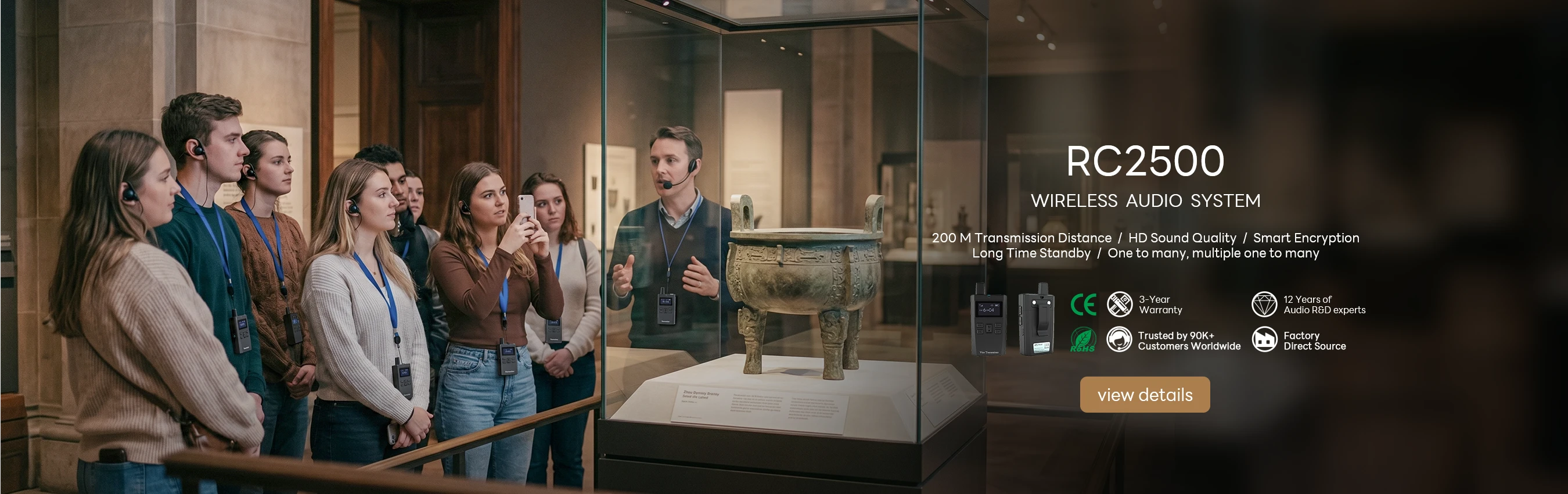
When a failure happens mid-tour, speed matters more than perfect diagnosis. Visitors are standing around, the schedule is slipping, and every minute of fiddling erodes confidence in the equipment. Follow the recovery sequence in order. First, check the most common causes: battery level, power switch, and channel setting, in that order, because these three account for the majority of field incidents. Second, swap the transmitter to a spare channel and retest; if the problem was interference, this clears it immediately. Third, if audio is still broken, swap the suspect unit for a spare, continue the tour, and repair the original during the break rather than holding up the group. Keep a field kit with spare batteries, windshields, earpieces, and a channel reference card, and make sure the same kit travels with the tour every time. After the event, log the failure time, the unit involved, and the weather; over a season, patterns emerge that let you prevent problems before they happen. A comparison such as RC2500 vs RC2501 helps you choose hardware that matches your busiest season and your most demanding sites.

Frequently Asked Questions

Several questions arise again and again when organizations evaluate the RC2501 and RC8860 for Outdoor Large Venue use. How many visitors can one system support? Modern systems handle professional group sizes without compromise. What is the effective range in a typical venue? Range depends heavily on terrain and interference, so the honest answer is that an on-site scan before the event gives you a reliable number, while a printed spec sheet gives you a marketing number. How long does the battery last for a full day of tours? With the charging discipline described above, a full program day is comfortably within reach, and a spare battery rotation removes any residual doubt. Does rain require canceling the tour? No; with dry storage, quick-drying procedures, and a spare kit, most weather is manageable, and the units that are properly maintained shrug off conditions that would sideline neglected hardware.

2026年08月19日 12:20
click: 324
no data

RC2501 and RC8860 Outdoor Large Venue Troubleshooting Guide

time: 2026年08月19日 click:324

If you run sound for an Outdoor Large Venue, you already know the pain points by name: patchy coverage across open ground, wind that buries the speaker's voice, batteries that give out just before the finale, and moisture that turns a dependable kit into a box of crackles. None of these are mysterious, and all of them are fixable. The RC2501 and RC8860 are field-tested units that have worked their way through stadium concourses, open-air exhibitions, equestrian arenas, and festival grounds. Even the most reliable hardware can misbehave when a signal travels across open ground, wind rushes past a microphone, or a long day drains every battery in the pack. This article takes a practical, troubleshooting view of these two units, showing you how to recognize a failure pattern, diagnose it quickly, and get the tour moving again on the spot. A dependable wireless guide system for Outdoor Large Venue is only as good as the team that can bring it back online in under two minutes.

💡 Why Outdoor Large Venue Audio Fails

Outdoor events do not fail the way indoor sessions do, and expecting them to behave the same way is the first mistake. Inside a hall, walls contain the signal, dampen reflections, and smooth the sound; outside, open space, reflective surfaces, passing vehicles, and the crowd itself create conditions that a small tour guide system rarely meets indoors. Field experience shows that failures in large venues cluster around four patterns: signal loss or intermittent audio, wind noise masking speech, batteries running flat mid-program, and moisture damage after rain or heavy dew. Each pattern has a different fix, and once your staff can tell them apart at a glance, most issues resolve in under two minutes.

📡 Diagnosing Signal Attenuation and Interference

Open-air signal loss is rarely a flat, sudden failure. More often the audio breaks up at a specific distance, or when the guide turns away from the group, and then returns as soon as the guide turns back or the visitors close the gap. That signature points to attenuation, the natural weakening of a radio signal as bodies, fences, poles, and columns shadow the receiver. The first recovery step is physical: mount the transmitter higher, keep it clear of the body rather than tucked behind a hip, and cluster the group together during the affected segment so the receiver stays within a comfortable range. Interference is the second half of the problem. Nearby radios, walkie-talkies, backstage monitors, and event electronics can occupy adjacent frequencies, producing buzz, hum, or chirping that follows the group around the venue. Switch to a clear channel before the tour continues, and make channel selection part of the standard pre-event checklist. When problems persist despite this, the compact RC2501 Wireless Tour Guide System allows a quick on-the-spot unit swap that keeps the program moving while the suspect unit is checked at the break.

RC2501 and RC8860 Outdoor Large Venue Troubleshooting Guide(图1)

Solving Wind Noise and Hard-to-Hear Audio

Wind is the quiet enemy of every outdoor guide. A light breeze across a microphone element produces a low rumble that sits directly on top of speech, burying the guide's words by the time they reach the visitor's receiver. The first fix is always physical, not electronic: reposition the microphone so the wind passes across the capsule rather than straight into it, and fit a foam or fur windshield before the event starts. If visitors still report unclear audio, work down the chain of obvious suspects in order: receiver volume, earpiece seating, and battery level on the receiving units. Each accounts for a surprising share of "the guide sounds far away" complaints, and each is a thirty-second check. For high-motion outdoor coaching, where the coach projects across distance and moves constantly, the RC8860 Tour Guide Transmitter For Teaching is built for exactly this use. A close comparison such as RC085 vs RC8860 helps you judge which unit tolerates harsh outdoor audio better before you commit a full season's budget.

RC2501 and RC8860 Outdoor Large Venue Troubleshooting Guide(图2)

🔋 Managing Battery Life for Full-Day Events

A dead battery is the most reported field failure, and it is almost always avoidable. The usual story is the same: units get used the previous day, go into storage, are not topped up, and then run flat at the busiest moment of the event. The fix is simple charging discipline rather than clever technology. Charge every transmitter and receiver the night before, and top them up again during any long lunch break. Mark the charging cradle with a colored band or a number so nobody mixes charged and uncharged units when the afternoon session starts. The symptoms are easy to recognize once you know them. A transmitter that goes silent while its indicator still shows a charge usually means a failing cell or a loose battery contact, not a radio fault, so check the contact pins before blaming the electronics. A receiver that distorts at high volume often has a low battery even when it still powers on. Adding a spare battery rotation to the event kit removes the risk entirely and costs very little.

ModelPositionWeightProduct Page
RC2501Translation headphones for church / silent tour48 gRC2501 details
RC8860Equestrian training & high-motion outdoor coaching59 gRC8860 details

Rain, Moisture and Weather Damage

Outdoor events rarely get a perfect forecast, and moisture is the fastest way to shorten a system's working life. Drizzle, heavy dew, or simply high humidity can cause crackling audio, intermittent contact, and eventually internal corrosion that no amount of software fixes will repair. Prevention comes first: keep equipment dry between uses, never store units in a damp bag, and allow wet units to dry completely before charging them. If a unit has been exposed to water, resist the urge to power it on immediately. Remove the battery, dry every port and contact thoroughly, and test the unit with a known-good spare before trusting it in front of a crowd. A great deal of water damage that produces intermittent audio is really contact corrosion rather than a dead unit, and cleaning the terminals with a dry cloth or a contact cleaner restores normal operation. A lightweight waterproof pouch in the field kit turns a weather emergency into a minor inconvenience, and a spare set of windshields costs less than one ruined microphone capsule.

Rapid Recovery Steps for Live Tours

When a failure happens mid-tour, speed matters more than perfect diagnosis. Visitors are standing around, the schedule is slipping, and every minute of fiddling erodes confidence in the equipment. Follow the recovery sequence in order. First, check the most common causes: battery level, power switch, and channel setting, in that order, because these three account for the majority of field incidents. Second, swap the transmitter to a spare channel and retest; if the problem was interference, this clears it immediately. Third, if audio is still broken, swap the suspect unit for a spare, continue the tour, and repair the original during the break rather than holding up the group. Keep a field kit with spare batteries, windshields, earpieces, and a channel reference card, and make sure the same kit travels with the tour every time. After the event, log the failure time, the unit involved, and the weather; over a season, patterns emerge that let you prevent problems before they happen. A comparison such as RC2500 vs RC2501 helps you choose hardware that matches your busiest season and your most demanding sites.

Frequently Asked Questions

Several questions arise again and again when organizations evaluate the RC2501 and RC8860 for Outdoor Large Venue use. How many visitors can one system support? Modern systems handle professional group sizes without compromise. What is the effective range in a typical venue? Range depends heavily on terrain and interference, so the honest answer is that an on-site scan before the event gives you a reliable number, while a printed spec sheet gives you a marketing number. How long does the battery last for a full day of tours? With the charging discipline described above, a full program day is comfortably within reach, and a spare battery rotation removes any residual doubt. Does rain require canceling the tour? No; with dry storage, quick-drying procedures, and a spare kit, most weather is manageable, and the units that are properly maintained shrug off conditions that would sideline neglected hardware.
no data
×

Contact us

email:
name:
subject:
content: