
A campus is the worst place to trust a datasheet. The same system that holds a clean signal across an empty green at eight in the morning can sound thin at eleven, when three groups cross the same junction, and can feel like a stone around a child's neck by four in the afternoon. A datasheet describes a device under conditions the manufacturer controls; a campus supplies conditions nobody does, from crowd density that rises and falls to buildings of four different materials and a schedule that runs six hours without a proper break.
So we stopped treating a campus tour as one test and started treating it as six. Each window exposes a different variable and hides the rest, which is why a single walk-through proves so little. What follows is how the windows fall across a real visiting day, and where an education audio guide system has to earn its numbers.
🎓 A Campus Day Has Six Test Windows, Not One
Every figure on a product page is conditional. "Up to 200 metres" assumes open ground, "80 channels" assumes someone assigns them, and "full-day battery" assumes a start time. None of those assumptions survives a visit intact: a campus changes its own test conditions roughly every two hours.
The six windows we watch are the pairing desk before the gates open, the main green during the first walking segment, the junction where groups cross, the afternoon indoor block, the sixth hour of wear, and the return desk at the end. Two of them are about radio; the rest are about people — how fast staff set up, how a group spreads out, how a building interrupts a line of sight, and how long a listener tolerates what they are wearing.
07:30 — The Pairing Desk, Before Anyone Arrives
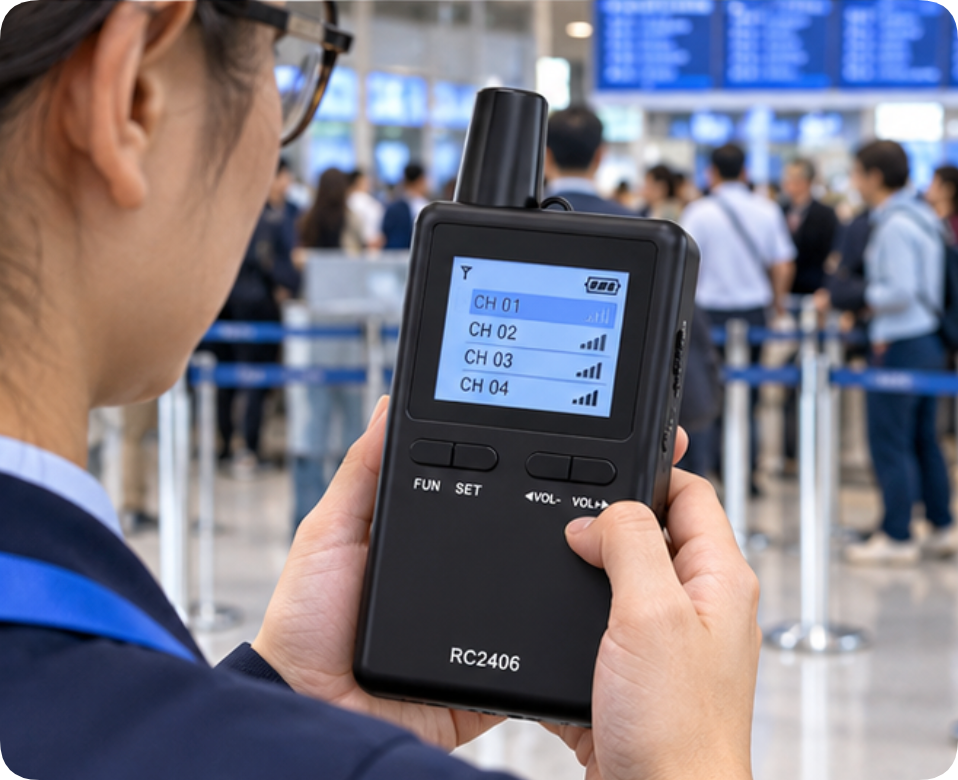
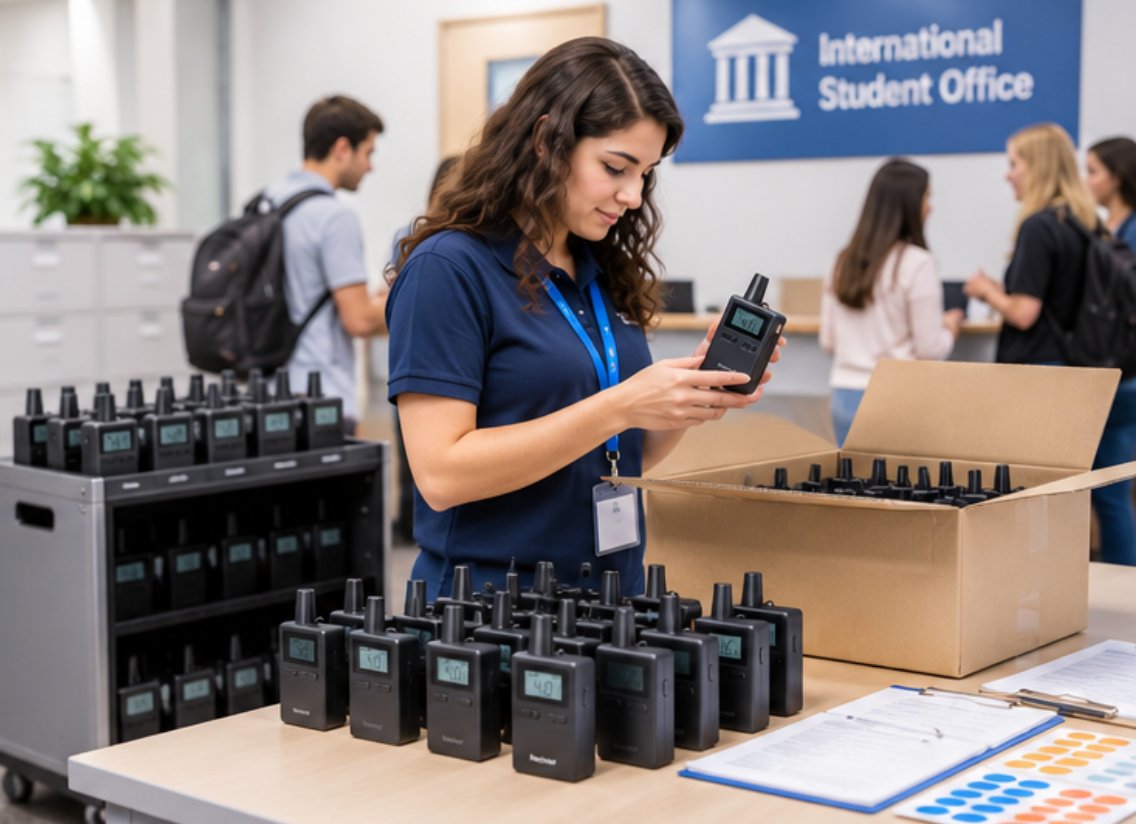
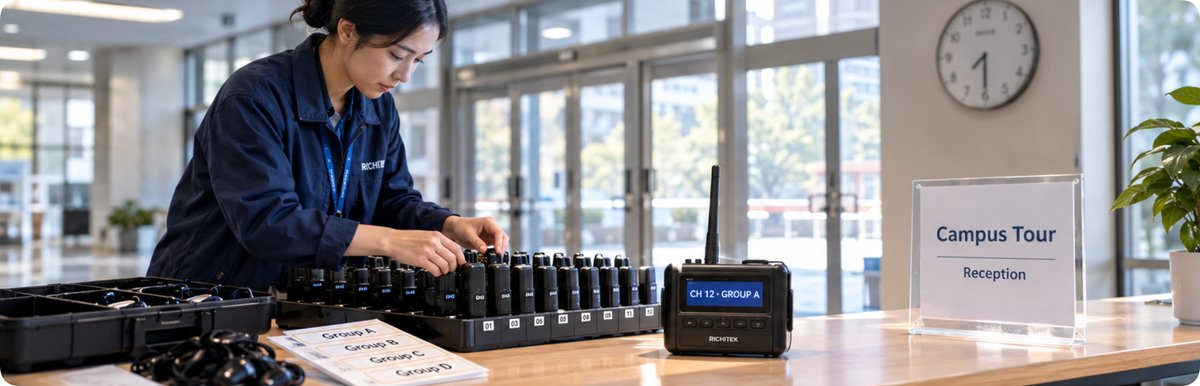
The first window opens forty minutes before the first group, and this is where a fleet is either organised or improvised. Three parallel groups need three channel assignments, and the number that matters is not how many channels exist but how quickly a unit can be tied to a group. The RC2406 80-channel system uses PLL frequency synthesis across 80 channels with one-click pairing, so a receiver joins its group in the time it takes to clip it on. The test is simple: hand four receivers to someone who has never seen the kit and time how long the desk takes to sort them. If that takes longer than the walk to the first stop, the fleet is too complicated for a busy intake morning.
09:15 — The Main Green, Where 200 Metres Stops Meaning
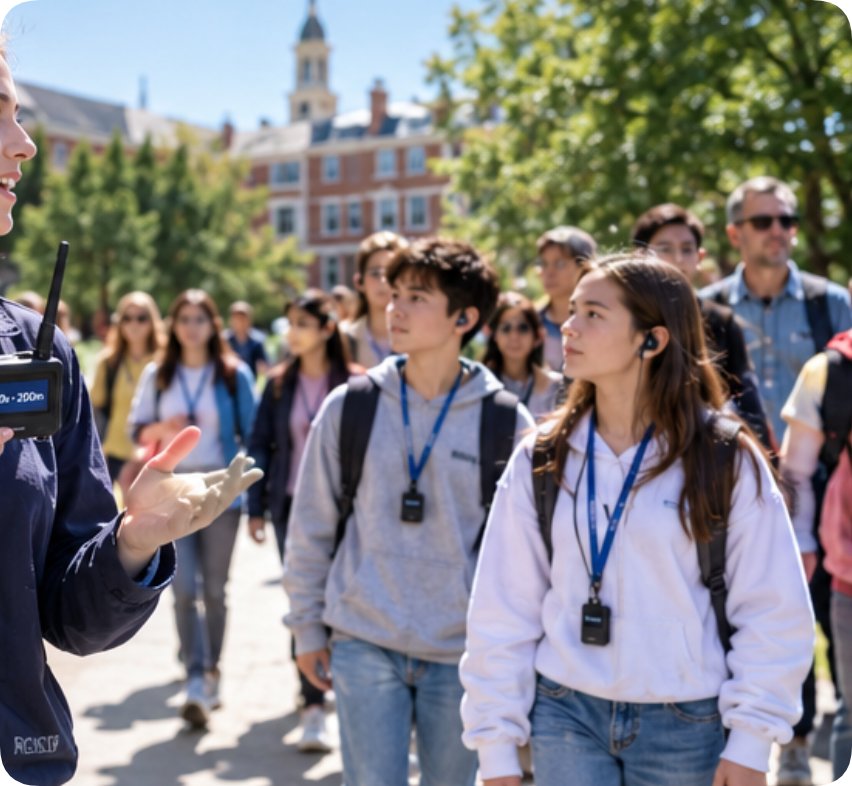
The second window is the outdoor segment, the one that misleads buyers most often. Open-ground reach is measured between two units with nothing in between. Add thirty people, a row of trees and a dozen phones hunting for signal, and the figure drops: bodies absorb 2.4GHz energy, and a guide at the front of a strung-out group is no longer at the brochure's distance.
What we measure instead is drift: the point at which a listener at the back stops hearing natural speech and starts hearing compression. With the RC2408 wireless tour guide system, which runs on the global 2.4GHz ISM band and carries a receiver rated for 20 hours against a 10-hour transmitter, the useful question is not the headline 200 metres but how far a group can stretch before the audio starts working harder than the ear does — and on a green that depends on how the guide walks, not on the transmitter.
11:00 — Three Groups at One Crossing
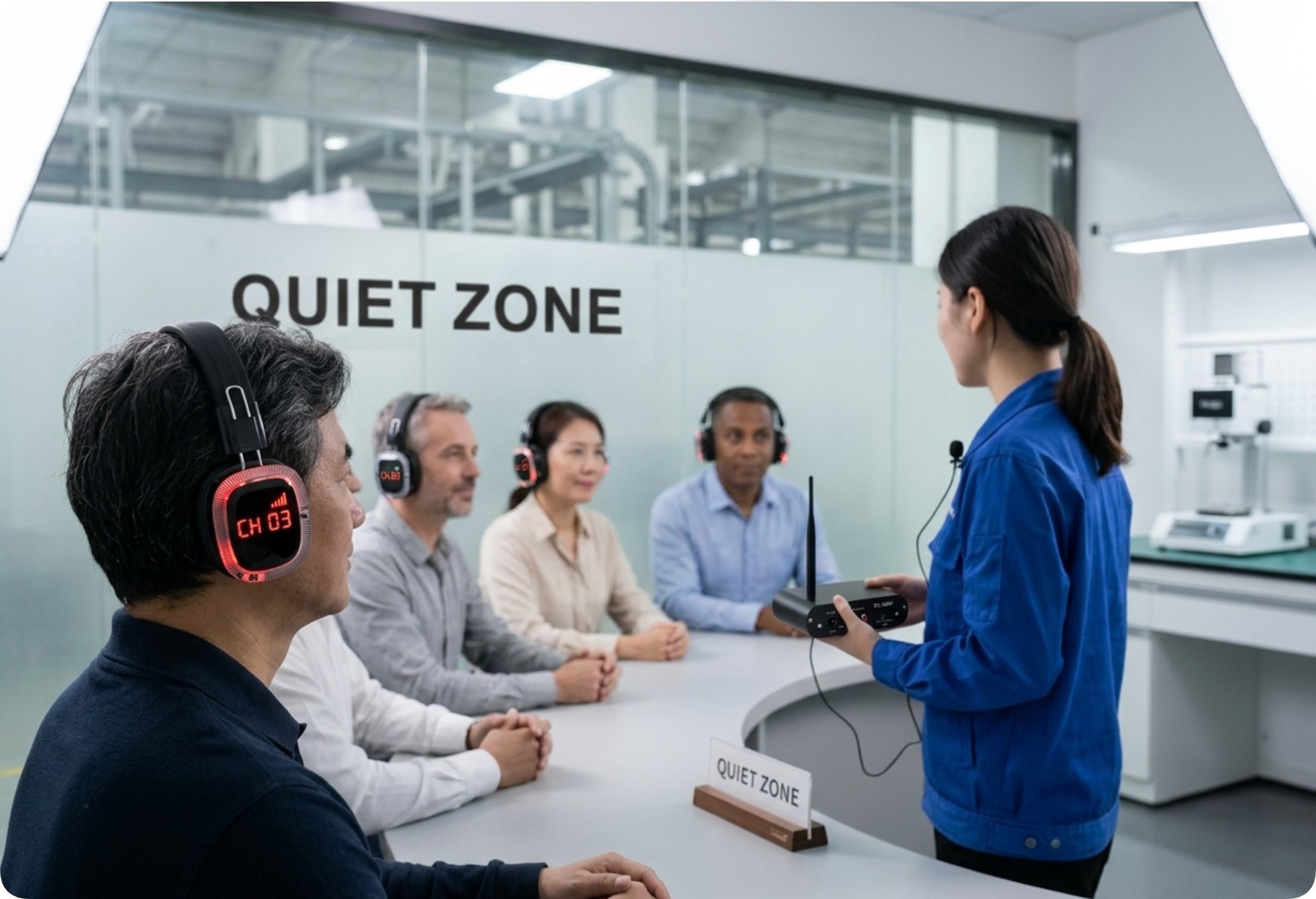
By mid-morning the visiting day peaks, and the third window is a crossing where three routes overlap for about ninety seconds. This is the only window where channel count becomes measurable rather than a marketing line. Two groups on adjacent channels will bleed if the spacing is careless; the symptom is not silence but a ghost commentary underneath the one you want.
The test takes ninety seconds and a second listener: stand at the crossing, listen on each active channel, and note whether a foreign voice appears. Fleets with generous headroom survive because a spare channel is always available; fleets running at capacity fail on the busiest morning of the term. When reviewing a wireless tour guide system for a campus, ask how many channels are realistically free at eleven o'clock, not how many it lists.
🎯 14:30 — Indoors, Where Walls and Steel Decide
The fourth window is the afternoon building block, and it changes the radio problem completely. Stone, brick and steel framing attenuate a 2.4GHz signal in ways open ground never does, while glass walls and metal display frames create reflections that arrive after the direct path. The measurable effect is rarely drop-out; it is a slight raggedness that shows up when a listener pauses to check whether they heard the last sentence.
Two habits separate a clean indoor block from a ragged one. First, keep the guide moving through doorways rather than pausing inside them. Second, do not stack two groups in adjacent rooms that share a wall. A unit like the RC2406, with 80 interference-resistant channels and a 1500mAh cell rated for ten hours of transmission, handles a long corridor and a long afternoon, but no figure substitutes for walking the route with the real group size. How two models behave against a wall is its own exercise, covered in a side-by-side RC2406 versus RC2408 comparison is for.
16:00 — Hour Six on a Child's Neck
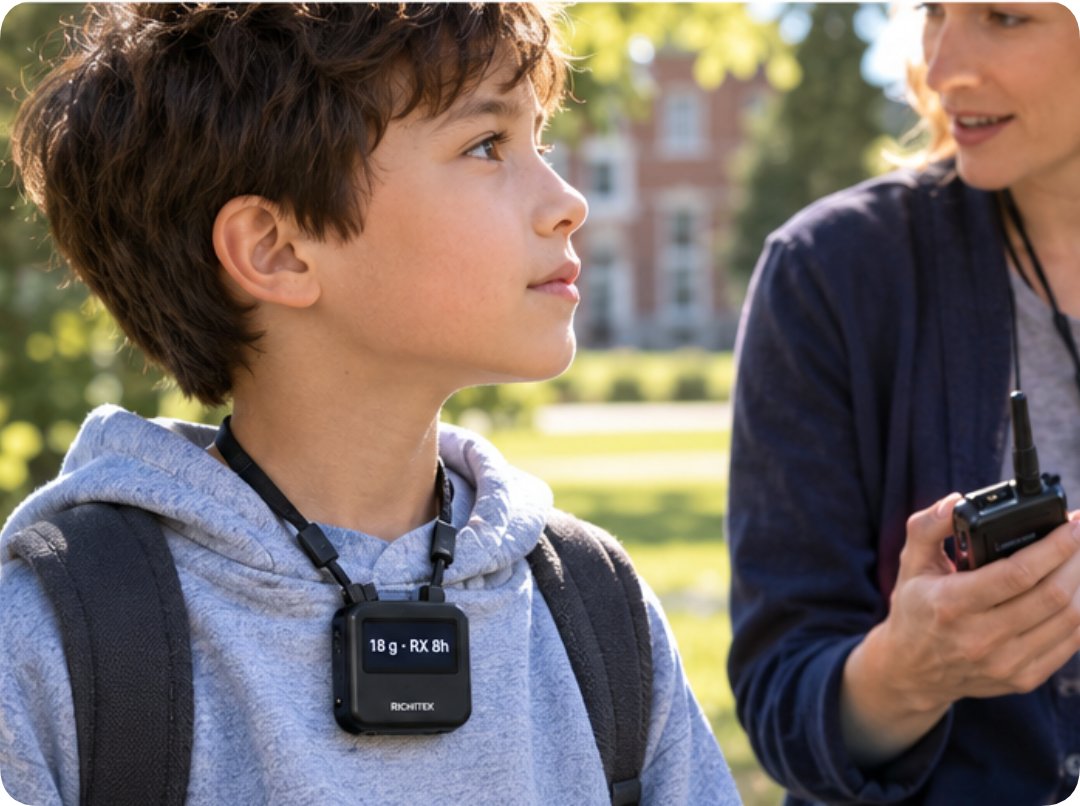
The fifth window is the one nobody books time for, and it is where a campus visit differs most from a commercial tour. Teachers and instructors can spend six hours a day projecting their voice, and students on a field trip wear equipment for most of that. Weight stops being a specification and becomes a behaviour: receivers that pull on a collar get removed, and a removed receiver is a student who has stopped listening.
This is why the receiver figure matters more than the transmitter figure. The RC2468 ultra-light system carries an 18-gram receiver against a 59-gram transmitter, with 50 PLL channels and a 300mAh receiver cell rated for roughly 8 hours, so the weight sits on the adult who chose to speak rather than on the child who did not choose to carry. Measure this window by counting receivers still worn at the last stop, not by reading a scale.
📊 What the Six Test Windows Add Up To
None of these windows produces a single pass mark; each returns a different answer, and a fleet that looks strong in one can look ordinary in another. The table below is the version we fill in after a visiting day.
| Test window | What it measures | What fakes the number | Model that answers it |
|---|---|---|---|
| 07:30 pairing desk | Time to assign a group to a channel | Channels listed but not free | RC2406 — one-click pairing across 80 channels |
| 09:15 main green | Distance before speech degrades | Open-ground reach quoted as real reach | RC2408 — receiver rated 20 hours |
| 11:00 crossing | Channel bleed under three live groups | Adjacent channels assigned carelessly | Fleet headroom, not a model name |
| 14:30 indoors | Wall and steel attenuation | Pausing in doorways, stacked rooms | RC2406 — 80 interference-resistant channels |
| 16:00 sixth hour | Whether receivers are still worn | Judging weight from a datasheet | RC2468 — 18-gram receiver |
| Return desk | Count-in against count-out | Unlabelled receivers mixed across groups | Any fleet with per-group labelling |
🔮 Record These Before the Next Campus Visit
The value of six windows is that they can be repeated. A single afternoon of notes, kept in the same order every term, turns equipment choice from an argument into a record: how long the pairing desk took, where the audio started working harder than the ear, which crossing bled, and how many receivers were still worn at the last stop. Repeat the day with a different fleet and the comparison writes itself.
If you are planning a campus audio deployment, start with the two windows your current kit fails most often and test only those. It is a smaller job than it sounds, and far more useful than another afternoon of walking around with a brochure.