
.webp)
A data centre visit has a particular sound: rows of fans running at a volume that forces every sentence to be said twice, aisles that end in metal, and a rule at the door that says visitors bring in nothing of their own. When the commentary that carries over a headset system suddenly stutters or vanishes inside that room, the reflex is to suspect the headset in the visitor's hand. More often, the real cause is a neighbour already operating in the same air, and each of the three systems below has a different one.
This piece walks the three radio profiles side by side: a high-channel 2.4 GHz interpretation unit, a mid-channel 2.4 GHz tour standard, and a UHF party headphone set that no tour fleet expected to find useful indoors. For each, there is one first suspect to check before any unit gets replaced, one symptom that gives it away, and one setting that resolves it. The full factory tour solutions line covers most of these ground rules; the data hall only changes who the culprit is.
An Air That Was Never Empty
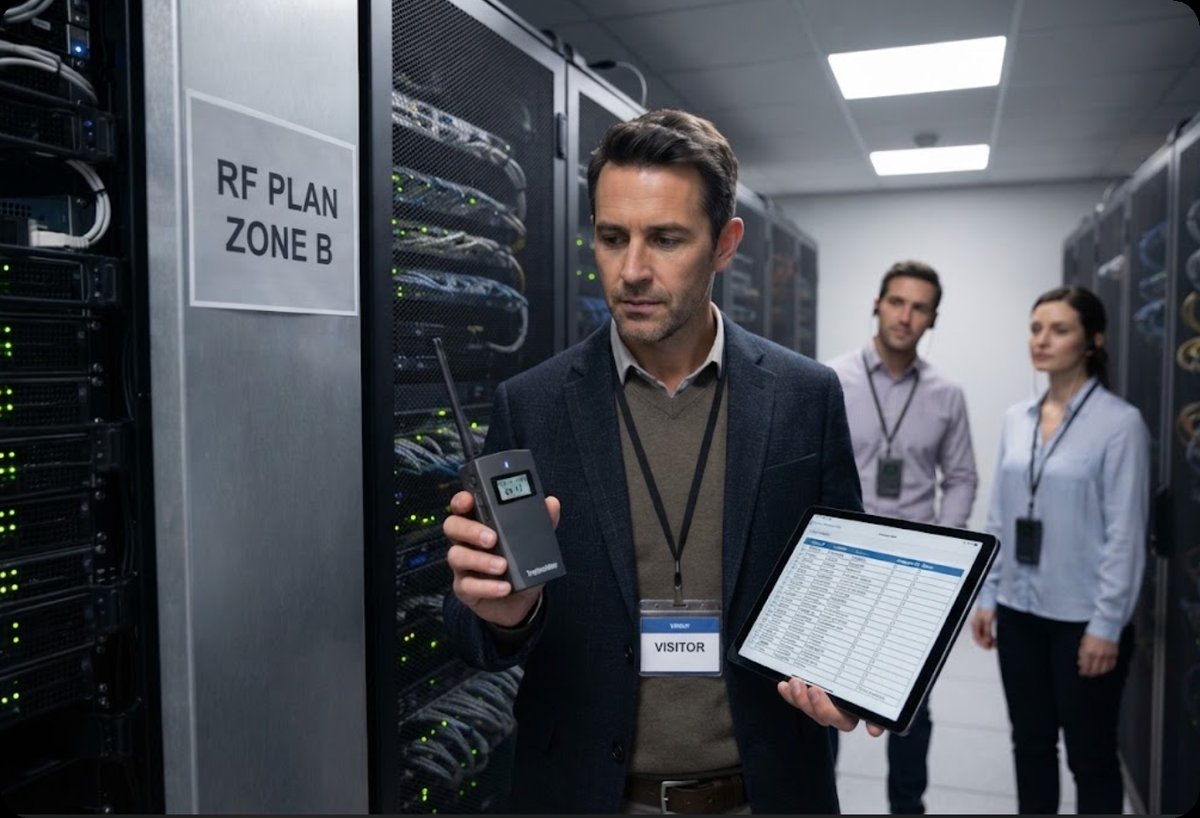
A server hall is one of the most radio-dense rooms a guide will ever work in, and nothing about it is accidental. Wireless access points hang over the cold aisles for monitoring tablets, asset tags answer from inside racks, and handheld radios crackle at the security desk. None of this announces itself, because none of it is there for the visitors. A headset fleet entering that room does not arrive into silence; it arrives as one more tenant in a building whose spectrum was already allocated. Diagnosis therefore starts from a different question than usual: not "what broke," but "which existing tenant is stepping on the new one."
Two Point Four Gigahertz and the Wi-Fi Wall
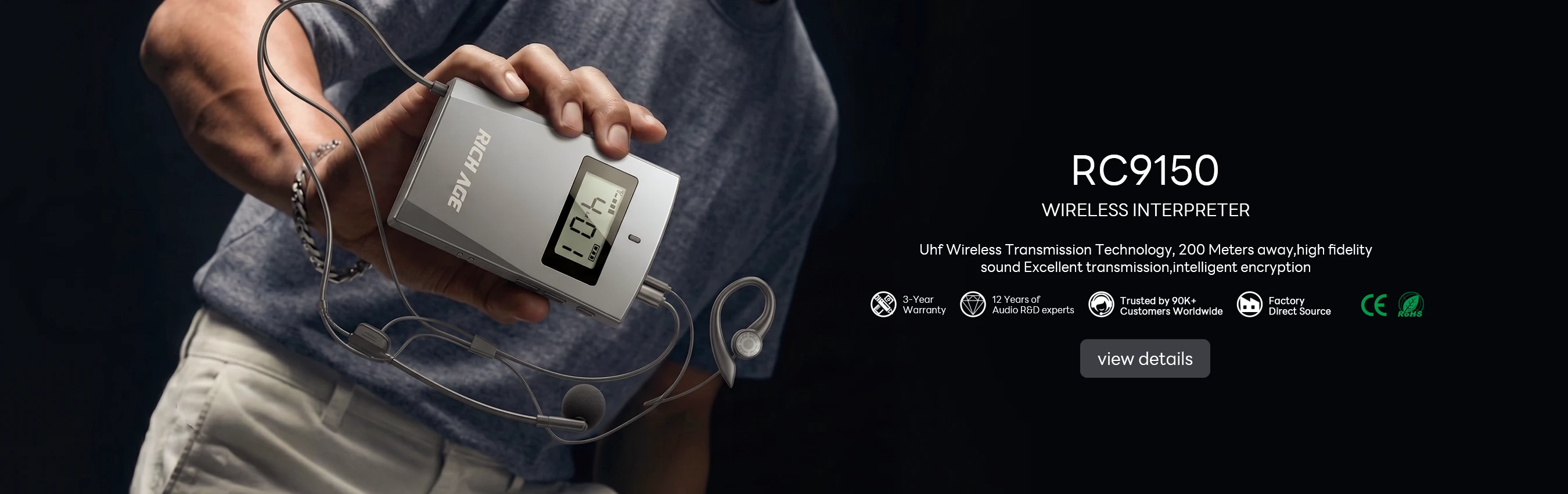
The RC9150 works across 2403–2483 MHz, the same strip of air every monitoring access point in the hall claims. Its first suspect is therefore the wireless LAN, and the symptom signature is distinctive: loss arrives in bursts, worst beside ceiling-mounted points, and clears a few steps later. With one hundred channels available, the fix is rarely hardware. Rescan, move the group's assignment away from the channels your network team already reserves, and the dropout pattern usually disappears before anyone opens a spare case. The transmitter runs fifteen hours on a charge and the receiver over thirty-five, so a fading battery is almost never the explanation on this unit.

📡 Fifty Channels Against Someone Else's Frequency Plan
The RC2402 shares the same 2403–2483 MHz band but carries fifty channels rather than one hundred, which makes its first suspect a planning conflict instead of raw congestion. The signature is a group that works in the first aisle and fails in the third, because another 2.4 GHz system, often a neighbouring tenant's talkaround radio or a second tour, parked on the mid-band channels your group drifted into. A ten-minute conversation with the site's network engineer, done before the visit, settles which slices are theirs. Assign accordingly and both fleets fit. Transmitter battery is ten hours, receiver twenty, comfortably beyond a full shift of walkthroughs.
📡 When the Loudest Transmitter in the Room Is Yours
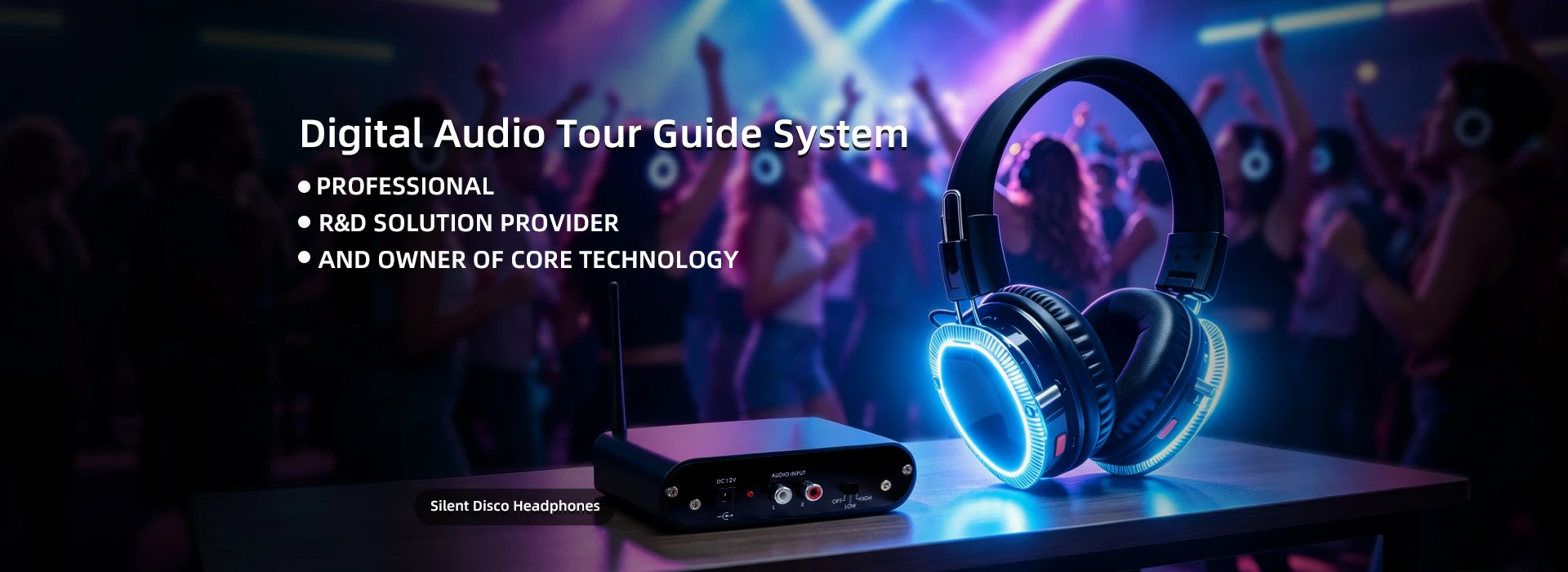
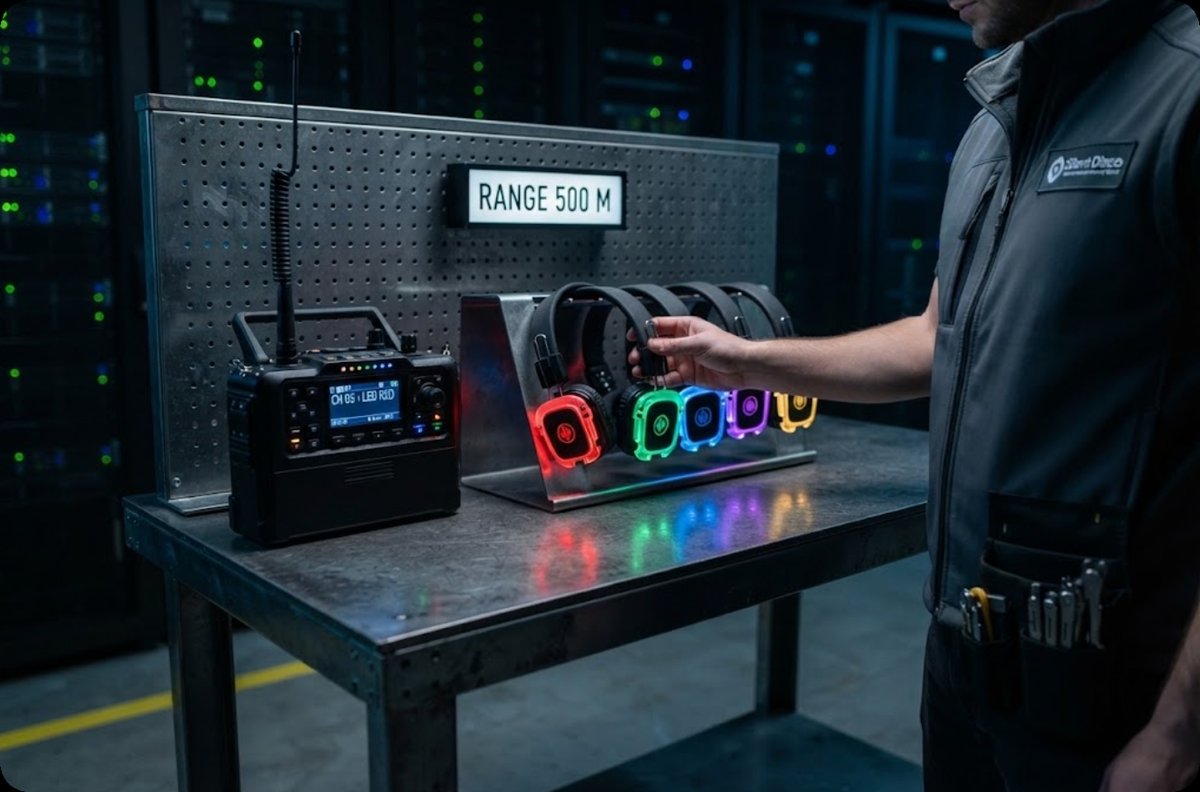
The Silent Disco Wireless Headphone System plays by different rules: ten UHF channels in FM stereo, and a high-power RC-50RF transmitter that reaches past five hundred metres in the open. Indoors, that reach becomes its own first suspect. Steel racks reflect the signal until it meets itself, and the group hears multipath ghosting rather than interference from anyone else. The signature is distortion that changes with a half-step of position. Mount the transmitter at aisle height in the open, keep it out of the rack line, and the reflections reorganise. Ten hours per charge, three to refill, with five LED colours showing each headphone's channel.
Reading a Symptom Down the Rack Row
Position language sharpens every report a visitor gives you. A fault that follows the row is geometry: ends of aisles, thresholds under cable trays, and doorways into support rooms are where reflected paths cancel. A fault that follows one listener is equipment, and points at that single headphone. A fault that strikes the whole group at once is upstream, meaning the transmitter or its power. Asking "where were you standing" before "what did you hear" separates the three cases in one question, and it saves the walk back to the equipment cage for a replacement that was never needed. Guides who carry a printed mini-map of the aisles can mark the trouble spot in seconds, which turns an anecdote into evidence the network team can actually plot against their own coverage records.
| Comparison | RC9150 | RC2402 | Silent Disco (RC-409 + RC-50RF) |
|---|---|---|---|
| Frequency band | 2403–2483 MHz | 2403–2483 MHz | UHF, FM stereo |
| Channels | 100 | 50 | 10 |
| Working range | 1–200 m | 1–200 m | 200 m low power; 500 m+ with RC-50RF |
| Battery | TX 15 h; RX 35+ h | TX 10 h; RX 20 h | 10 h run; 3 h recharge |
Weight is left out of the table deliberately: the two tour systems publish separate transmitter and receiver figures, while the disco set publishes none, and three numbers on different scales invite the wrong comparison. What the table does show is that all three transmit at visitor-safe power, and that battery endurance is a non-issue in every case. The real differentiator indoors is how each one behaves when the spectrum around it is already spoken for, which is why the suspects above matter more than any single specification row. It also means the three can share a visit without competing: assign the interpretation work to the high-channel unit, the general commentary to the mid-channel fleet, and keep the UHF set for the demonstration bay where its range and LED channel colours are genuinely useful.
The Order of Checks Before Any Unit Gets Blamed
A disciplined sequence keeps a small fault from becoming a cancelled visit. First, confirm group-wide or single-listener, because that one answer chooses the branch. Second, on the 2.4 GHz units, rescan and reassign channels away from the site's reserved slices; on the UHF set, reposition the transmitter out of the rack line before touching anything else. Third, swap exactly one unit and watch, because swapping three at once erases the evidence. Most data hall complaints resolve at step two, and the teams that write the sequence down resolve them faster the second time than they did the first.
Spares, Cushions and What Never Leaves the Cage
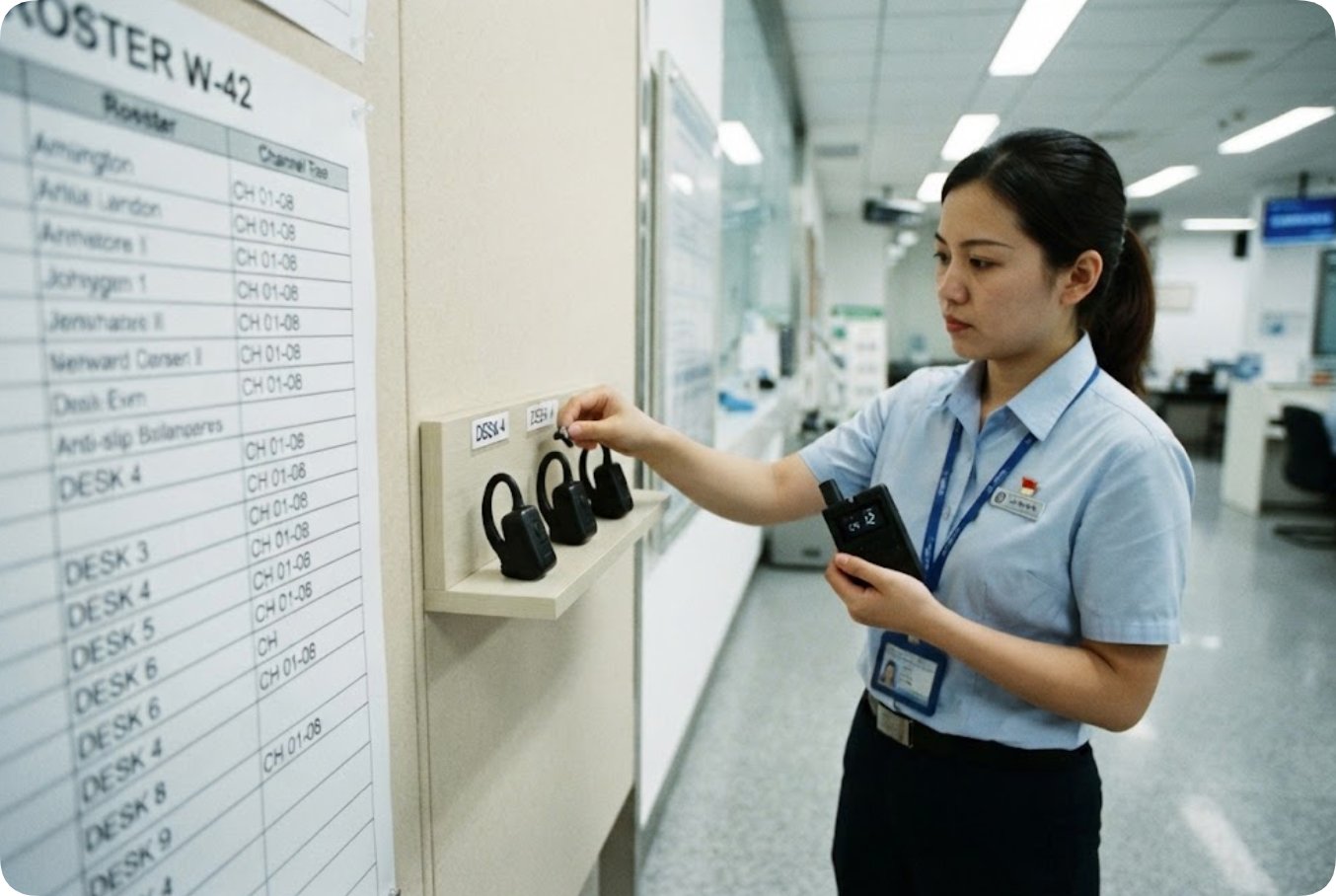
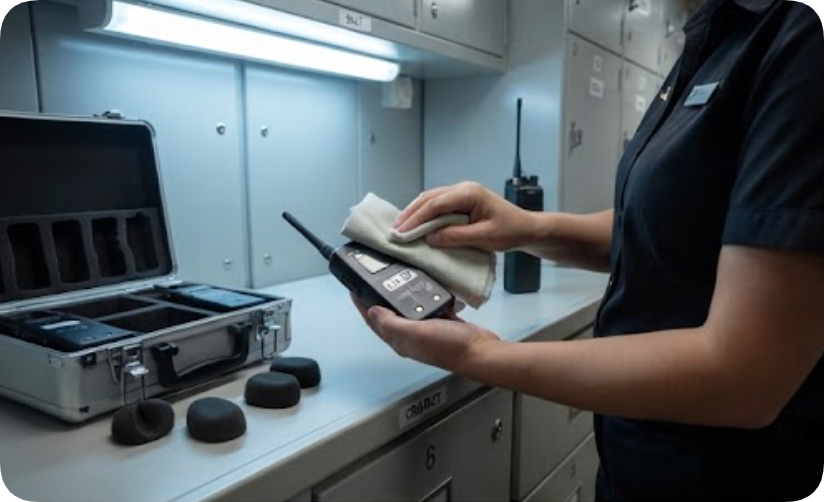
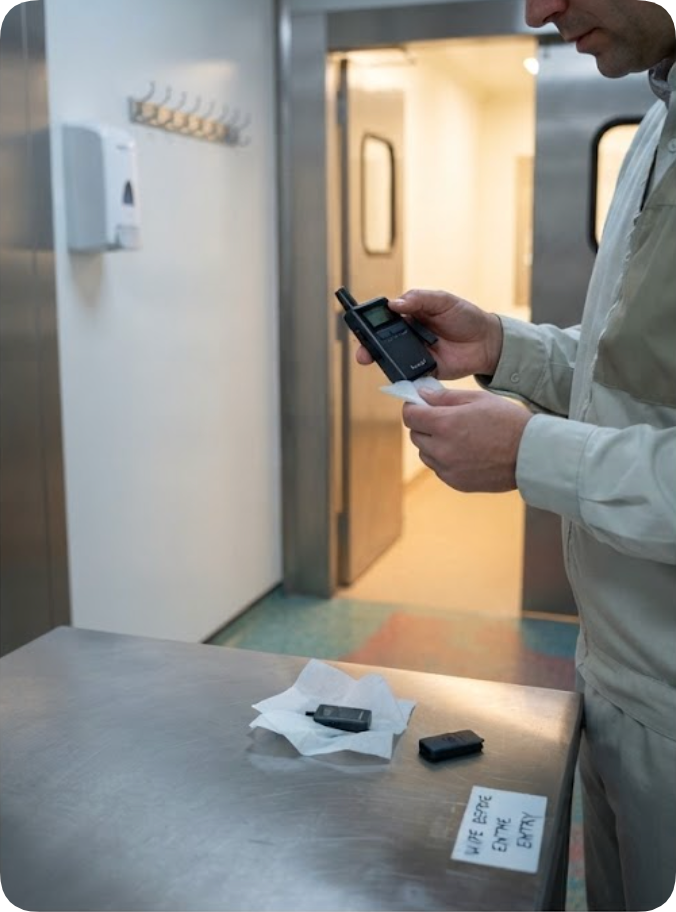
Data halls add two constraints ordinary venues do not. First, hygiene: foam cushions pass between strangers in a warm, dry room, so a spare pouch of fresh covers travels with every kit, and used ones leave with the visitors or stay behind for laundering. Second, security: borrowed equipment is logged in and out at the mantrap, and nothing crosses the cage boundary unrecorded. A fleet that fits this routine packs into one case per group, keeps its spares at the security desk rather than on the floor, and finishes the visit with the same unit count it arrived with, which is the quiet benchmark of a well-run tour.
🔮 A Handover Note the Next Team Can Act On
Whatever the visit uncovers, the note left behind decides whether the next group inherits the problem or skips it. Useful lines name the aisle, the time, the symptom, and the channel that was in use: "aisle C12 end, 10:40, burst loss, channel group mid-band." That is enough for the network team to confirm a reservation clash, and enough for the next guide to start elsewhere. Pair the note with the deployment record and the model comparison, and the fleet choice for the next visit becomes a lookup rather than a debate.