
A leading China factory specializing in Wireless Tour Guide Systems, Church Audio Guides, and Translation Headphones with premium OEM/ODM solutions.

Tel:+86 18922879583

Email:tiger.wang@richitek.com

RC2401, RC085 and RC2468: One Training Room, Three Courses, and What Actually Gets Rebuilt Between Each One

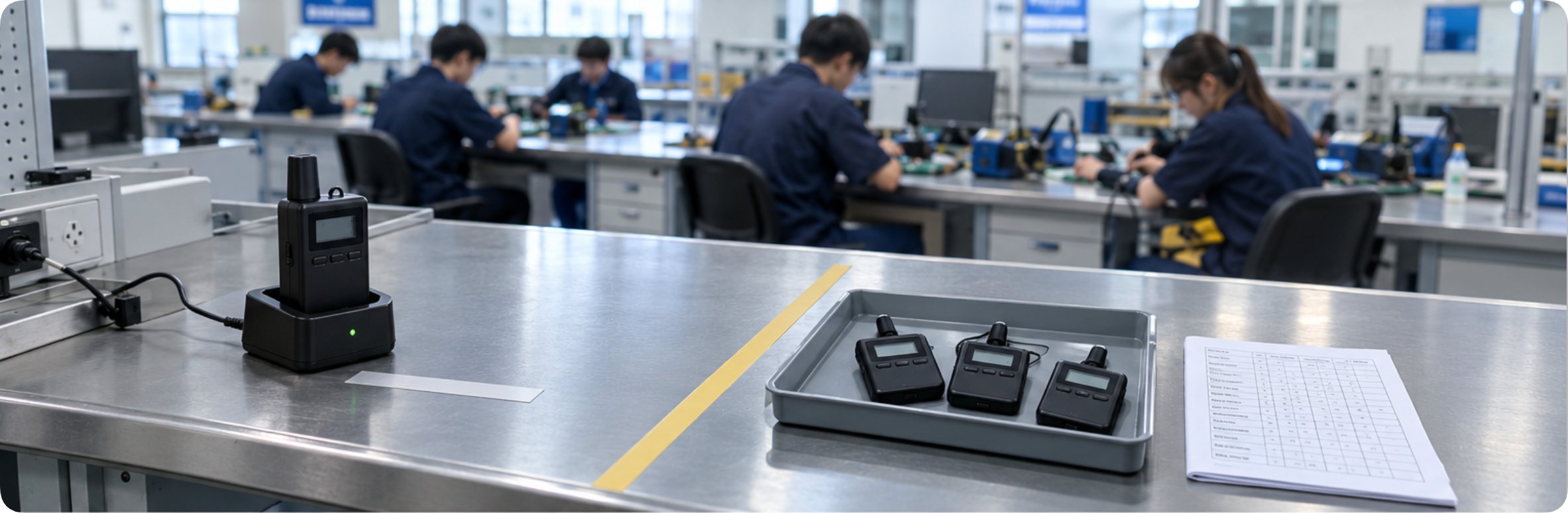
RC2401-training-room-fixed-vs-variable

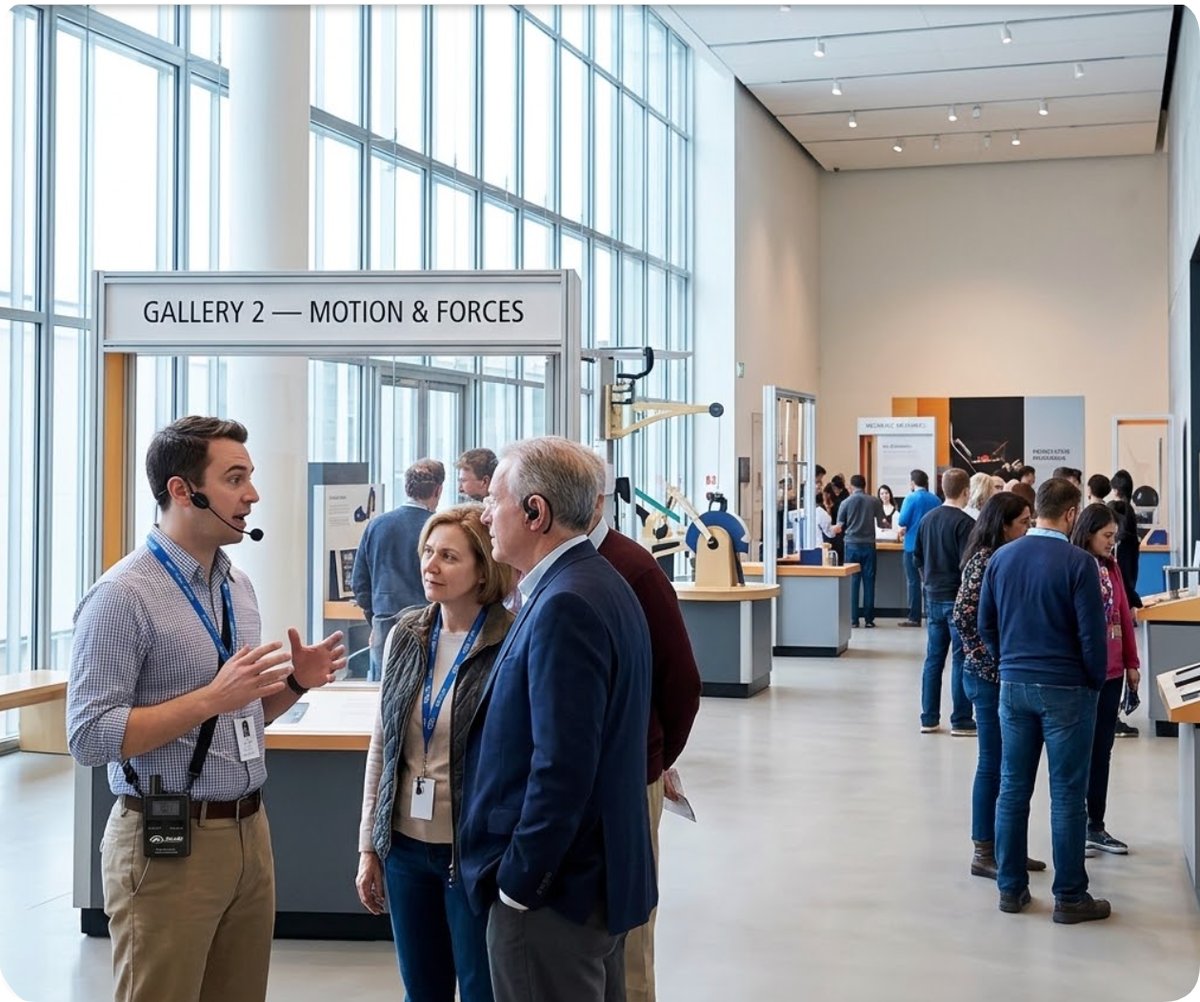
A vocational training centre rarely owns a room for one purpose. The same bench that holds a wiring exercise at nine in the morning holds an assessment interview at two in the afternoon and a guided plant walk for visiting schools at four. The room does not change. What changes is who needs to hear what, from how far away, and whether the person speaking is allowed to be interrupted.

Three wireless guide systems sit in that room for exactly this reason. The RICH AGE RC2401 is the 2.4GHz workhorse with fifty channels and a twenty-hour receiver. The RC085 is the UHF unit that reaches through steel when the class walks out onto a shop floor. The RC2468 is the eighteen-gram receiver that a student can wear for a full double period without noticing it is there. The installation question is not which of the three to buy. It is how much of the setup survives the room reset when the second course walks in.

The Room Reset Is the Real Installation Event

Most equipment guides describe installation as a moment: unpack, position, power, pair, test. In a multipurpose training room that moment happens three or four times a day, and it happens in front of students who are waiting to start. The fixed part of the installation is the part that survives the classroom turnover untouched. The variable part is everything that has to be decided again each time the room changes hands. Any plan that does not separate those two will either rebuild things it should have left alone, or leave stale settings behind for the next class to inherit.

The distinction is simple to state and hard to hold to under time pressure. Fixed means physically mounted, powered from a fixed source, and not carrying a channel setting that a previous occupant chose. Variable means a channel number, a mode selection, a device count, a role assignment. The mistake most centres make is treating the transmitter as fixed because it sits in the same place every day, while ignoring that the channel it is parked on is a variable that survives the reset by accident.
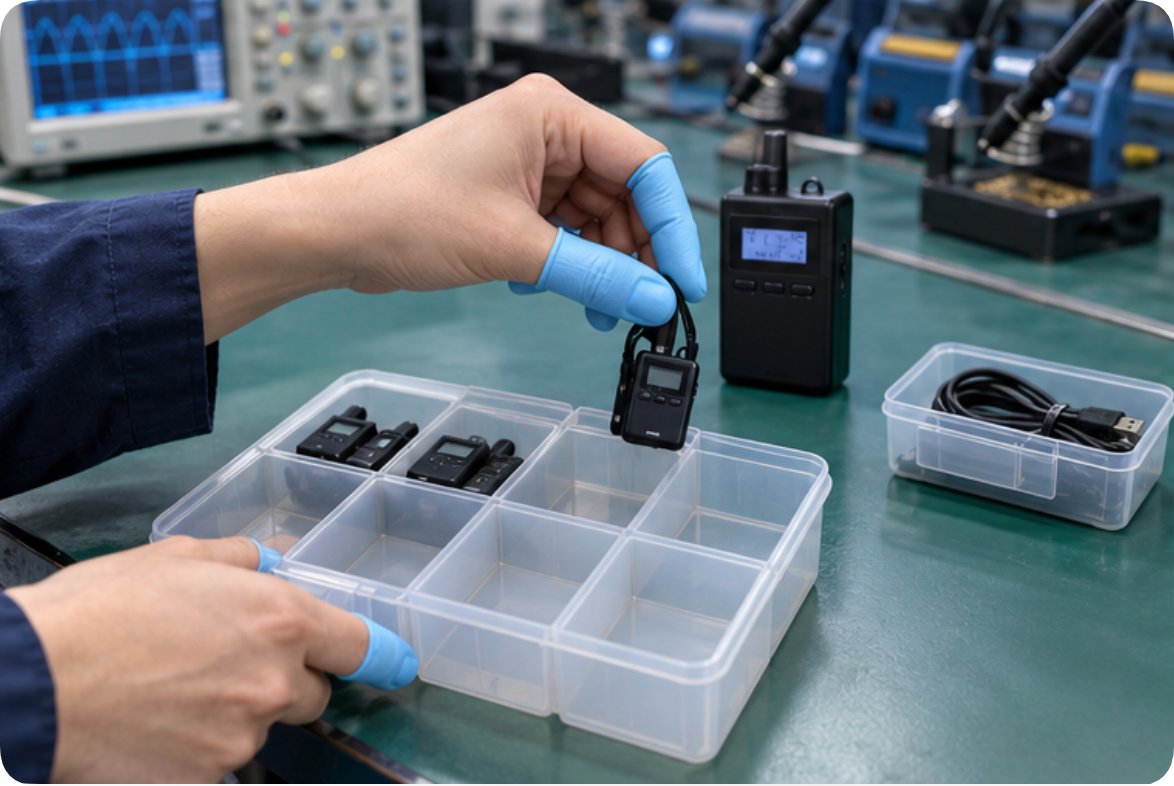
RC2468-bench-issue-count-and-reset

Why Each of These Three Behaves Differently Once It Is Mounted

The RC2401 fixes well. It runs on the licence-free 2.4GHz ISM band from 2403 to 2483MHz, carries fifty independent channels backed by PLL frequency synthesis, and reaches 200 metres in open areas while holding through concrete walls and machinery-dense rooms. Its IPX4 splash-resistant housing matters more in a training building than it does in a museum, because the floor gets wiped down between the wiring class and the assessment session. The transmitter runs more than ten hours; the receiver holds twenty. For a morning of lectures followed by an afternoon of plant walkthroughs, that gap is the whole argument.

The RC2468 fixes differently. It shares the 2.4GHz band and the fifty-channel PLL architecture, but its receiver weighs eighteen grams and its transmitter fifty-nine, which changes the wear pattern rather than the radio. A 300mAh receiver cell gives ten hours; the 1500mAh transmitter gives twelve. The 50Hz to 200kHz frequency response and 10mW receiver output are sized for a noisy shop floor, and Micro USB 5V/1A charging means a bench charger can top up receivers between periods instead of at night. Where the RC2401 answers how far the signal goes, the RC2468 answers whether a tired student still hears it in period six.

The RC085 fixes nothing indoors and that is its purpose. It operates on the 470 to 510MHz UHF band with GFSK modulation, a third-generation design built for penetration around machinery, walls and steel structure, precisely the conditions that degrade 2.4GHz. It reaches 200 metres and supports multiple groups at once, and it offers two working modes: F1 for single-speaker one-way broadcast, F2 for dual-speaker two-way question and answer. That mode switch is the only genuinely variable part in any of these three units, and it is the one worth writing down before the assessment afternoon rather than discovering during it.

The Mode Table Is the Only Document That Has to Be Rebuilt

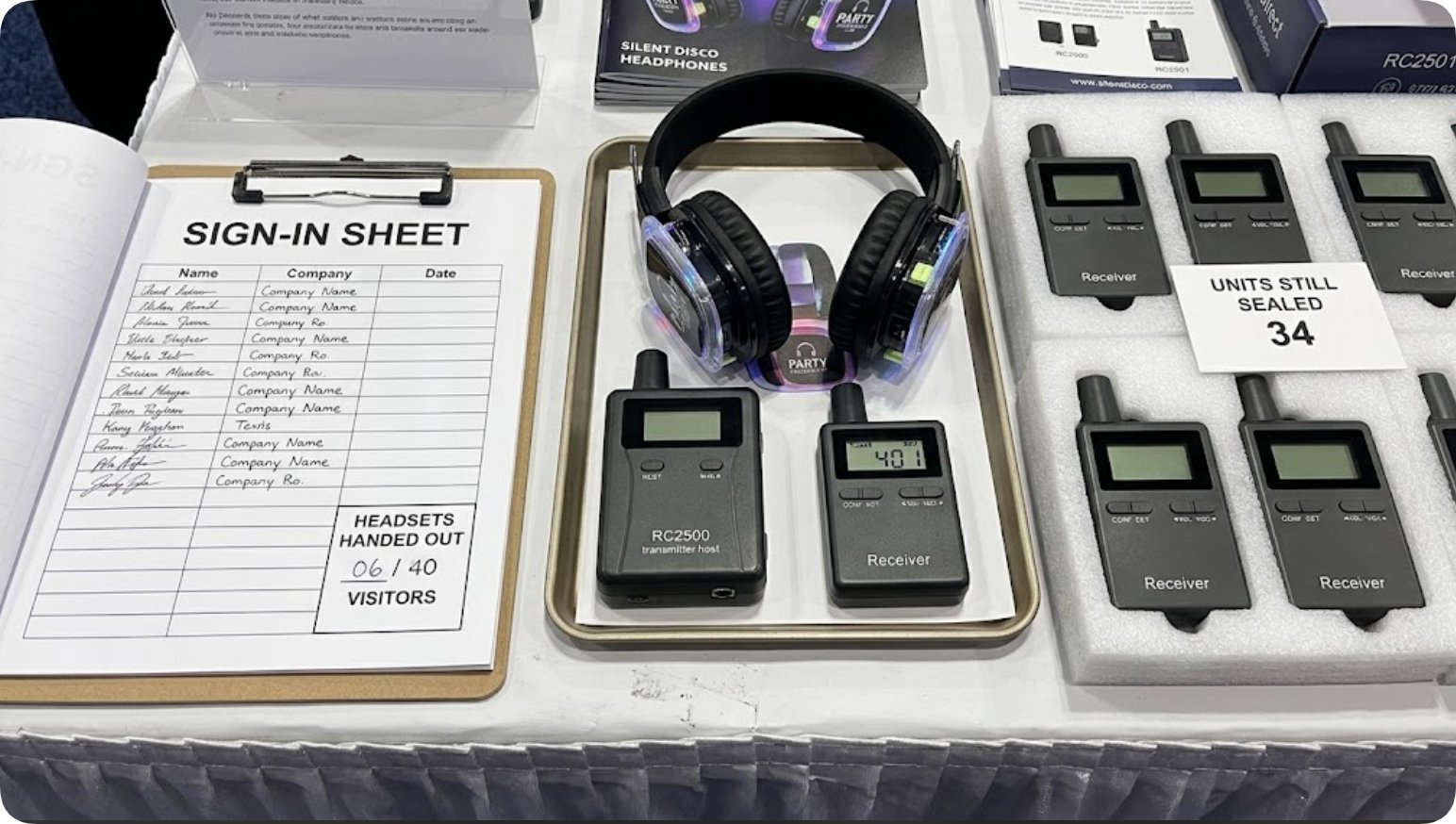
Stated plainly, the classroom turnover carries one small document and everything else stays where it was. That document is a mode table: which unit serves which course, on which channel, in which mode, with how many receivers issued. It is one page, it fits in a clipboard sleeve by the door, and it is the artefact that turns a room reset from an improvisation into a procedure.

Course blockUnitBand and channelsModeReceivers issuedWhat must be rebuilt
Lectures and theory, morningRC24012.4GHz ISM, 50 PLLOne-wayFull classChannel only
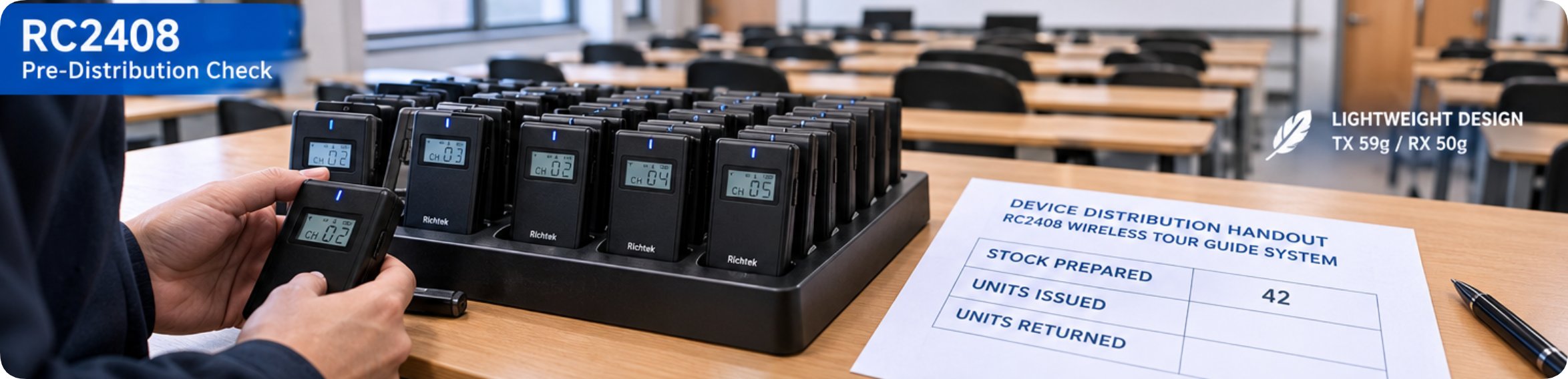
Bench wiring exerciseRC24682.4GHz ISM, 50 PLLOne-way, low powerPair per benchChannel and receiver count
Plant walk, steel structureRC085UHF 470-510MHzF1 one-wayAssigned by groupChannel and group map
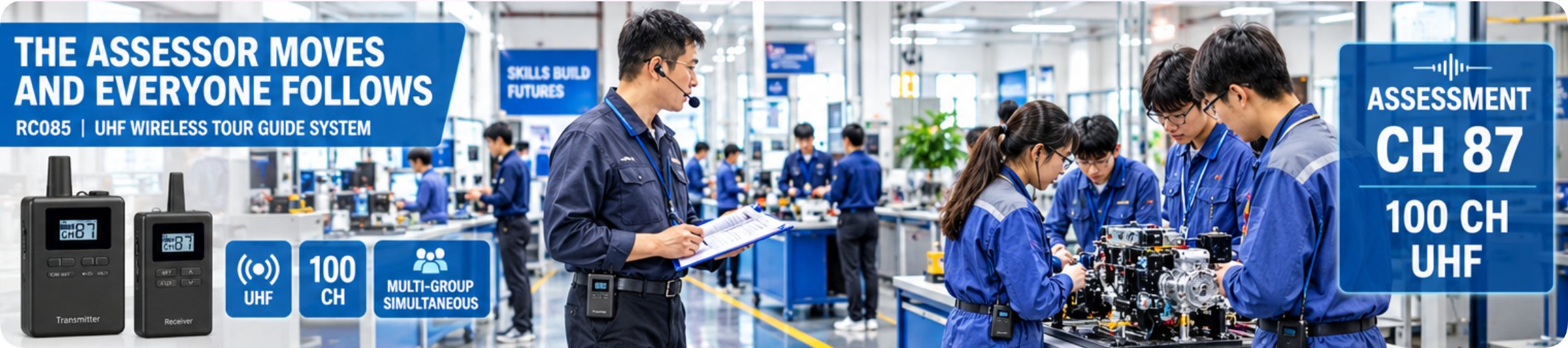
Assessment interviewRC085UHF 470-510MHzF2 two-way Q and APanel onlyMode switch and channel
Visiting school groupRC24012.4GHz ISM, 50 PLLOne-wayVisitor countChannel and count

Read the last column and the installation becomes obvious. Nothing in that table asks anyone to move a receiver charger, re-run a cable, or re-mount a transmitter. Everything in it is a decision that takes under a minute. That is what separates a training room from a factory floor, where the variable part is physical and the fixed part is structural.

RC085-plant-walk-mode-f1-f2

Why Two of These Three Sit on the Same Band

The obvious question is why a centre would own both the RC2401 and the RC2468 when both are 2.4GHz with fifty PLL channels and 200-metre reach. The answer is not radio performance; it is what gets handled during the room reset. The RC2401 is built to be deployed and left, with a receiver that holds twenty hours and a housing that survives a wipe-down. The RC2468 is built to be carried, with an eighteen-gram receiver and a colour choice for each course stream. One is infrastructure; the other is consumable in a teaching context.

Two independent 2.4GHz systems also mean a spare. When the RC2401 transmitter goes down for repair, the RC2468 can cover a lecture block on its own while the 2.4GHz capability stays in the room. Because both share the same band and the same channel architecture, a receiver issued from one can be moved onto the other without a bench tool. That interchangeability is worth more in a training budget than any single specification on either datasheet.

The RC085 sits outside that logic on purpose. UHF is not a second 2.4GHz option; it is the answer for the twenty minutes a class spends walking past a welding bay, and it is why the plant walk and the assessment afternoon use a different unit rather than a different channel. Facility details for these three, and the wider range, are on our wireless tour guide system range page.

Where the Bench Itself Decides the Channel

There is one more variable that no mode table captures, and it is the one that causes most of the failures reported from training environments. Two rooms on the same floor can each run fifty channels and still interfere with each other, because the interference is not between channels but between rooms. A corridor wall attenuates a 2.4GHz signal less than an installer expects, and the neighbouring block's transmitter at full power reaches further into the room than the plan assumes.

The practical rule is to fix the room's channel at commissioning and write it on the mode table as a variable only when a neighbouring room has changed. In other words, the channel is variable to the building and fixed to the course. Centres that treat it as a per-class choice end up re-tuning receivers at the door; centres that stamp it on the clipboard stop touching it. More general guidance on choosing between frequency bands for different site conditions is in our wireless audio transmitters and receivers built for training and teaching overview.

What a Centre Should Write Down on the First Day

Three lines, written once, are enough to make the room reset routine. First, the channel assigned to the room, plus the one neighbouring channel that must stay clear. Second, which unit serves which course block, in the five rows of the table above. Third, the mode each unit is left in, so that a two-way session is never followed by a one-way lecture that nobody switched back.

None of the three lines requires technical knowledge to write and none requires a technician to update. That is the test a training-centre document should pass: a teaching assistant can read it, change one row when the timetable moves, and put the room back the way the next class expects it without calling anyone. Equipment chosen for how it behaves after the reset is worth more than equipment chosen for how it performs on the bench at delivery.

For how education deployments are typically configured, see our education wireless audio systems page.
Frequently Asked Questions

1. How many different systems does one training room actually need?

Two, in most cases. One 2.4GHz unit covers lectures, bench work and visiting groups, and one UHF unit covers the plant walk and any session where questions must be answered from the back of the room. A third adds redundancy rather than capability, which is worth it only when the room cannot afford a silent morning.

2. Why not run every course on one UHF unit and skip the 2.4GHz systems?

You can, and in a building with heavy steel structure it is often the better single choice. The cost is the fifteen-minute plant walk each week, where students move between rooms and the indoor coverage of a 2.4GHz unit is sufficient. Buying 2.4GHz for indoor and UHF for outdoor work is a division of labour, not a preference.

3. What is the actual reset time between two courses?

Under a minute if the channel is written down and the mode is recorded. The longer tasks are charging and counting, and those should be scheduled in the gap before the session rather than during the entry of the class. A room reset that starts when the students arrive will always overrun.

4. Can a receiver issued for one unit be used with another?

Between the two 2.4GHz units, yes, because they share the 2403 to 2483MHz band and the same fifty-channel PLL architecture. Between either of those and the UHF unit, no. A centre that treats this as a fixed rule avoids the most common support call, which is a receiver that will not pair and appears to be faulty.

5. Do the transmitters need to be re-paired after every course?

No. One-touch pairing holds the link once established, and the pairing itself is part of the fixed part of the installation. Only the channel assignment and, on the RC085, the F1 or F2 mode are variable. If a pairing is being redone daily, something in the room reset has been classified as fixed when it is not.


2026年10月14日 08:52
ꄘ click: 12

RC2401, RC085 and RC2468: One Training Room, Three Courses, and What Actually Gets Rebuilt Between Each One

time: 2026年10月14日 click:12

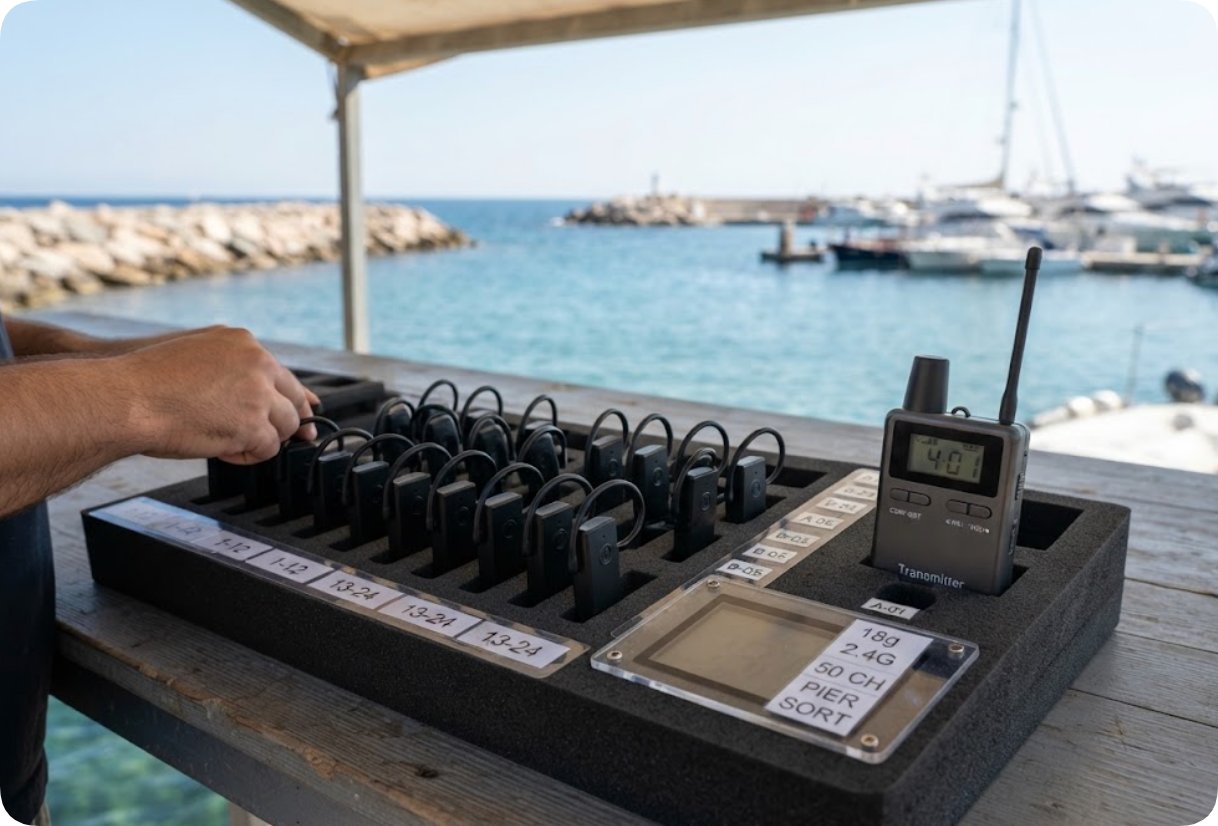
RC2401-training-room-fixed-vs-variable

A vocational training centre rarely owns a room for one purpose. The same bench that holds a wiring exercise at nine in the morning holds an assessment interview at two in the afternoon and a guided plant walk for visiting schools at four. The room does not change. What changes is who needs to hear what, from how far away, and whether the person speaking is allowed to be interrupted.

Three wireless guide systems sit in that room for exactly this reason. The RICH AGE RC2401 is the 2.4GHz workhorse with fifty channels and a twenty-hour receiver. The RC085 is the UHF unit that reaches through steel when the class walks out onto a shop floor. The RC2468 is the eighteen-gram receiver that a student can wear for a full double period without noticing it is there. The installation question is not which of the three to buy. It is how much of the setup survives the room reset when the second course walks in.

The Room Reset Is the Real Installation Event

Most equipment guides describe installation as a moment: unpack, position, power, pair, test. In a multipurpose training room that moment happens three or four times a day, and it happens in front of students who are waiting to start. The fixed part of the installation is the part that survives the classroom turnover untouched. The variable part is everything that has to be decided again each time the room changes hands. Any plan that does not separate those two will either rebuild things it should have left alone, or leave stale settings behind for the next class to inherit.

The distinction is simple to state and hard to hold to under time pressure. Fixed means physically mounted, powered from a fixed source, and not carrying a channel setting that a previous occupant chose. Variable means a channel number, a mode selection, a device count, a role assignment. The mistake most centres make is treating the transmitter as fixed because it sits in the same place every day, while ignoring that the channel it is parked on is a variable that survives the reset by accident.

RC2468-bench-issue-count-and-reset

Why Each of These Three Behaves Differently Once It Is Mounted

The RC2401 fixes well. It runs on the licence-free 2.4GHz ISM band from 2403 to 2483MHz, carries fifty independent channels backed by PLL frequency synthesis, and reaches 200 metres in open areas while holding through concrete walls and machinery-dense rooms. Its IPX4 splash-resistant housing matters more in a training building than it does in a museum, because the floor gets wiped down between the wiring class and the assessment session. The transmitter runs more than ten hours; the receiver holds twenty. For a morning of lectures followed by an afternoon of plant walkthroughs, that gap is the whole argument.

The RC2468 fixes differently. It shares the 2.4GHz band and the fifty-channel PLL architecture, but its receiver weighs eighteen grams and its transmitter fifty-nine, which changes the wear pattern rather than the radio. A 300mAh receiver cell gives ten hours; the 1500mAh transmitter gives twelve. The 50Hz to 200kHz frequency response and 10mW receiver output are sized for a noisy shop floor, and Micro USB 5V/1A charging means a bench charger can top up receivers between periods instead of at night. Where the RC2401 answers how far the signal goes, the RC2468 answers whether a tired student still hears it in period six.

The RC085 fixes nothing indoors and that is its purpose. It operates on the 470 to 510MHz UHF band with GFSK modulation, a third-generation design built for penetration around machinery, walls and steel structure, precisely the conditions that degrade 2.4GHz. It reaches 200 metres and supports multiple groups at once, and it offers two working modes: F1 for single-speaker one-way broadcast, F2 for dual-speaker two-way question and answer. That mode switch is the only genuinely variable part in any of these three units, and it is the one worth writing down before the assessment afternoon rather than discovering during it.

The Mode Table Is the Only Document That Has to Be Rebuilt

Stated plainly, the classroom turnover carries one small document and everything else stays where it was. That document is a mode table: which unit serves which course, on which channel, in which mode, with how many receivers issued. It is one page, it fits in a clipboard sleeve by the door, and it is the artefact that turns a room reset from an improvisation into a procedure.

Course blockUnitBand and channelsModeReceivers issuedWhat must be rebuilt
Lectures and theory, morningRC24012.4GHz ISM, 50 PLLOne-wayFull classChannel only
Bench wiring exerciseRC24682.4GHz ISM, 50 PLLOne-way, low powerPair per benchChannel and receiver count
Plant walk, steel structureRC085UHF 470-510MHzF1 one-wayAssigned by groupChannel and group map
Assessment interviewRC085UHF 470-510MHzF2 two-way Q and APanel onlyMode switch and channel
Visiting school groupRC24012.4GHz ISM, 50 PLLOne-wayVisitor countChannel and count

Read the last column and the installation becomes obvious. Nothing in that table asks anyone to move a receiver charger, re-run a cable, or re-mount a transmitter. Everything in it is a decision that takes under a minute. That is what separates a training room from a factory floor, where the variable part is physical and the fixed part is structural.

RC085-plant-walk-mode-f1-f2

Why Two of These Three Sit on the Same Band

The obvious question is why a centre would own both the RC2401 and the RC2468 when both are 2.4GHz with fifty PLL channels and 200-metre reach. The answer is not radio performance; it is what gets handled during the room reset. The RC2401 is built to be deployed and left, with a receiver that holds twenty hours and a housing that survives a wipe-down. The RC2468 is built to be carried, with an eighteen-gram receiver and a colour choice for each course stream. One is infrastructure; the other is consumable in a teaching context.

Two independent 2.4GHz systems also mean a spare. When the RC2401 transmitter goes down for repair, the RC2468 can cover a lecture block on its own while the 2.4GHz capability stays in the room. Because both share the same band and the same channel architecture, a receiver issued from one can be moved onto the other without a bench tool. That interchangeability is worth more in a training budget than any single specification on either datasheet.

The RC085 sits outside that logic on purpose. UHF is not a second 2.4GHz option; it is the answer for the twenty minutes a class spends walking past a welding bay, and it is why the plant walk and the assessment afternoon use a different unit rather than a different channel. Facility details for these three, and the wider range, are on our wireless tour guide system range page.

Where the Bench Itself Decides the Channel

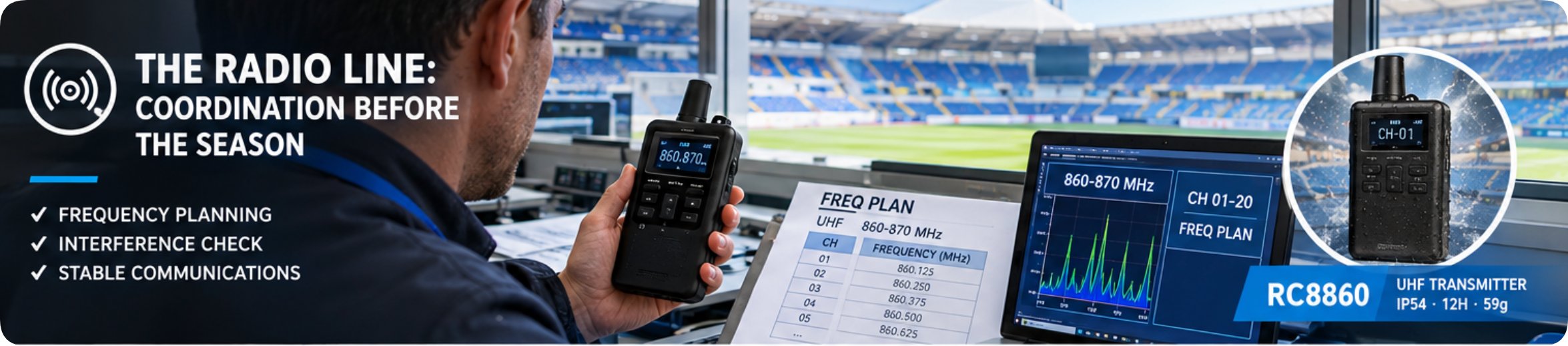
There is one more variable that no mode table captures, and it is the one that causes most of the failures reported from training environments. Two rooms on the same floor can each run fifty channels and still interfere with each other, because the interference is not between channels but between rooms. A corridor wall attenuates a 2.4GHz signal less than an installer expects, and the neighbouring block's transmitter at full power reaches further into the room than the plan assumes.

The practical rule is to fix the room's channel at commissioning and write it on the mode table as a variable only when a neighbouring room has changed. In other words, the channel is variable to the building and fixed to the course. Centres that treat it as a per-class choice end up re-tuning receivers at the door; centres that stamp it on the clipboard stop touching it. More general guidance on choosing between frequency bands for different site conditions is in our wireless audio transmitters and receivers built for training and teaching overview.

What a Centre Should Write Down on the First Day

Three lines, written once, are enough to make the room reset routine. First, the channel assigned to the room, plus the one neighbouring channel that must stay clear. Second, which unit serves which course block, in the five rows of the table above. Third, the mode each unit is left in, so that a two-way session is never followed by a one-way lecture that nobody switched back.

None of the three lines requires technical knowledge to write and none requires a technician to update. That is the test a training-centre document should pass: a teaching assistant can read it, change one row when the timetable moves, and put the room back the way the next class expects it without calling anyone. Equipment chosen for how it behaves after the reset is worth more than equipment chosen for how it performs on the bench at delivery.

For how education deployments are typically configured, see our education wireless audio systems page.
Frequently Asked Questions

1. How many different systems does one training room actually need?

Two, in most cases. One 2.4GHz unit covers lectures, bench work and visiting groups, and one UHF unit covers the plant walk and any session where questions must be answered from the back of the room. A third adds redundancy rather than capability, which is worth it only when the room cannot afford a silent morning.

2. Why not run every course on one UHF unit and skip the 2.4GHz systems?

You can, and in a building with heavy steel structure it is often the better single choice. The cost is the fifteen-minute plant walk each week, where students move between rooms and the indoor coverage of a 2.4GHz unit is sufficient. Buying 2.4GHz for indoor and UHF for outdoor work is a division of labour, not a preference.

3. What is the actual reset time between two courses?

Under a minute if the channel is written down and the mode is recorded. The longer tasks are charging and counting, and those should be scheduled in the gap before the session rather than during the entry of the class. A room reset that starts when the students arrive will always overrun.

4. Can a receiver issued for one unit be used with another?

Between the two 2.4GHz units, yes, because they share the 2403 to 2483MHz band and the same fifty-channel PLL architecture. Between either of those and the UHF unit, no. A centre that treats this as a fixed rule avoids the most common support call, which is a receiver that will not pair and appears to be faulty.

5. Do the transmitters need to be re-paired after every course?

No. One-touch pairing holds the link once established, and the pairing itself is part of the fixed part of the installation. Only the channel assignment and, on the RC085, the F1 or F2 mode are variable. If a pairing is being redone daily, something in the room reset has been classified as fixed when it is not.


×

Contact us

email:
name:
subject:
content: