
.webp)
Lost Signal on Campus: How to Troubleshoot Your Wireless Tour Guide System for University Tours
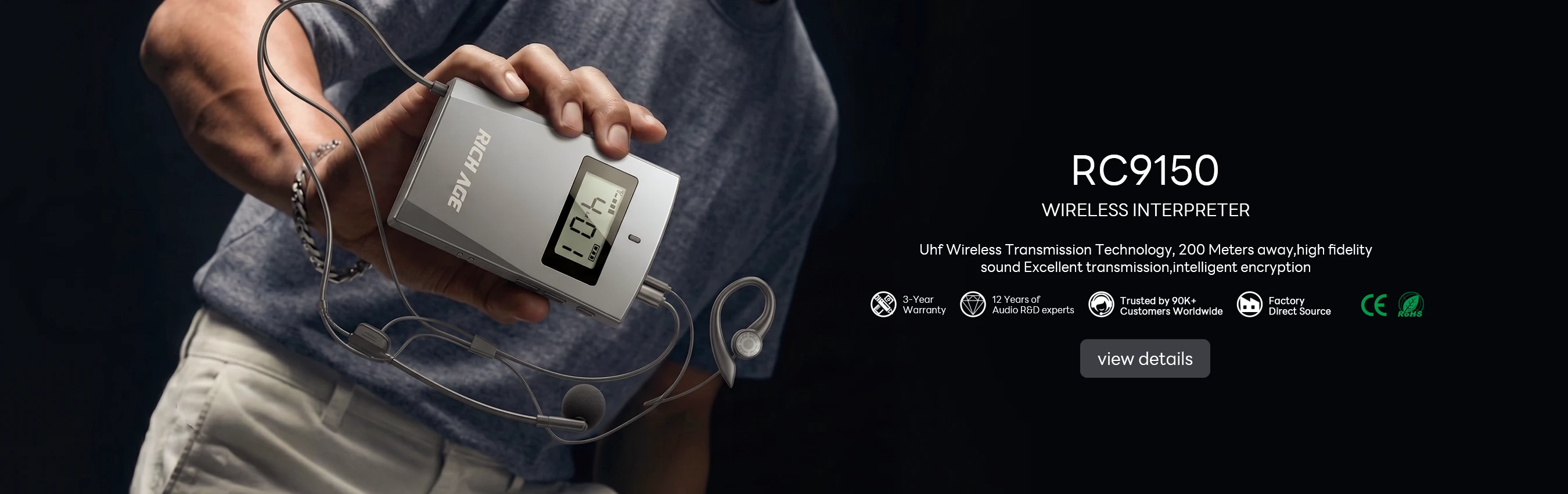
After years working in audio-visual communication, I have seen how a single campus tour can shape a prospective student’s entire impression. The wind through the trees, the buzz of a crowded student union, the acoustics of an old lecture hall—all of it competes for attention. A dependable wireless tour guide system isn’t a nice-to-have; it is the backbone of a professional tour. It guarantees that every word from the guide reaches the farthest listener, turning a chaotic walk into a focused, memorable experience. But what happens when the audio drops, a receiver goes silent, or static creeps in? That is where knowing your gear matters. Today, I want to walk you through a real-world scenario—faulty audio on a campus tour—and show you how the right equipment from wireless tour guide system provider Richitek can solve these problems before they embarrass your staff.
Identifying the Weak Link: Which System for Which Tour?
The first rule of troubleshooting is understanding your tools. Not every campus environment is the same. A quiet library tour demands different hardware than a loud equestrian center visit or a walk through a construction zone. Richitek offers three distinct models, each engineered for specific campus challenges. Let’s break them down, focusing on how they prevent or fix common audio faults.
RC8860: The High-Motion Coach
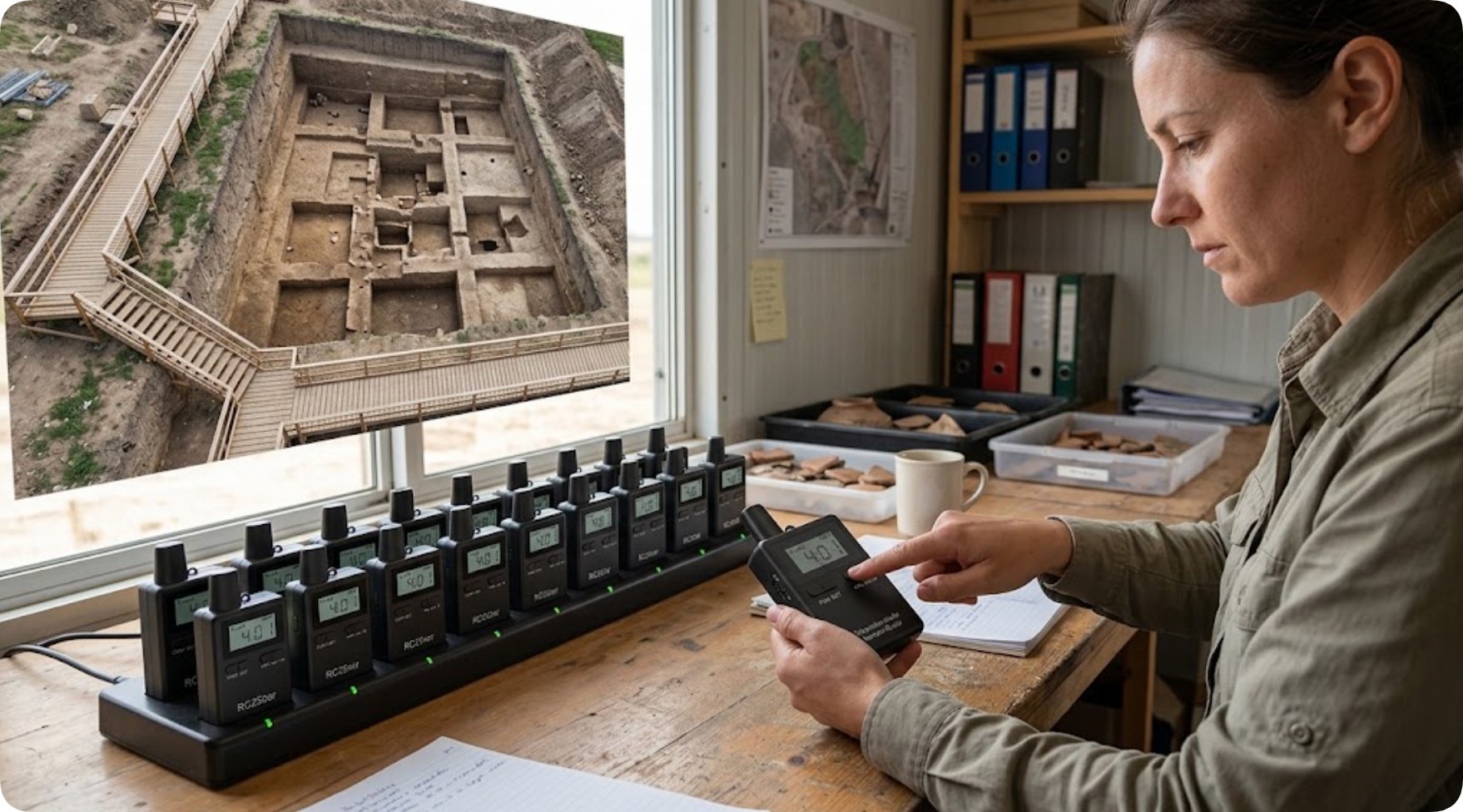
When your tour involves physical activity—like a live sports practice or a demonstration at the university stables—standard clip-on microphones often fail. Wind noise, cable snags, and accidental disconnects are frequent issues. The RC8860 tour guide transmitter for teaching is built for this exact scenario. Weighing only 59 grams, it is lightweight enough to stay out of the way, yet robust enough to handle the vibration of running or riding. Its secure clip and stable frequency mean fewer dropouts. If you are troubleshooting a "cut-out" problem during a sports tour, the RC8860 is your first fix.
RC2408: The Long-Range Specialist
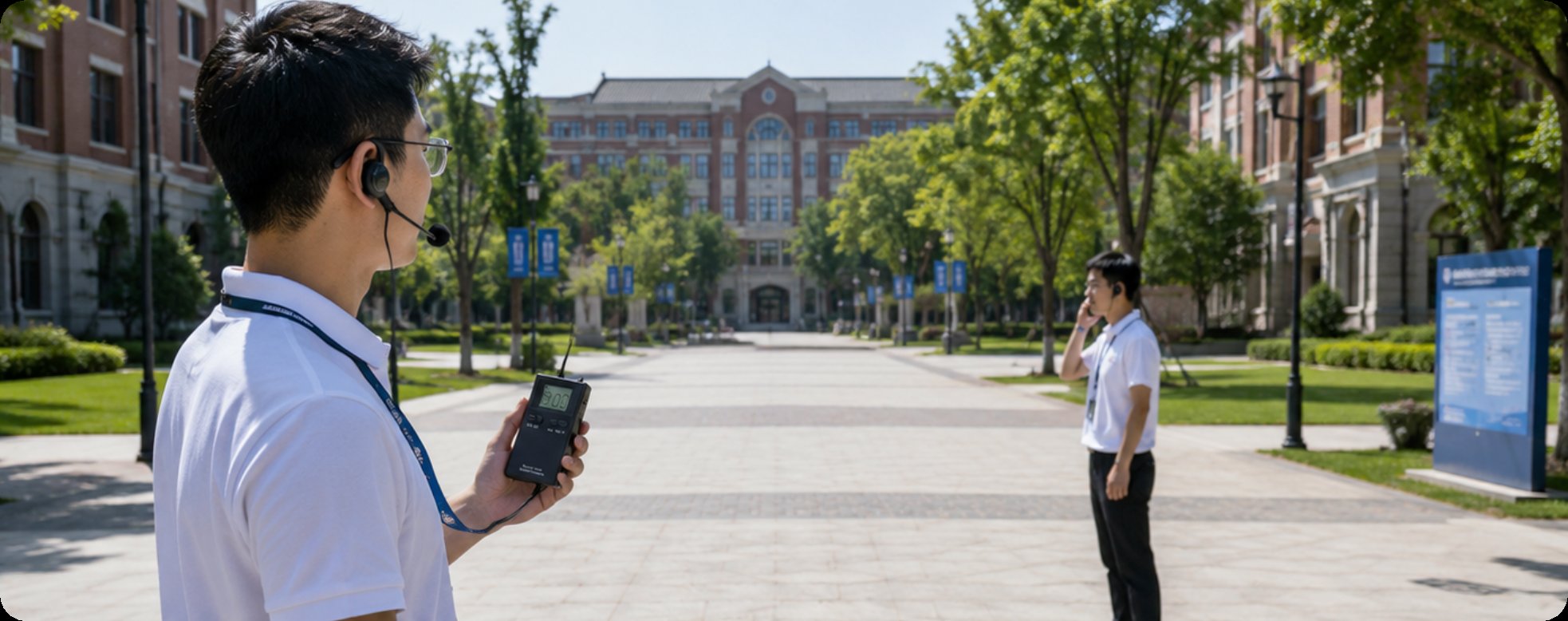
One of the most common complaints I hear from university guides is, "The group was too spread out." Large campus tours—especially those covering open spaces like the science quad or the football stadium—suffer from range anxiety. The RC2408 wireless tour guide system directly addresses this fault. At just 70 grams, it remains comfortable for all-day wear, but its true strength is extended transmission range. If you experience static or dropouts when the guide walks ahead to open a door, the RC2408 is the solution. It is the workhorse for standard, large-group campus navigation where distance is the primary variable.
RC2501: The Silent Tour Whisperer
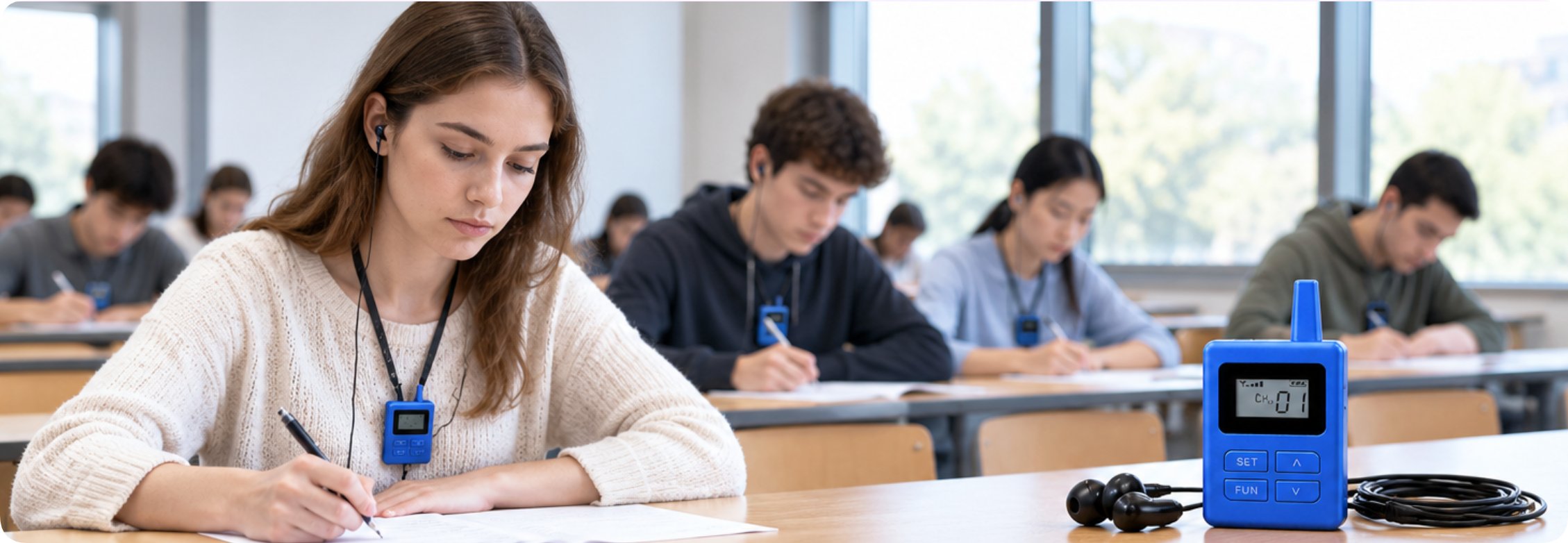
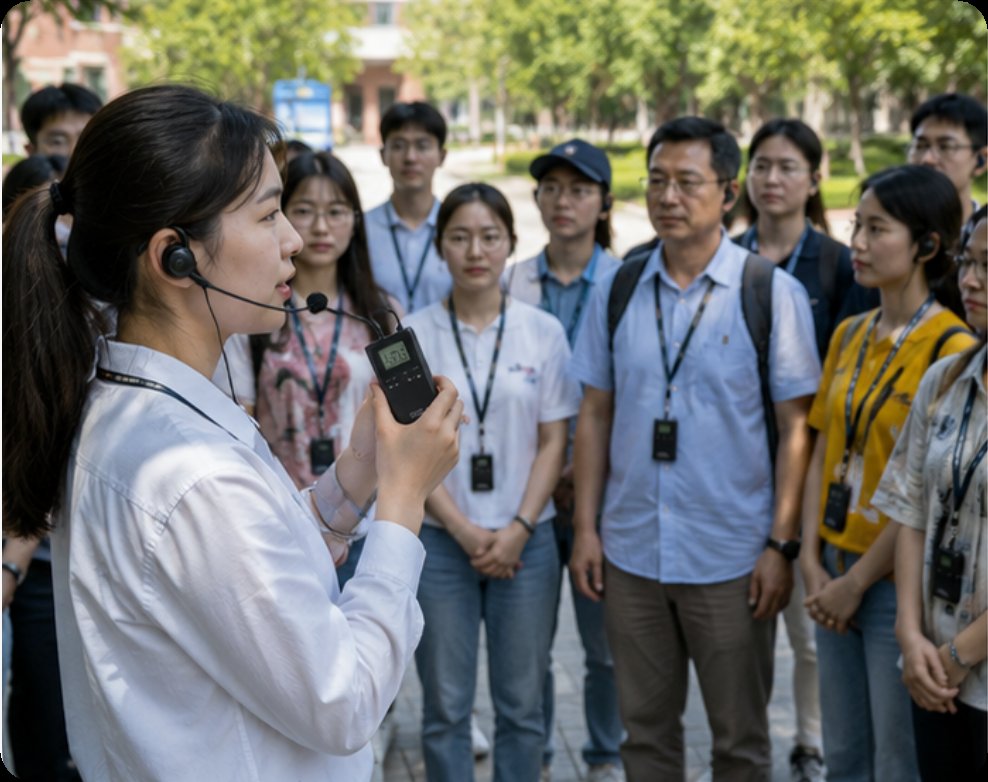
Sometimes the "fault" isn’t technical—it’s social. In a university chapel, library, or quiet study hall, a loud guide voice is disruptive. The RC2501 wireless tour guide system is our lightest model at 48 grams, designed for discreet, whisper-quiet communication. The most common fault here is audio leakage or background noise pickup. The RC2501’s integrated design and close-fitting earpiece minimize this, allowing the guide to speak at a normal volume without disturbing others. If your tour involves sensitive indoor spaces, this unit prevents the "feedback loop" of noise complaints.
Specification Comparison: Choosing the Right Tool for the Job
To help you diagnose which system fits your specific campus tour fault, here is a direct comparison of the three models.
| Model | Weight | Battery Life (Typical) | Protection Rating | Best Campus Scenario |
|---|---|---|---|---|
| RC8860 | 59 g | High (8+ hours) | IP54 (Splash & Dust Resistant) | Outdoor sports, equestrian, high-motion demos |
| RC2408 | 70 g | Very High (12+ hours) | IP54 (Splash & Dust Resistant) | Large group tours, wide open spaces, long-distance walking |
| RC2501 | 48 g | High (8+ hours) | IP42 (Light Splash Resistant) | Indoor quiet zones, libraries, chapels, small groups |
How to Select the Right System for Your Campus Fault
When a tour goes wrong, you need to ask three questions. First, what is the distance? If the group stretches out over 100 meters, go with the RC2408. Second, what is the environment? Is it dusty, windy, or wet? The RC8860 offers the best protection for active outdoor use. Third, what is the noise level? For pin-drop quiet areas, the RC2501 is the only choice. By matching the fault to the hardware, you eliminate 90% of your audio problems before they start. For a deeper dive into how these systems integrate into a full campus strategy, I recommend you explore our dedicated campus tour solutions page, which offers a comprehensive look at deployment.
Frequently Asked Questions (FAQ)
Q: What causes audio dropouts or static during large-scale outdoor campus tours, and how do you fix it?
A: Signal drops are usually caused by distance attenuation or physical obstacles. Upgrading to a long-range model like the RC2408 ensures stable transmission across open quads and spread-out tour groups.
Q: How can tour guides prevent audio leakage when leading groups through quiet university libraries or chapels?
A: Utilizing an ultra-lightweight, close-fitting receiver model like the RC2501 allows guides to speak in a low whisper while ensuring crystal-clear audio reaches listeners without disturbing surrounding quiet zones.
Preventative Maintenance and Next Steps
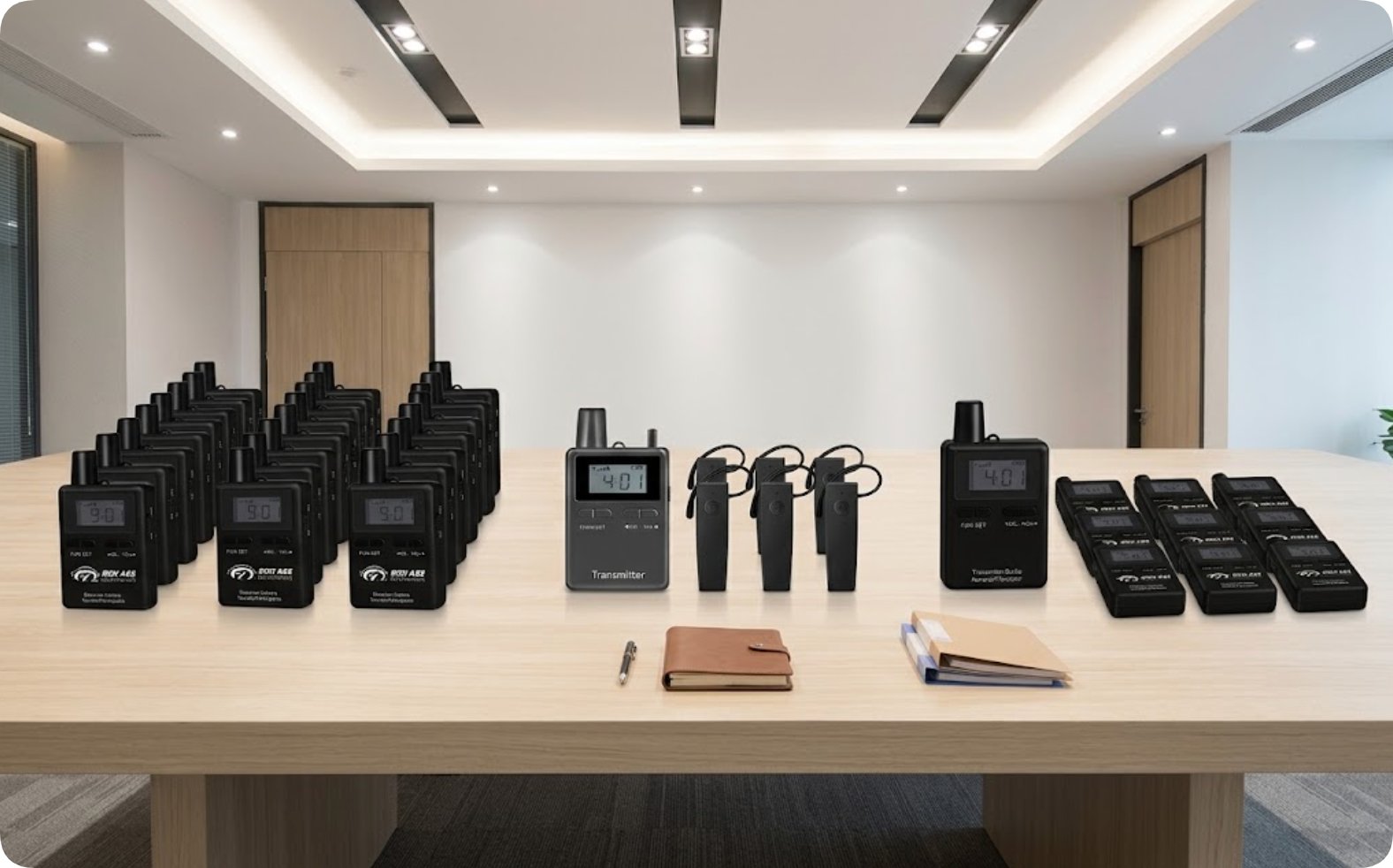
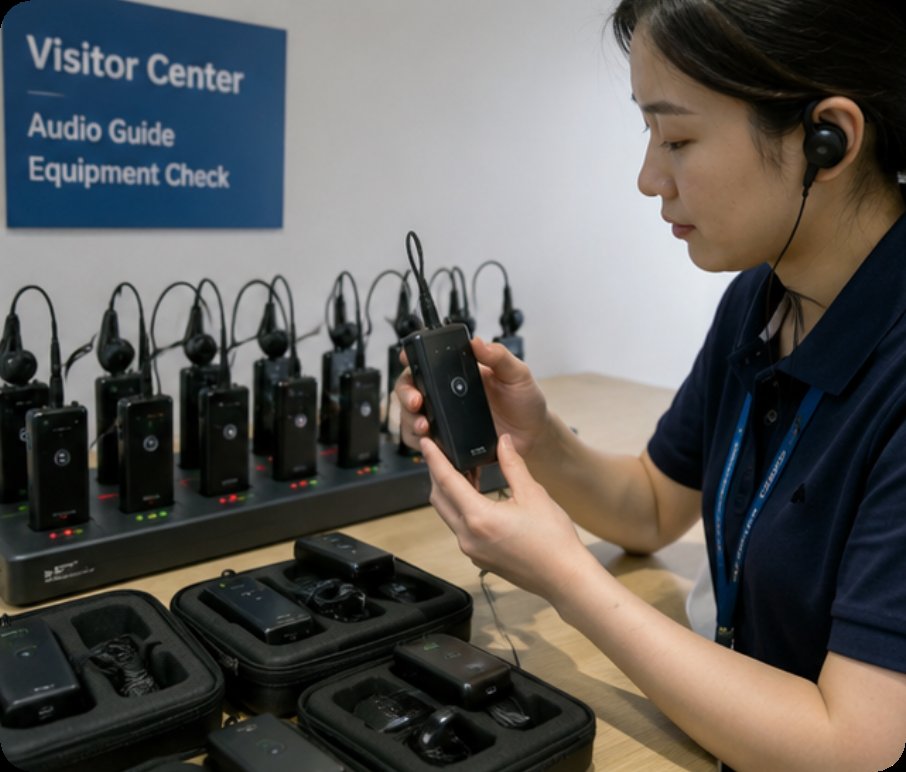
A good technician knows that the best fix is prevention. Before your next big tour, check the battery levels on all units. Ensure the wireless tour guide system series transmitters are clean of dust in the charging ports. If you are managing a fleet, consider a charging case to avoid the common fault of dead batteries mid-tour. We have written extensively on how to manage these systems effectively; please explore our solutions for more troubleshooting guides.
Ultimately, the right wireless tour guide system turns a potential audio disaster into a seamless experience. If you are still experiencing issues, or if you want to upgrade your current fleet, contact our team. We can help you select the perfect combination of RC8860, RC2408, and RC2501 units to ensure your campus tours are always clear, professional, and fault-free.