A leading China factory specializing in Wireless Tour Guide Systems, Church Audio Guides, and Translation Headphones with premium OEM/ODM solutions.

Tel:+86 18922879583

Email:tiger.wang@richitek.com

RC2501 and RC085 Food Factory Tour Troubleshooting Guide

Anyone who manages guided tours inside a working food plant knows these failures by heart. A guide's voice cuts out mid-sentence in a stainless steel corridor. Receivers stay silent after a routine sanitizing wipe-down. Batteries run dry halfway through the second group of the morning. The environment itself is doing the damage: polished steel reflects radio signals, and hygiene rules put every headset through disinfection between groups. The RC2501 and RC085 are built to survive this kind of duty better than most tour equipment, but they are still radio hardware, and radio hardware fails in predictable ways.

This guide covers the equipment failures operators actually report on real food factory tours, explains why each one happens, and gives the exact recovery steps used by teams that run several groups a day. Instead of a general walkthrough of the wireless guide system for Food Factory Tour, we concentrate on the moments when something goes wrong and what to do in the next five minutes.

💡 Why Food Factory Tours Stress RC2501 and RC085 Equipment

Before you fix anything, it helps to understand why a food plant wears out tour equipment that worked flawlessly in a museum or a conference hall. The first culprit is radio frequency interference. Production floors are filled with stainless steel conveyor frames, metal ducting, and wrapping machinery that bounce the 2.4 GHz band around the room. These reflections create dead zones where the RC2501 receiver loses the transmitter signal even when the guide is less than thirty meters away. The second culprit is the cleaning routine. Food safety standards require every headset to be disinfected between groups, and many facilities spray alcohol sanitizer directly onto the unit. That habit accelerates wear on the charging contacts and drives moisture into the battery compartment, two problems that show up later in this article.

The third factor is operational rhythm. A busy factory often runs back-to-back groups every twenty minutes, which leaves no downtime to charge, inspect, or swap units between tours. When a guide's transmitter dies at the start of a third consecutive group, the root cause is rarely the battery chemistry. It is a charging discipline problem. That is precisely why the RC085 is frequently chosen as the backbone unit in this environment: its clear LCD display gives the operator an instant battery and signal readout that the smaller RC2501 does not offer.

RC2501 vs RC085 Quick Reference for Food Factory Tours
FeatureRC2501RC085
Best position in the operationTranslation headphones for church / silent tour, ideal for visitor listeningDigital tour guide with clear LCD display, ideal for the guiding operator
Weight48 g62 g
Status visibilityNo display, LED onlyLCD display with battery and channel readout
Best response to failureSwap unit, re-pair at charging dockCheck LCD, force reboot, change channel

📡 Failure One: Signal Dropouts in the Cleanroom Corridor

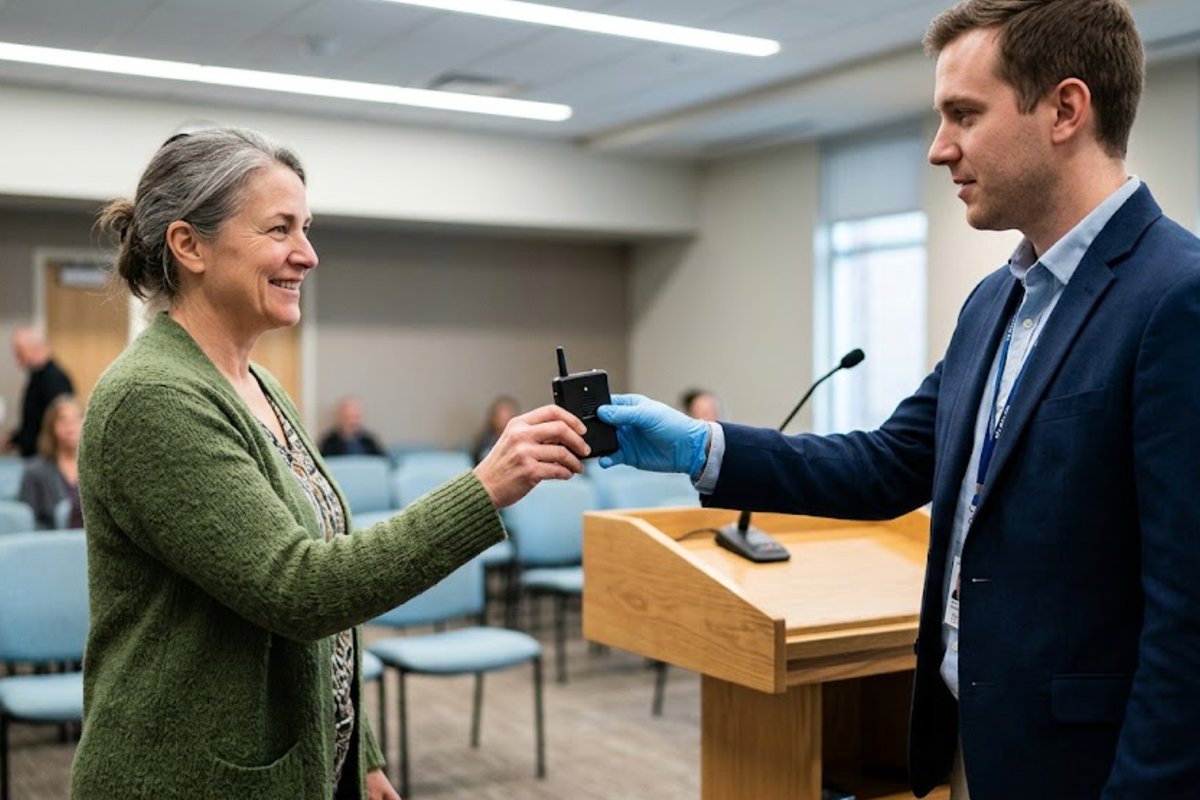
The most commonly reported problem is audio cutting in and out as a group moves through a narrow stainless steel corridor. The guide hears the transmitter perfectly, but visitors using RC2501 receivers hear fragments of the commentary, or nothing at all. The usual cause is multipath interference: the signal bounces off steel surfaces and cancels itself out at specific points along the walkway. The immediate recovery is simple. Stop the group, check the receiver's signal LED, and ask the guide to take three steps in any direction. In most cases the LED reconnects within two seconds and the tour continues without swapping any hardware.

When dropouts return to the same spot on every tour, the permanent fix is worth planning. Raise the transmitter antenna above waist level, or reposition the guide's standing point ten meters earlier so the corridor enters the coverage cone before the group does. For larger halls, some facilities run the transmitter on a lower power channel to reduce reflection build-up. The RC2500 vs RC2501 guide explains which output settings suit large reflective spaces.

RC2501 and RC085 Food Factory Tour Troubleshooting Guide(图1)

🔧 Failure Two: Equipment Dead After Disinfection and Cleaning

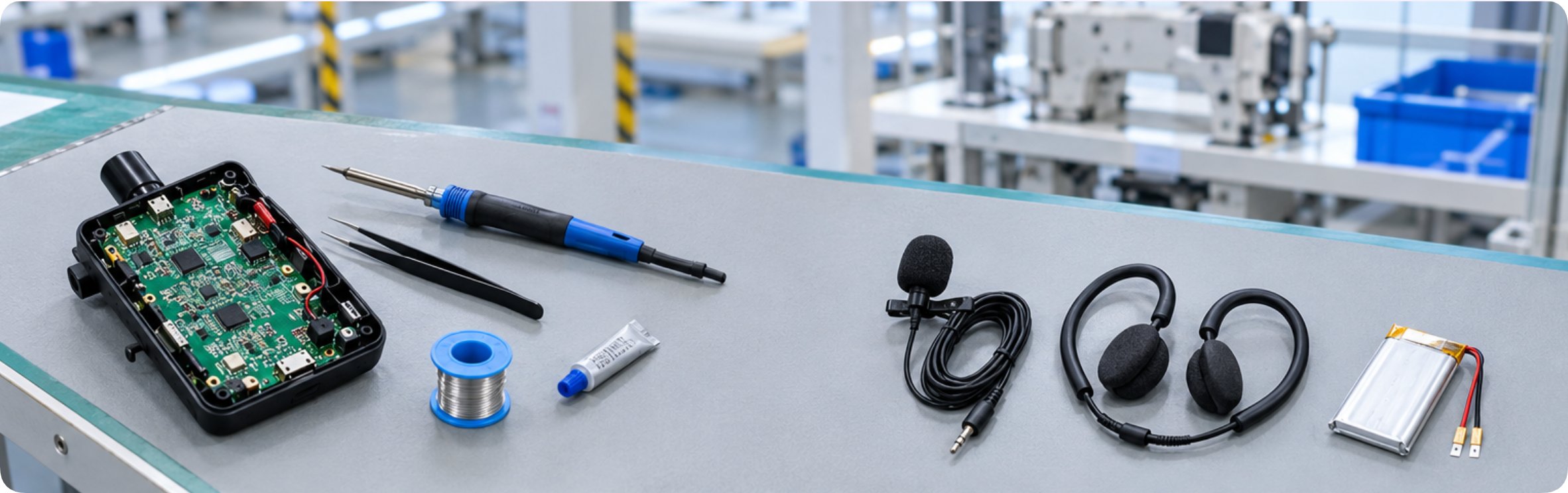
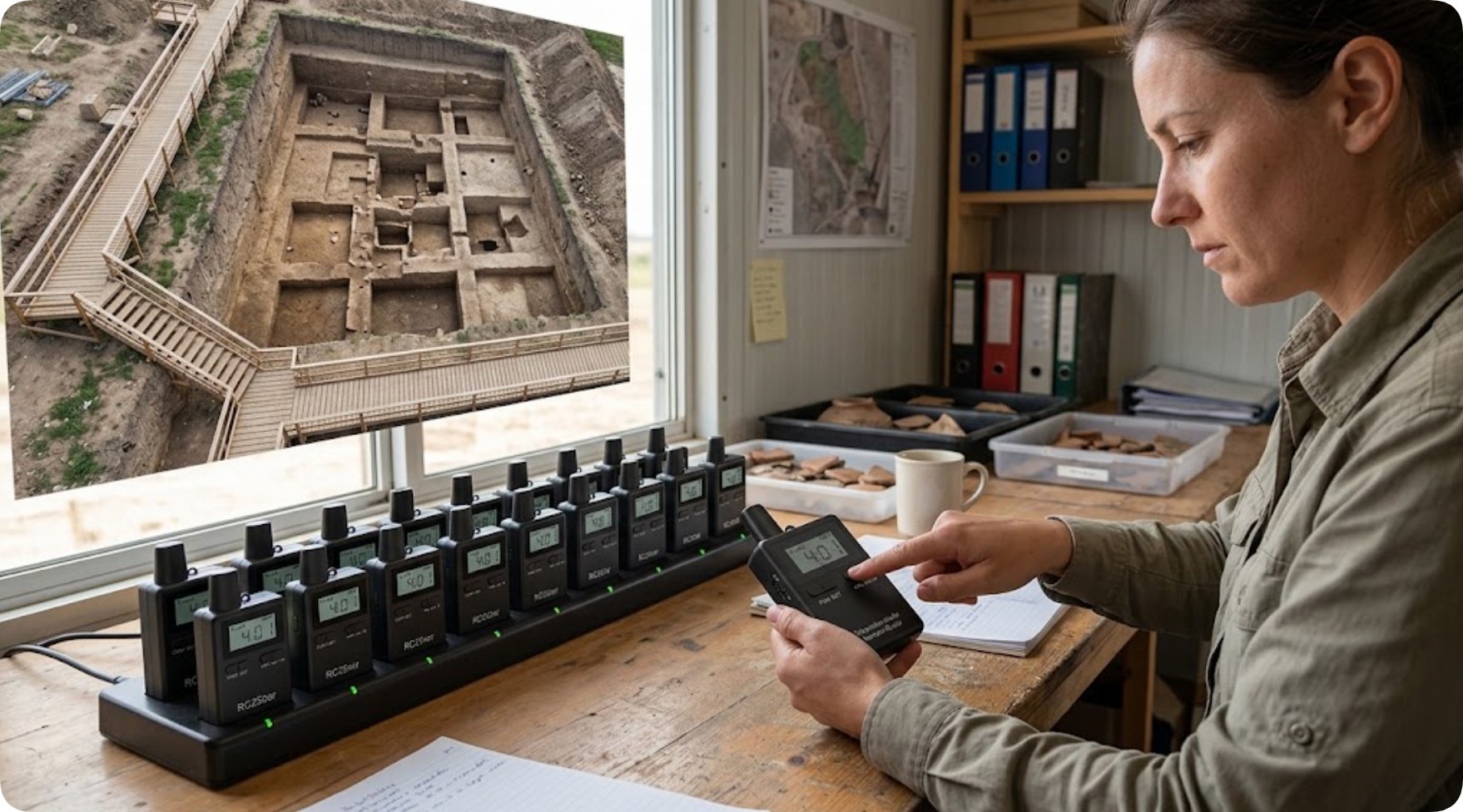
A guide finishes the morning batch, sprays every unit with sanitizer, stacks the headsets on the charging cart, and by the afternoon three receivers will not power on. This is the signature food plant failure, and it has two root causes. The first is sanitizer pooling around the charging contacts. Alcohol dissolves the protective coating on the pins, and over weeks the contacts oxidize until the charger can no longer make a reliable connection. The unit looks charged but was never charging. The second cause is moisture trapped inside the battery compartment, which can also trigger short circuits that some operators mistake for a dead battery.

The recovery takes less than five minutes. Remove the batteries from every dead unit and dry the compartment with a lint-free cloth. Wipe the charging contacts dry, reseat the batteries, and place the unit on the dock. Confirm that the charging indicator lights up; if it does not, try another slot before assuming the unit is faulty. For the RC085, the LCD shows the charging symbol, which turns a blind guess into a verified state. The full cleaning and maintenance workflow is documented on the RC085 Digital Tour Guide System page along with recommended cleaning intervals, and the RC2501 Wireless Tour Guide System page covers the fitting and re-pairing steps that keep visitor units running between groups.

RC2501 and RC085 Food Factory Tour Troubleshooting Guide(图2)

🔋 Failure Three: Battery and Wearing Problems Mid-Tour

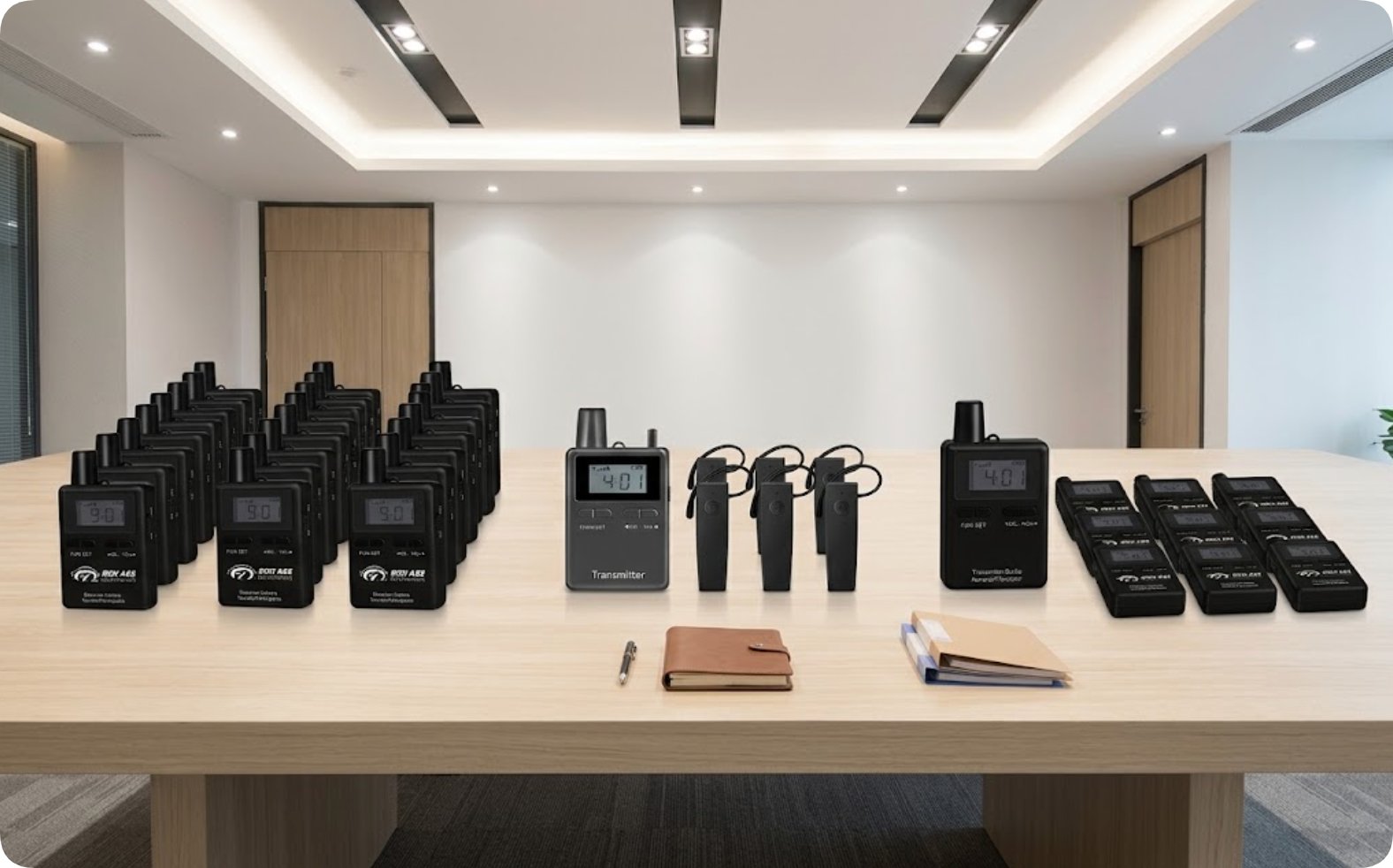
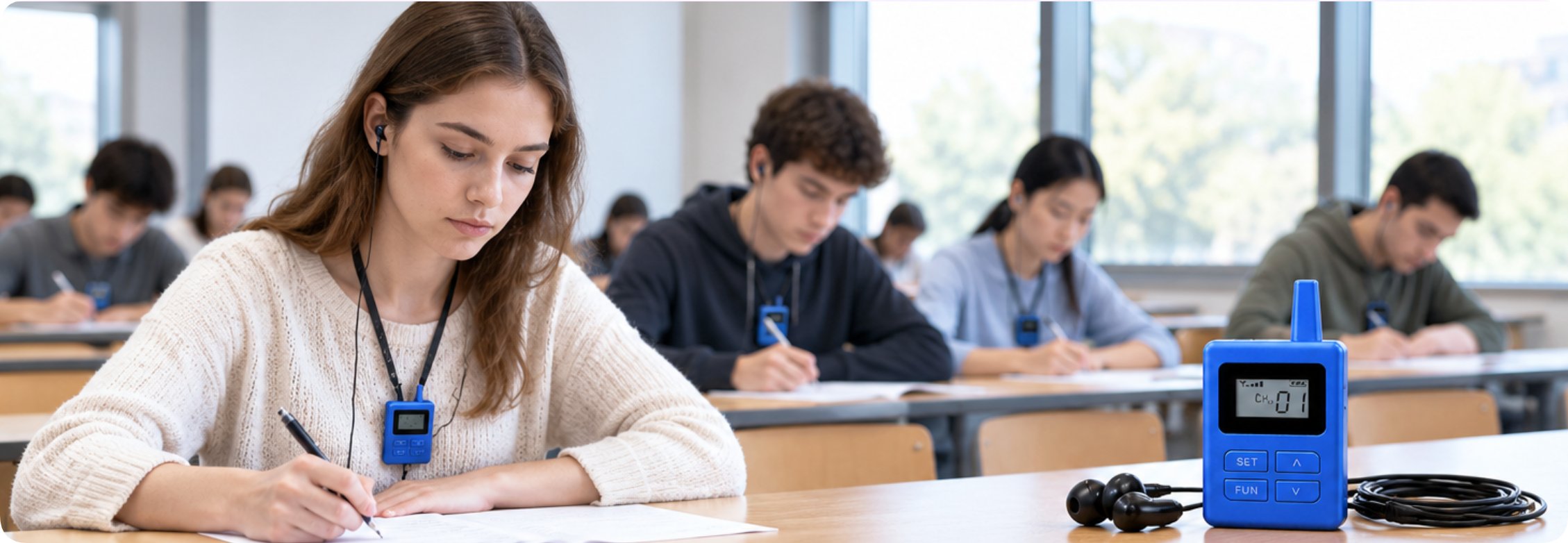
The third category of failures is battery and wearing related, and it usually surfaces about twenty minutes into the tour. A visitor hands back a receiver claiming it is dead, but the real problem is a drained battery from a previous group that never made it back onto the charger. In back-to-back schedules, charging discipline is everything: a single skipped seat means a dead receiver at the worst possible moment. The fix is to assign the charging cart to one staff member who checks the charging indicators after every batch, rather than trusting that returned headsets found an open slot.

Wearing problems are equally common, because visitors in a food plant often wear hairnets and bump caps underneath the headset. The band sits on the cap, the receiver slides forward, and the earpiece ends up off the ear, which the visitor interprets as a broken unit. The fix is a two-second re-fit: slide the band under the cap strap, or switch to the one-ear wearing style that the RC2501 supports. The RC085 vs RC8860 comparison shows why operator-side status checks matter in a factory where you cannot hear the crowd over the production line.

Quick Recovery Playbook

Deploying the RC2501 and RC085 for Food Factory Tour is a straightforward process, and it naturally includes your recovery routines. Start by assessing your coverage area and identifying potential interference sources, including steel walls, refrigeration units, and mezzanine levels. Next, configure your transmitter and test signal strength across the route, noting the dead spots described in Failure One. Then distribute receivers and conduct a brief orientation with your guiding team, covering the re-pair step and the battery check. Finally, run a full walkthrough to validate performance before the first scheduled tour, and time your five-minute recovery drill so every guide knows it by heart.

Organizations that deploy the RC2501 and RC085 for Food Factory Tour typically see three outcomes. Audio quality stays consistently high, and visitor complaints about missing content effectively disappear. Operations become leaner, freeing staff to focus on guiding instead of babysitting equipment. And the overall impression is a professional one that reflects well on the whole organization. One large institution was spending thirty minutes per tour simply checking and distributing equipment. After switching to the RC2501 and RC085, they cut preparation time to under five minutes and eliminated the battery-related disruptions that had been plaguing their operation. Adopt the troubleshooting routine described here, and your next tour should finish without a single dropped word.

2026年08月19日 10:17
click: 533

RC2501 and RC085 Food Factory Tour Troubleshooting Guide

time: 2026年08月19日 click:533

Anyone who manages guided tours inside a working food plant knows these failures by heart. A guide's voice cuts out mid-sentence in a stainless steel corridor. Receivers stay silent after a routine sanitizing wipe-down. Batteries run dry halfway through the second group of the morning. The environment itself is doing the damage: polished steel reflects radio signals, and hygiene rules put every headset through disinfection between groups. The RC2501 and RC085 are built to survive this kind of duty better than most tour equipment, but they are still radio hardware, and radio hardware fails in predictable ways.

This guide covers the equipment failures operators actually report on real food factory tours, explains why each one happens, and gives the exact recovery steps used by teams that run several groups a day. Instead of a general walkthrough of the wireless guide system for Food Factory Tour, we concentrate on the moments when something goes wrong and what to do in the next five minutes.

💡 Why Food Factory Tours Stress RC2501 and RC085 Equipment

Before you fix anything, it helps to understand why a food plant wears out tour equipment that worked flawlessly in a museum or a conference hall. The first culprit is radio frequency interference. Production floors are filled with stainless steel conveyor frames, metal ducting, and wrapping machinery that bounce the 2.4 GHz band around the room. These reflections create dead zones where the RC2501 receiver loses the transmitter signal even when the guide is less than thirty meters away. The second culprit is the cleaning routine. Food safety standards require every headset to be disinfected between groups, and many facilities spray alcohol sanitizer directly onto the unit. That habit accelerates wear on the charging contacts and drives moisture into the battery compartment, two problems that show up later in this article.

The third factor is operational rhythm. A busy factory often runs back-to-back groups every twenty minutes, which leaves no downtime to charge, inspect, or swap units between tours. When a guide's transmitter dies at the start of a third consecutive group, the root cause is rarely the battery chemistry. It is a charging discipline problem. That is precisely why the RC085 is frequently chosen as the backbone unit in this environment: its clear LCD display gives the operator an instant battery and signal readout that the smaller RC2501 does not offer.

RC2501 vs RC085 Quick Reference for Food Factory Tours
FeatureRC2501RC085
Best position in the operationTranslation headphones for church / silent tour, ideal for visitor listeningDigital tour guide with clear LCD display, ideal for the guiding operator
Weight48 g62 g
Status visibilityNo display, LED onlyLCD display with battery and channel readout
Best response to failureSwap unit, re-pair at charging dockCheck LCD, force reboot, change channel

📡 Failure One: Signal Dropouts in the Cleanroom Corridor

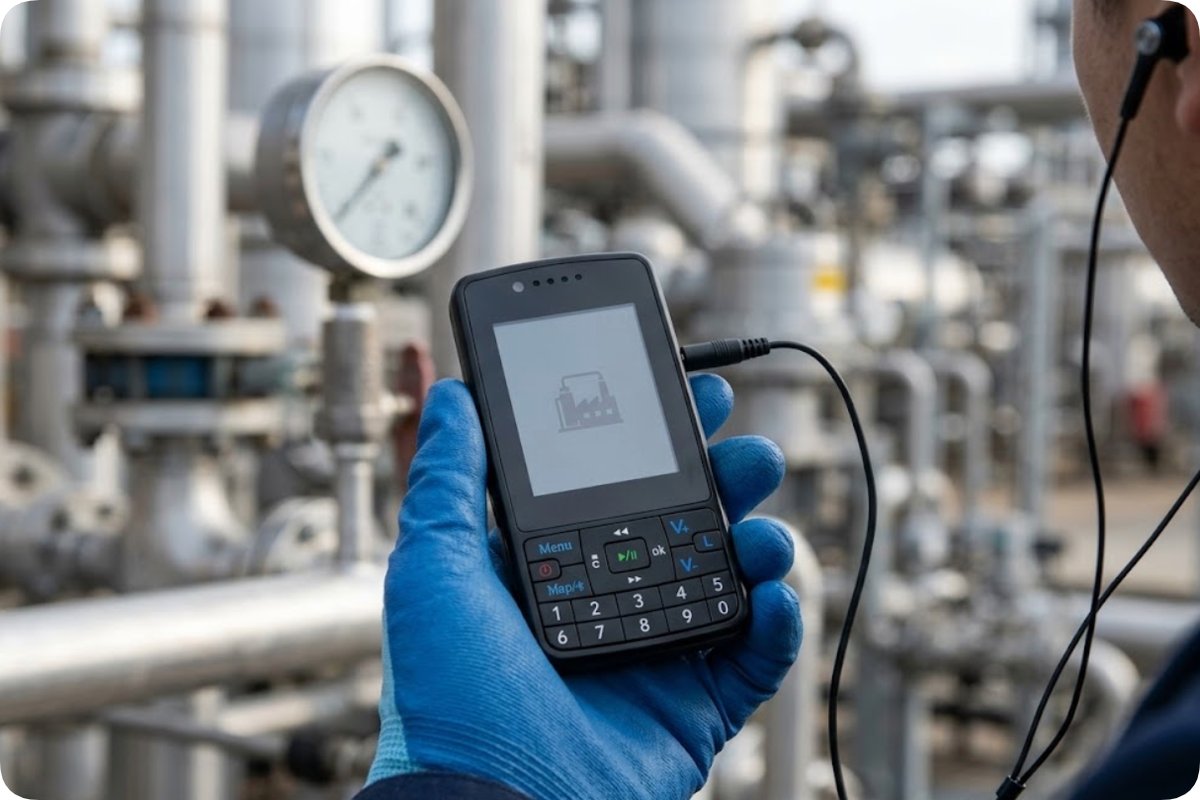
The most commonly reported problem is audio cutting in and out as a group moves through a narrow stainless steel corridor. The guide hears the transmitter perfectly, but visitors using RC2501 receivers hear fragments of the commentary, or nothing at all. The usual cause is multipath interference: the signal bounces off steel surfaces and cancels itself out at specific points along the walkway. The immediate recovery is simple. Stop the group, check the receiver's signal LED, and ask the guide to take three steps in any direction. In most cases the LED reconnects within two seconds and the tour continues without swapping any hardware.

When dropouts return to the same spot on every tour, the permanent fix is worth planning. Raise the transmitter antenna above waist level, or reposition the guide's standing point ten meters earlier so the corridor enters the coverage cone before the group does. For larger halls, some facilities run the transmitter on a lower power channel to reduce reflection build-up. The RC2500 vs RC2501 guide explains which output settings suit large reflective spaces.

RC2501 and RC085 Food Factory Tour Troubleshooting Guide(图1)

🔧 Failure Two: Equipment Dead After Disinfection and Cleaning

A guide finishes the morning batch, sprays every unit with sanitizer, stacks the headsets on the charging cart, and by the afternoon three receivers will not power on. This is the signature food plant failure, and it has two root causes. The first is sanitizer pooling around the charging contacts. Alcohol dissolves the protective coating on the pins, and over weeks the contacts oxidize until the charger can no longer make a reliable connection. The unit looks charged but was never charging. The second cause is moisture trapped inside the battery compartment, which can also trigger short circuits that some operators mistake for a dead battery.

The recovery takes less than five minutes. Remove the batteries from every dead unit and dry the compartment with a lint-free cloth. Wipe the charging contacts dry, reseat the batteries, and place the unit on the dock. Confirm that the charging indicator lights up; if it does not, try another slot before assuming the unit is faulty. For the RC085, the LCD shows the charging symbol, which turns a blind guess into a verified state. The full cleaning and maintenance workflow is documented on the RC085 Digital Tour Guide System page along with recommended cleaning intervals, and the RC2501 Wireless Tour Guide System page covers the fitting and re-pairing steps that keep visitor units running between groups.

RC2501 and RC085 Food Factory Tour Troubleshooting Guide(图2)

🔋 Failure Three: Battery and Wearing Problems Mid-Tour

The third category of failures is battery and wearing related, and it usually surfaces about twenty minutes into the tour. A visitor hands back a receiver claiming it is dead, but the real problem is a drained battery from a previous group that never made it back onto the charger. In back-to-back schedules, charging discipline is everything: a single skipped seat means a dead receiver at the worst possible moment. The fix is to assign the charging cart to one staff member who checks the charging indicators after every batch, rather than trusting that returned headsets found an open slot.

Wearing problems are equally common, because visitors in a food plant often wear hairnets and bump caps underneath the headset. The band sits on the cap, the receiver slides forward, and the earpiece ends up off the ear, which the visitor interprets as a broken unit. The fix is a two-second re-fit: slide the band under the cap strap, or switch to the one-ear wearing style that the RC2501 supports. The RC085 vs RC8860 comparison shows why operator-side status checks matter in a factory where you cannot hear the crowd over the production line.

Quick Recovery Playbook

Deploying the RC2501 and RC085 for Food Factory Tour is a straightforward process, and it naturally includes your recovery routines. Start by assessing your coverage area and identifying potential interference sources, including steel walls, refrigeration units, and mezzanine levels. Next, configure your transmitter and test signal strength across the route, noting the dead spots described in Failure One. Then distribute receivers and conduct a brief orientation with your guiding team, covering the re-pair step and the battery check. Finally, run a full walkthrough to validate performance before the first scheduled tour, and time your five-minute recovery drill so every guide knows it by heart.

Organizations that deploy the RC2501 and RC085 for Food Factory Tour typically see three outcomes. Audio quality stays consistently high, and visitor complaints about missing content effectively disappear. Operations become leaner, freeing staff to focus on guiding instead of babysitting equipment. And the overall impression is a professional one that reflects well on the whole organization. One large institution was spending thirty minutes per tour simply checking and distributing equipment. After switching to the RC2501 and RC085, they cut preparation time to under five minutes and eliminated the battery-related disruptions that had been plaguing their operation. Adopt the troubleshooting routine described here, and your next tour should finish without a single dropped word.
×

Contact us

email:
name:
subject:
content: