
.webp)
Every exhibitor knows the feeling. The booth is packed, the demo is about to begin, and the receiver in the presenter’s hand goes completely silent. Perhaps the microphone drops out at the exact moment a prospect leans in to listen, or the batteries die halfway through the second group of visitors. On a crowded trade show floor, a glossy brochure will not save you; dependable audio hardware will. This guide explains how the wireless guide system for Exhibition Tradeshow built around the RC2401 and RC085 is engineered for exactly these conditions, and how booth teams can diagnose the most common failures before they cost a lead.
🔍 Why RC2401 and RC085 Fail in Exhibition Tradeshow Environments
Ask any customer deploying equipment for Exhibition Tradeshow use what they worry about most, and the answer is almost always the same: reliability. Audio dropouts during a critical moment, bulky receivers that annoy visitors, and complicated setup procedures all create friction that undermines the entire booth experience. A trade show floor is one of the harshest radio environments in the world. Competing audio systems fill the air, lighting rigs generate electrical noise, and thousands of people move through the hall at once. A system that locks onto a clean channel and holds it is worth its weight in leads.
The failures that occur in a tradeshow hall are rarely random. Signal interference from neighboring booths transmitting on overlapping frequencies tops the list, followed by battery exhaustion from ten or more hours of continuous operation, and then physical damage caused by crowded aisles and careless foot traffic. These three causes account for most on-site breakdowns. Recognizing the pattern is half the battle. A booth manager who understands these failure modes can turn what looks like a panic situation into a thirty-second fix.
📡 Signal Interference and Audio Dropouts in a Noisy Hall
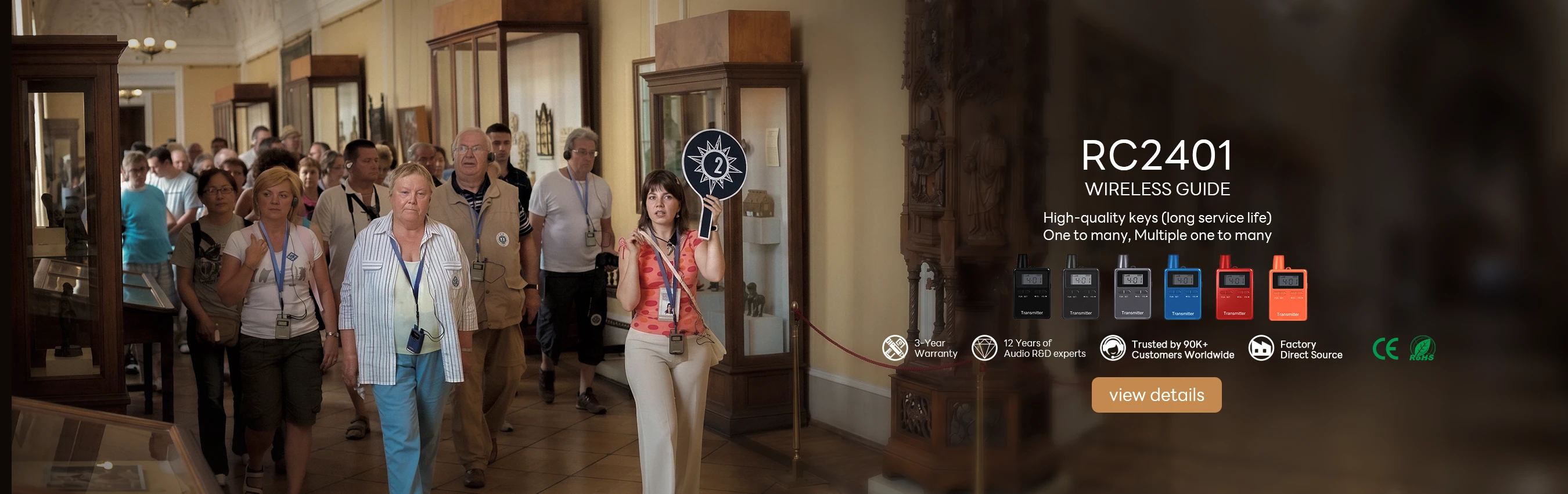
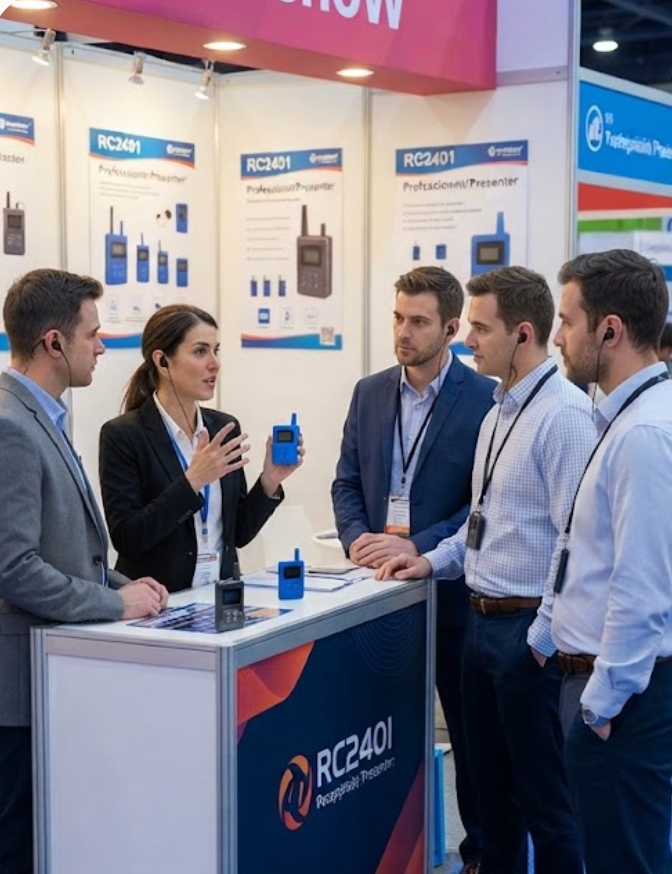
The most frustrating failure at any Exhibition Tradeshow is the silent receiver. A visitor leans in, expecting to hear the presentation, and hears nothing but the noise of the hall. In a crowded venue, this is almost always a frequency collision. The booth next door may be operating on the same channel, or a wireless camera operator may have swept straight through your frequency band. The RC2401, built as a multi-channel corporate training and trade show booth presentation transmitter, offers a practical way out: switch to a clean channel in seconds, without re-pairing every receiver or interrupting the flow of the tour.
When dropouts persist after a channel change, check the transmitter placement before touching anything else. A transmitter buried behind a monitor, tucked inside a display case, or placed behind a metal banner frame will always struggle to reach receivers across the booth. Raise it to a visible, unobstructed position and run a simple walk test around the perimeter of your space while a colleague listens on a receiver. If the audio still stutters, power-cycle both the transmitter and the affected receivers and repeat the test. In most cases, a clean channel combined with a clear line of sight restores a flawless feed within minutes, and the visitors never realize anything went wrong.
🔋 Battery Drain and Device Failure During Long Show Days
Trade shows run for eight to ten hours a day, and many run longer. A device that runs out of power at 3 PM effectively ruins the afternoon. The RC085, a digital tour guide with a clear LCD display, keeps your team ahead of this problem with a battery indicator that removes the guesswork from daily planning. Many experienced booth teams keep a spare set of receivers charged at all times and rotate them into service at lunch, a simple habit that eliminates most battery-related failures before they happen.
Device failure in an Exhibition Tradeshow setting also comes from physical stress. Headsets get dropped, receivers get knocked off tables, and cables get stepped on by visitors who do not see them. When a unit stops responding entirely, try the same repair sequence a technician would use: remove the battery, wait five seconds, reinsert it, and power the unit on again. This clears most frozen states in under a minute. For units that still will not respond, swap them with a backup immediately and mark the damaged one for service after the show. Show floor minutes are precious, and no team should waste them trying to revive a stubborn receiver.
🎪 Quick Repair Steps for On-Site Exhibition Tradeshow Emergencies
Every experienced booth team runs a mini protocol the moment a system misbehaves. The first step is always isolation: determine whether the fault follows the receiver, the transmitter, or the environment itself. Swap two receivers and watch where the problem moves. If it stays with the transmitter position, you are dealing with an interference or range issue. If it follows the receiver, the unit itself is at fault. This single diagnostic step prevents hours of wasted effort and points you straight at the real problem.
Once you have isolated the fault, the remedy is usually quick. For interference, change the channel on the transmitter and confirm that every receiver follows automatically. For battery issues, swap in a charged unit from your rotation bank. For a frozen device, perform the battery-removal reset described above. For a headset with a loose cable, replace the headset rather than the receiver, since headsets absorb the most abuse and fail first. Keep a small toolkit, spare batteries, and spare headsets within arm’s reach of the booth, and you can resolve most failures in under two minutes.
Prevention beats repair every time. Run a full walkthrough each morning before the doors open. Check channel stability across the entire booth footprint, verify battery levels on every unit, and confirm that the LCD display on the RC085 shows the correct group and channel for each presenter. Ten minutes of preparation before the show starts can save an entire afternoon of interruptions.
⚙️ Step-by-Step Setup Guide for the RC2401 and RC085
Deploying the RC2401 and RC085 in an Exhibition Tradeshow follows a straightforward, repeatable process. Start by assessing your coverage area and identifying potential interference sources, including neighboring booths, lighting control panels, and wireless camera systems that may already occupy the spectrum. Next, configure your transmitter and test signal strength across your planned route, walking the full perimeter while a colleague monitors the audio and flags any weak spots. Then distribute the receivers and conduct a brief orientation with your guiding team so everyone knows how to check channels and battery status without breaking the flow of a tour. Finally, run a full walkthrough to validate performance before the first scheduled tour, and repeat the exercise whenever the hall layout changes or the show moves to a new venue.
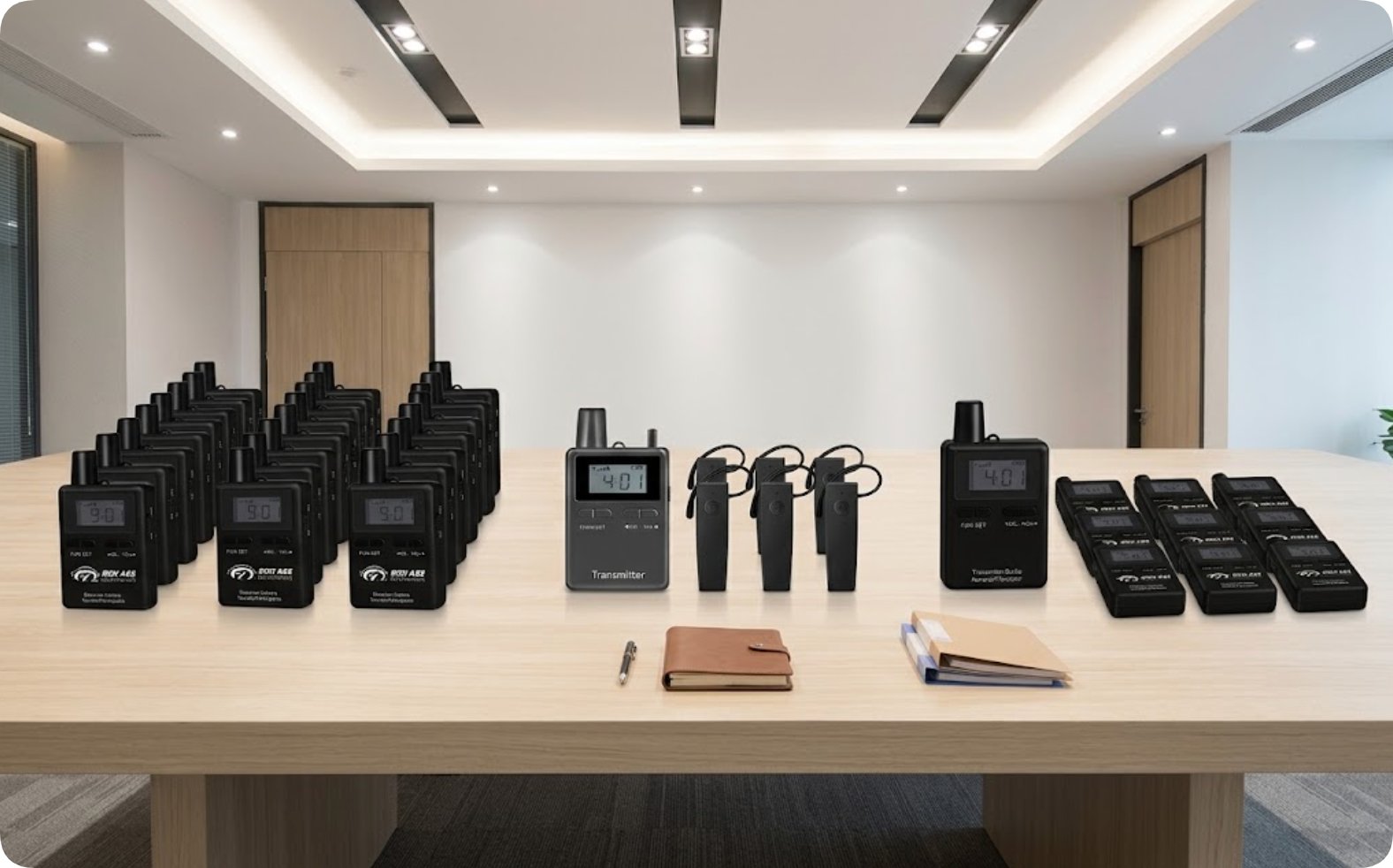
The table below summarizes the two models and how they complement each other on the show floor.
| Model | Position | Weight | Product Page |
|---|---|---|---|
| RC2401 | Multi-channel corporate training and trade show booth presentation | 72 g | RICH AGE RC2401 Wireless Audio Guide System |
| RC085 | Digital tour guide with clear LCD display | 62 g | RC085 Digital Tour Guide System |
For a deep comparison against neighboring product lines, many buyers review RC2401 vs RC2406 to confirm the right channel count for a large booth, while others check RC085 vs RC8860 when the LCD display and weight matter most. Both comparisons prevent an expensive mismatch between system and venue.

🎪 Key Outcomes of a Reliable Exhibition Tradeshow System
The benefits of the RC2401 and RC085 for Exhibition Tradeshow use extend well beyond audio quality. Organizations that deploy these systems consistently report improved visitor satisfaction scores, because every word of the presentation is actually heard. They also see reduced staff overtime, since troubleshooting time shrinks to minutes instead of hours, and a lower total cost of ownership compared to older systems that require constant repairs and replacement parts. A visitor who hears every word is far more likely to walk away with a brochure and a business card.
In the end, the difference between a chaotic booth and a smooth one is not luck. It is dependable hardware, a clear troubleshooting routine, and a team that knows the three-step drill for interference, battery, and frozen units. With the RC2401 handling multi-channel presentations and the RC085 keeping visitors engaged with its clear display and light 62 g body, your Exhibition Tradeshow team can focus on what matters most: connecting with the people standing in front of you.