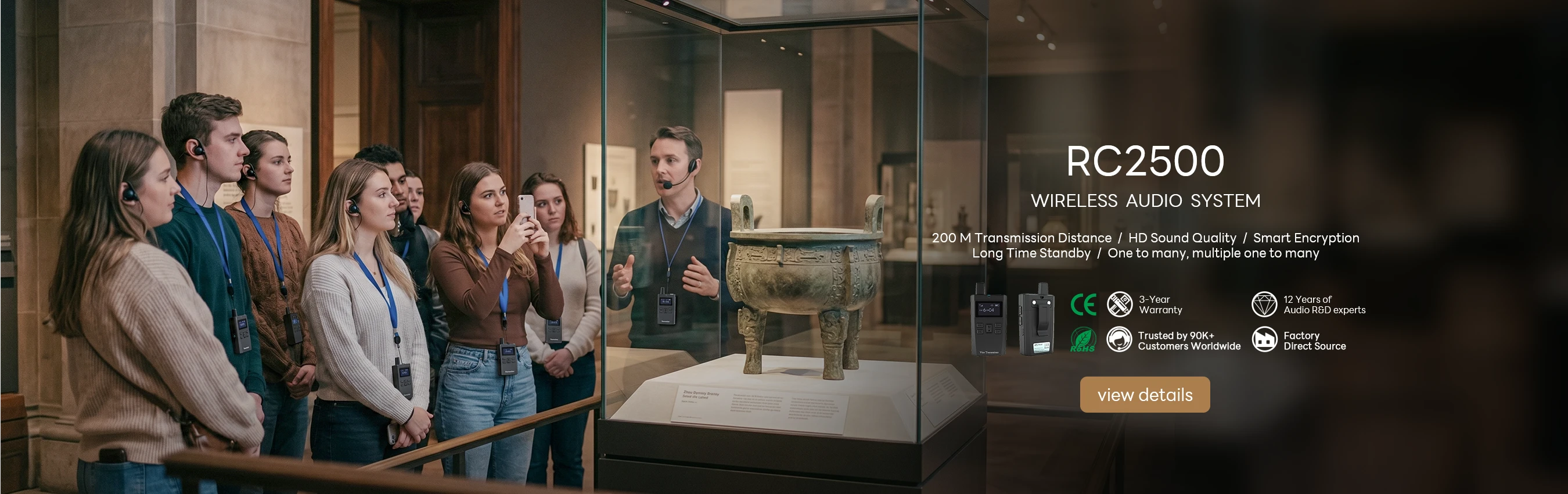

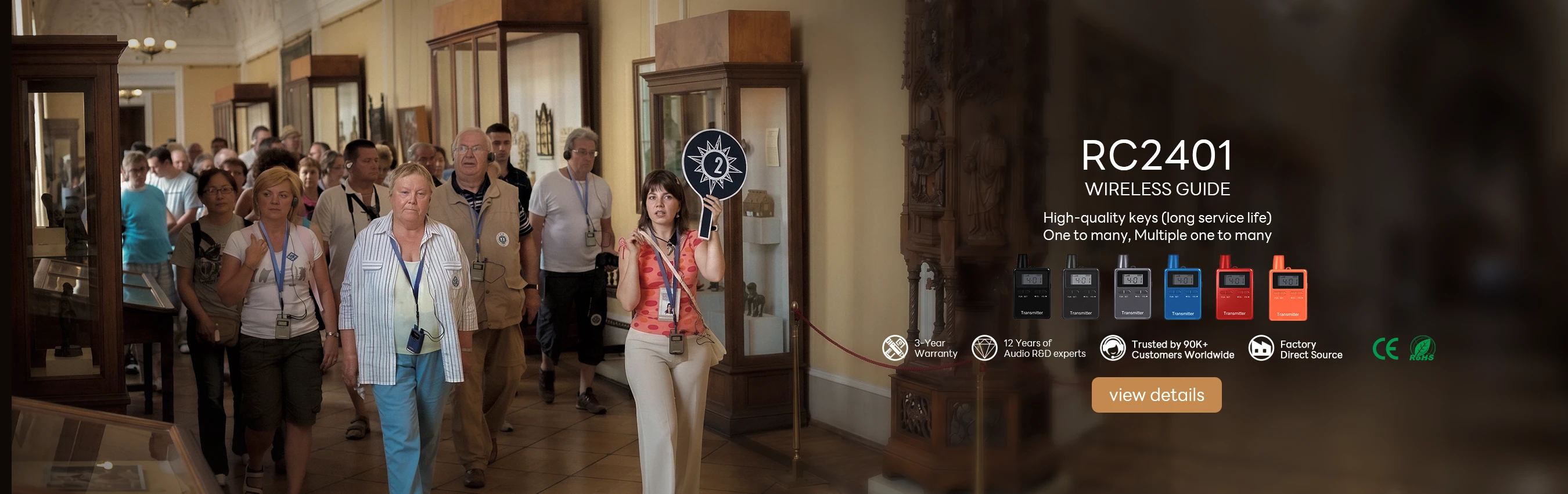
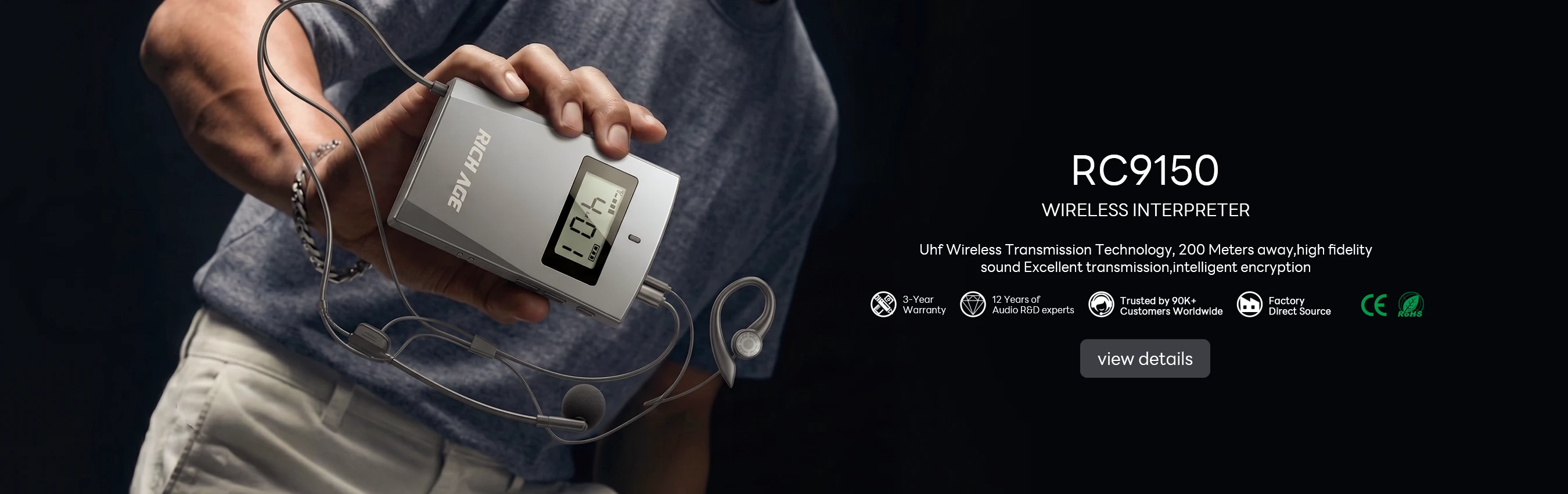
A stadium on match day is the least forgiving place a tour system has to work. The concourse is full, the broadcast stack is live, and the route changes because a gate closed an hour ago. I have spent enough match days chasing audio complaints to know that most of them are not faults at all, or at least not the fault the reporter assumed. This is the diagnostic order that actually resolves them on a venue running the RC8860, the RC2500, and the RC2468.
🏟️ Where the Complaints Start
Before any diagnostic, it helps to know what actually goes wrong. In the logs we reviewed, the complaints clustered into four groups: a hiss or crackle that appears only near the broadcast compound, receivers that go quiet an hour before the final whistle, visitors who cannot hear because the headset does not fit, and guides who report a channel that sounds fine to them and broken to everyone else. Only the last of these is usually a genuine transmitter fault, which is why a technician who starts by swapping hardware spends the whole match on the wrong problem. It is also why the venue standardised on wireless tour guide systems for stadium tours rated for dense radio environments rather than general-purpose radios.
🔊 The Symptom Everyone Reports First
The first complaint is nearly always noise, and it is nearly always reported as a broken receiver. It is worth checking the obvious thing first: is the visitor standing next to something? A stadium concentrates an unusual amount of radio hardware in one place, and a receiver held against a steel barrier two metres from a temporary broadcast mast will hiss regardless of how healthy it is. Move the visitor three metres and ask again. If the hiss follows them, it is the receiver or its battery. If it disappears, it was the location, and the real fix is a route note rather than a repair.
📶 Interference From the Broadcast Stack
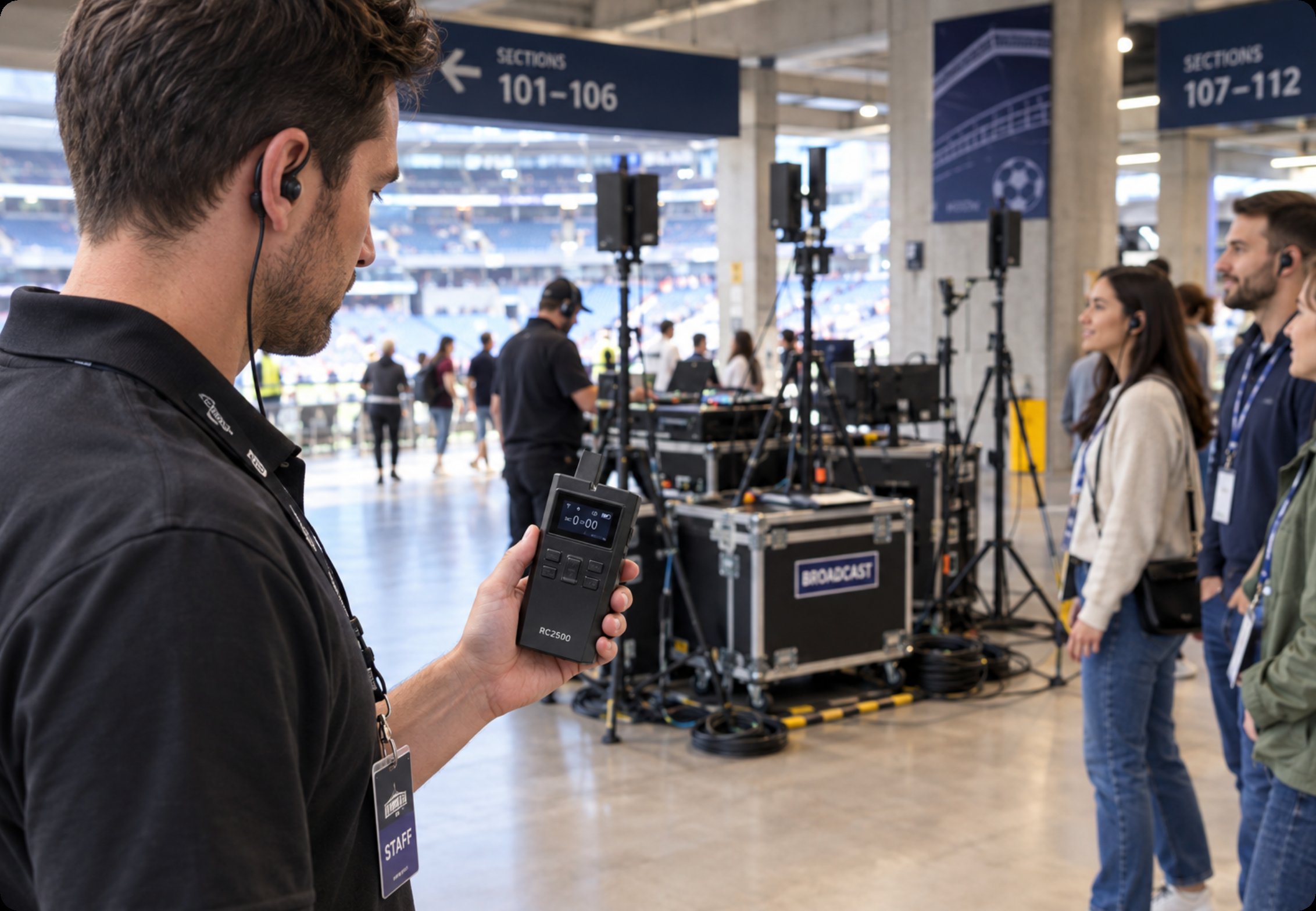
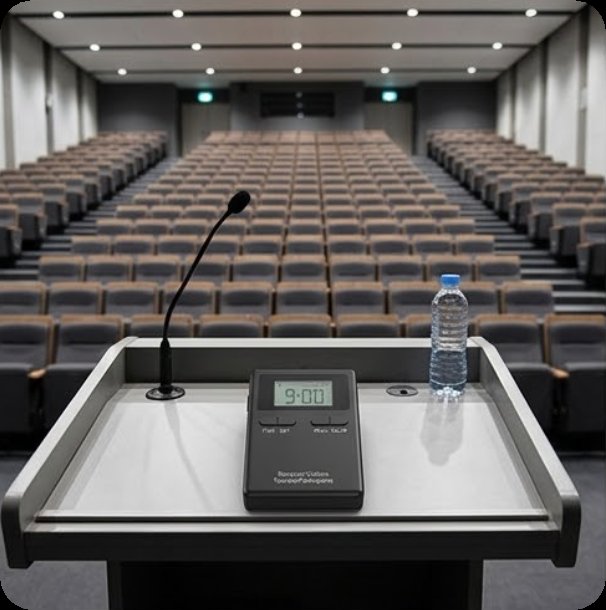
The second category is real interference, and it is the one that rewards proper hardware. A temporary broadcast compound adds transmitters the venue does not control, and on a match day they are all live at once. The practical answer is a system with enough link margin to sit above the noise rather than compete with it, which is where the RC2500 earns its place on a large site. Its long-range link held a clean channel through a full match-day load, and the venue's own lesson was to test the tour route at the same time as a broadcast rehearsal rather than on a quiet Tuesday, because Tuesday tells you nothing about Saturday.
🔋 Batteries That Fade Before the Final Whistle
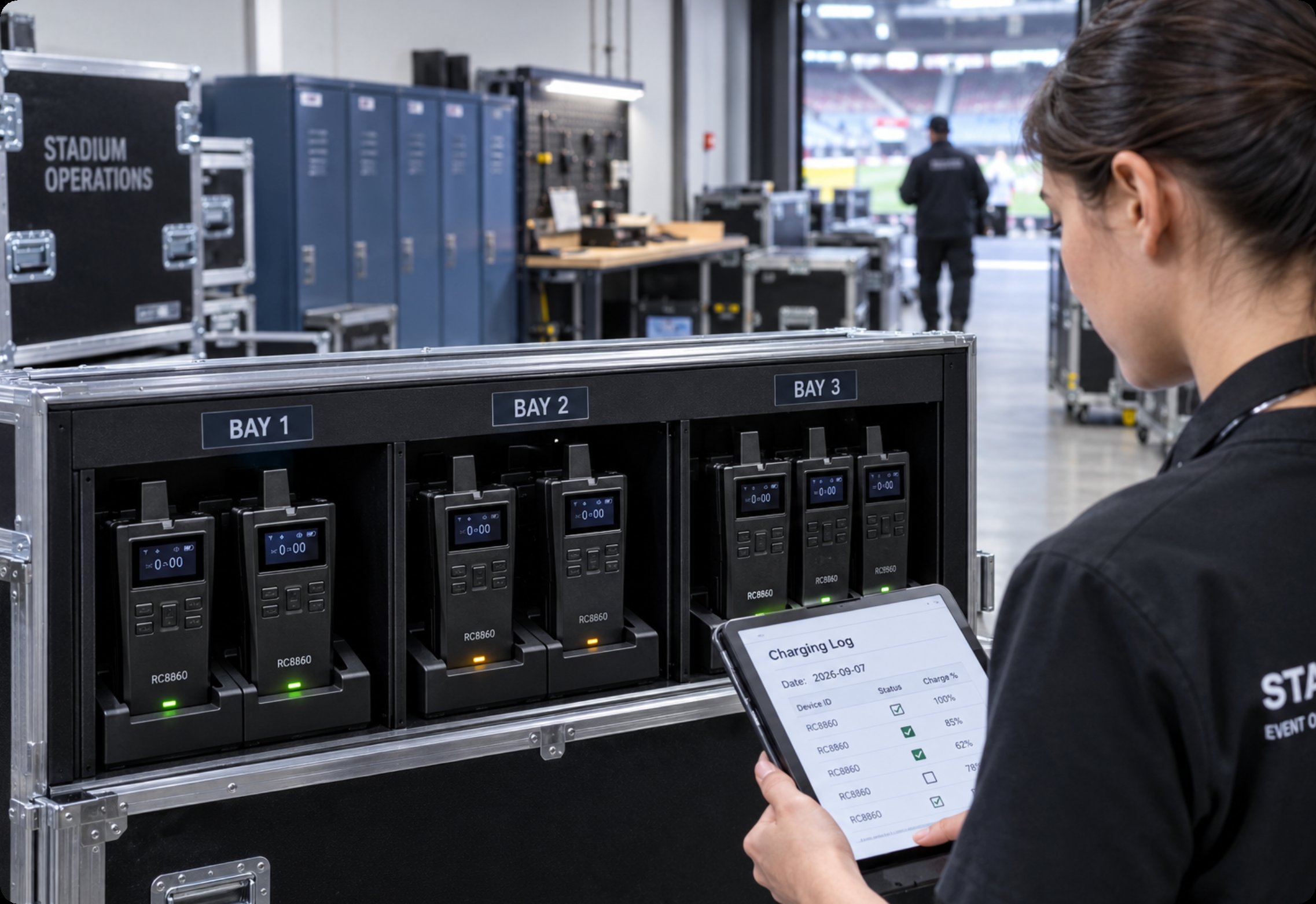
The third complaint is battery life, and it is usually a symptom of how the kit was issued rather than a defect in it. A unit that comes off the shelf at sixty percent will fade mid-afternoon, and a guide who assumes it was fully charged will report it as a fault. The fix the venue adopted was boring and effective: charge overnight on a labelled rack, log the units that come back below a threshold, and retire those from match-day duty. For the units that do run all day, the RC8860 cleared a full match day on one charge, which removed the mid-afternoon swap entirely and with it the most common source of a lost group.
🎧 Receiver Fit and the Headset Swap
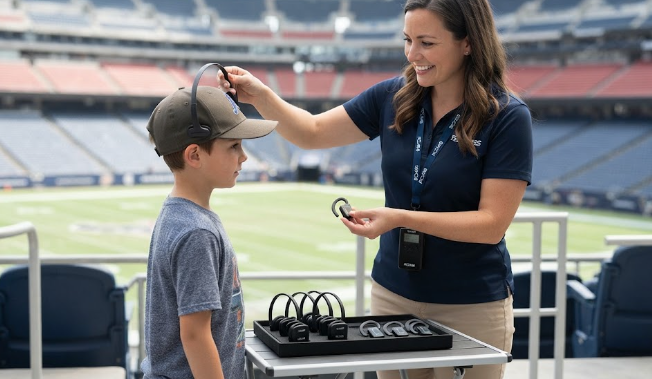
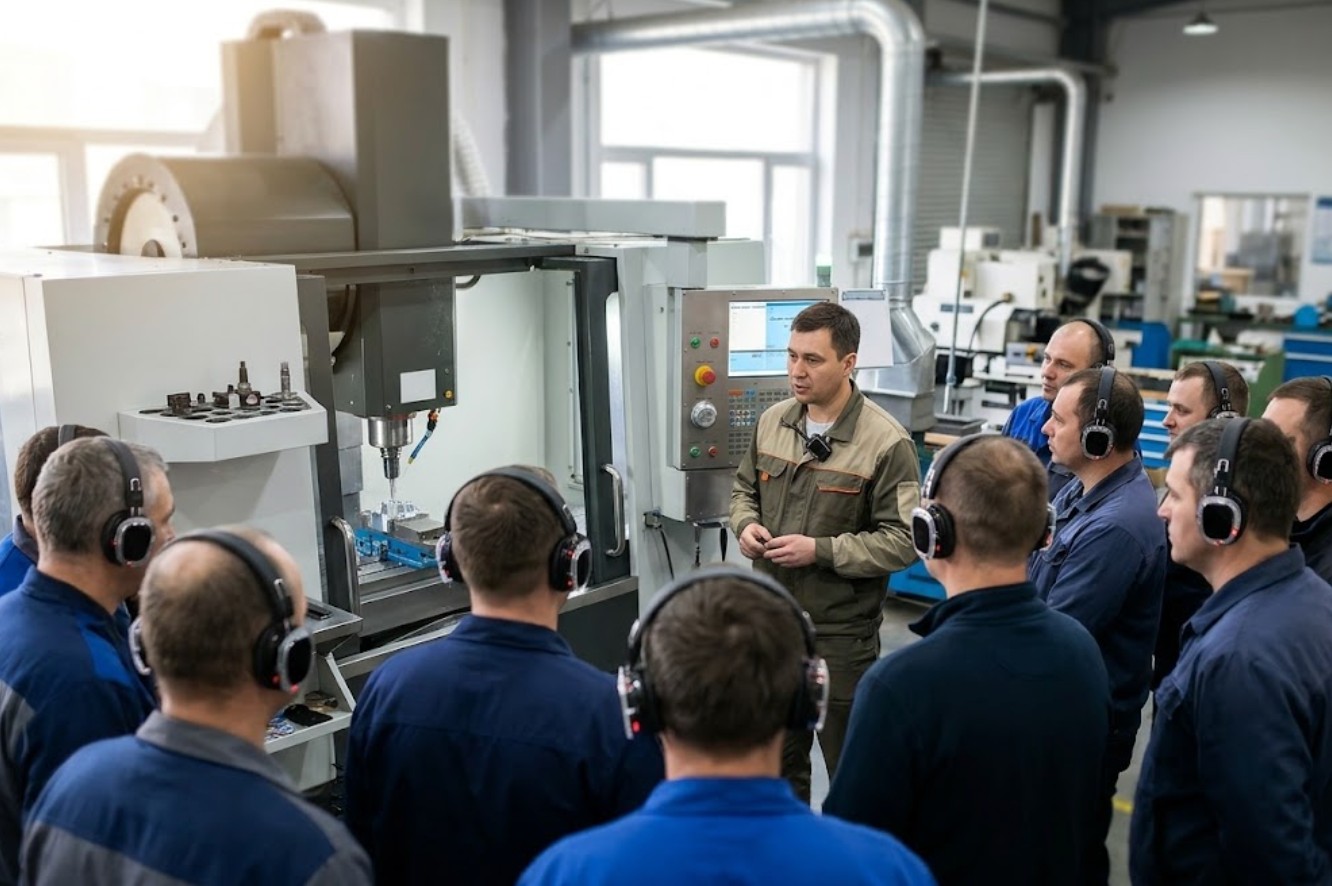
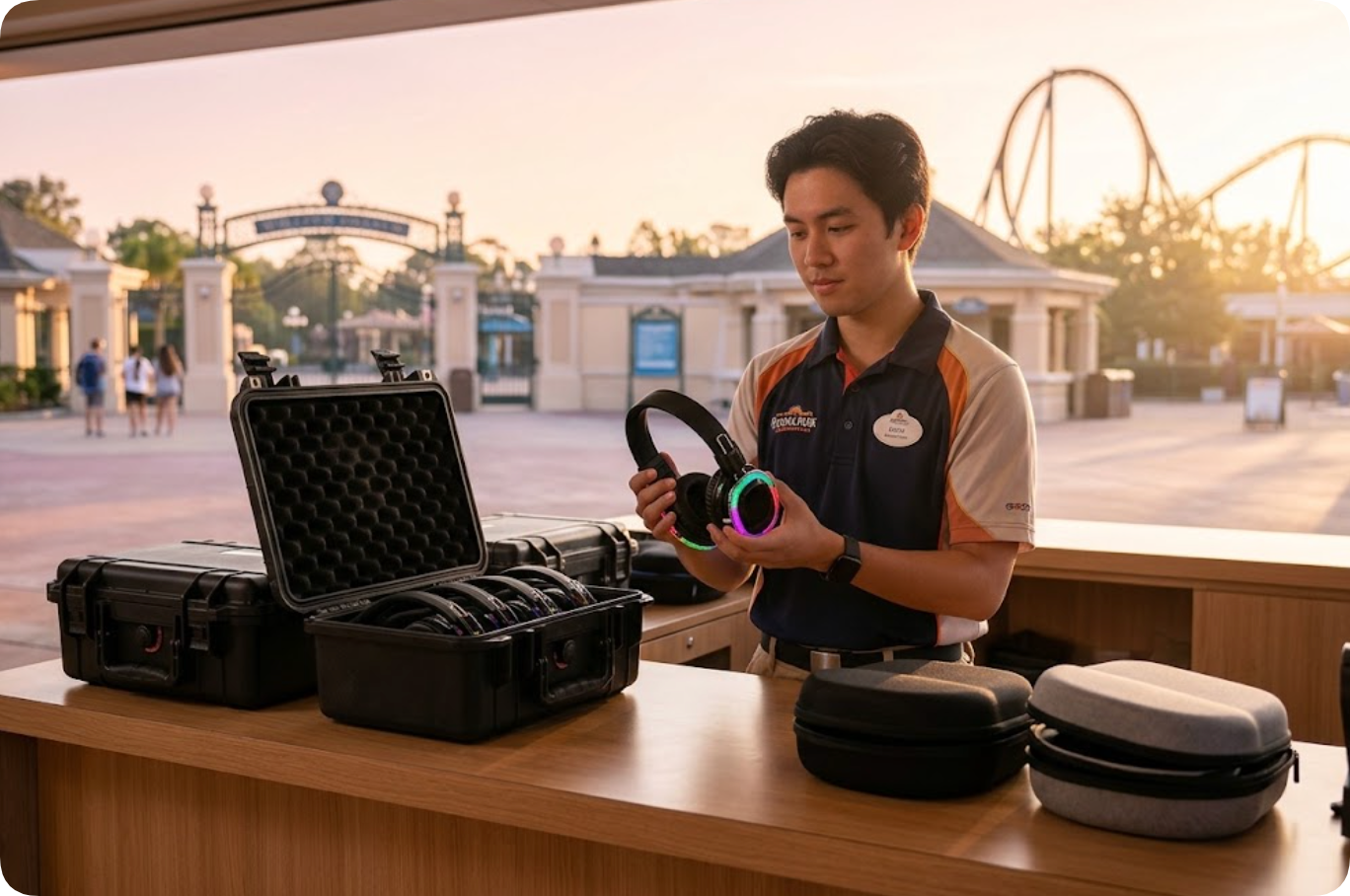
The fourth complaint is the one nobody logs and everybody experiences: the headset does not fit. An over-ear piece that slips on a child, or a single-sided earhook that falls off when a visitor puts on a coat, produces a complaint that sounds exactly like a dead channel. The venue now carries two receiver styles and swaps rather than troubleshoots. It also switched the roaming guides to the RC2468, because a host who is also managing a crowd notices a heavy transmitter within an hour and quietly stops using it.
🧪 A Diagnostic Order That Fits One Half-Time
Half-time is fifteen minutes, and that is the window a technician actually has. The order that fits is short. First, move the visitor and re-test, because location noise is the most common cause and costs ten seconds. Second, swap the receiver, because a known-good unit answers the question immediately. Third, check the transmitter's channel assignment, because a guide standing near a live broadcast mast may simply need to move. Only then open a unit. That order resolves the large majority of match-day complaints inside the break.
📋 What the Venue Logged After a Season
After a full season the pattern was clear. Location-related complaints fell once guides were trained to move a visitor before reporting a fault. Battery escalations dropped to almost nothing after the charging rack and the threshold log came in. Fit complaints ended when the second receiver style arrived. The genuine hardware faults, the ones that actually needed a repair, turned out to be a handful of receivers with damaged cables, all of which had been coiled the same wrong way for two seasons.
| Complaint | Usual cause | First check | Real fix |
|---|---|---|---|
| Hiss or crackle | Location near broadcast kit | Move the visitor three metres | Route note, not a repair |
| Channel sounds broken | Receiver or its battery | Swap in a known-good unit | Charging log and rack |
| Quiet before the end | Issued partly charged | Charge state at issue | Overnight rack, retire weak units |
| Cannot hear at all | Headset does not fit | Try the second style | Carry two receiver styles |
💡 Building a Kit Bag Crews Trust
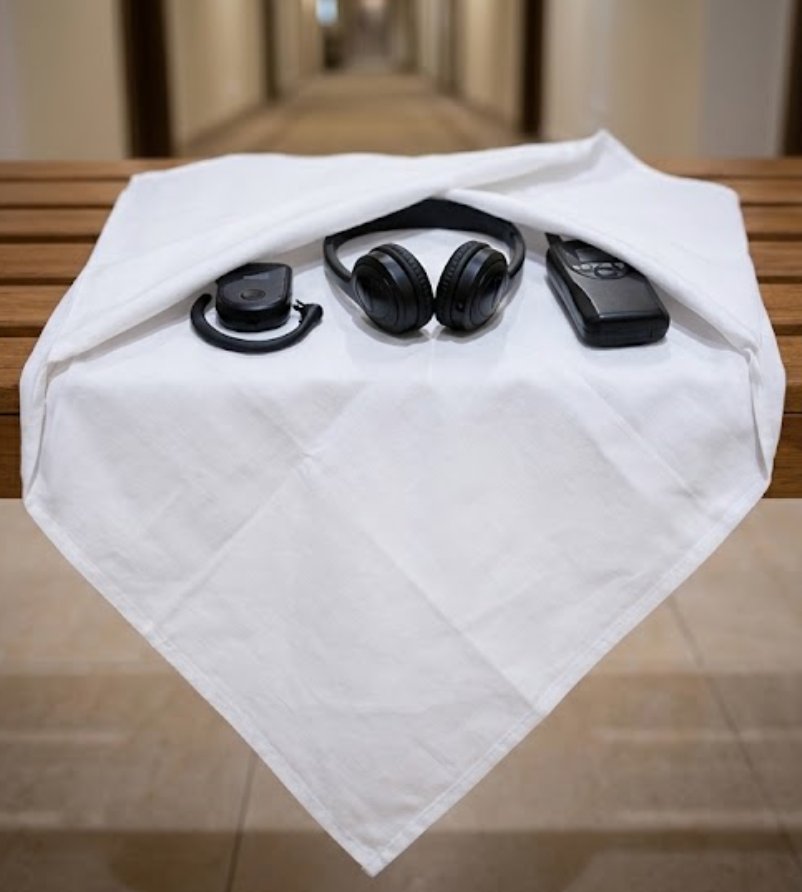
The last piece is what goes in the bag. A stadium technician needs two spare receivers of each style, a known-good transmitter already set to the working channel, a small torch for checking ports, and a printed copy of the route note showing where the broadcast equipment sits. Nothing else. If you are building that bag now, start with the wireless tour guide system range and match the spares to the two roles that actually fail on a match day. For a longer account of how a venue settled its allocation in the first place, read how stadium tour audio changed over a decade, which explains why the kit bag looks the way it does now.