
.webp)
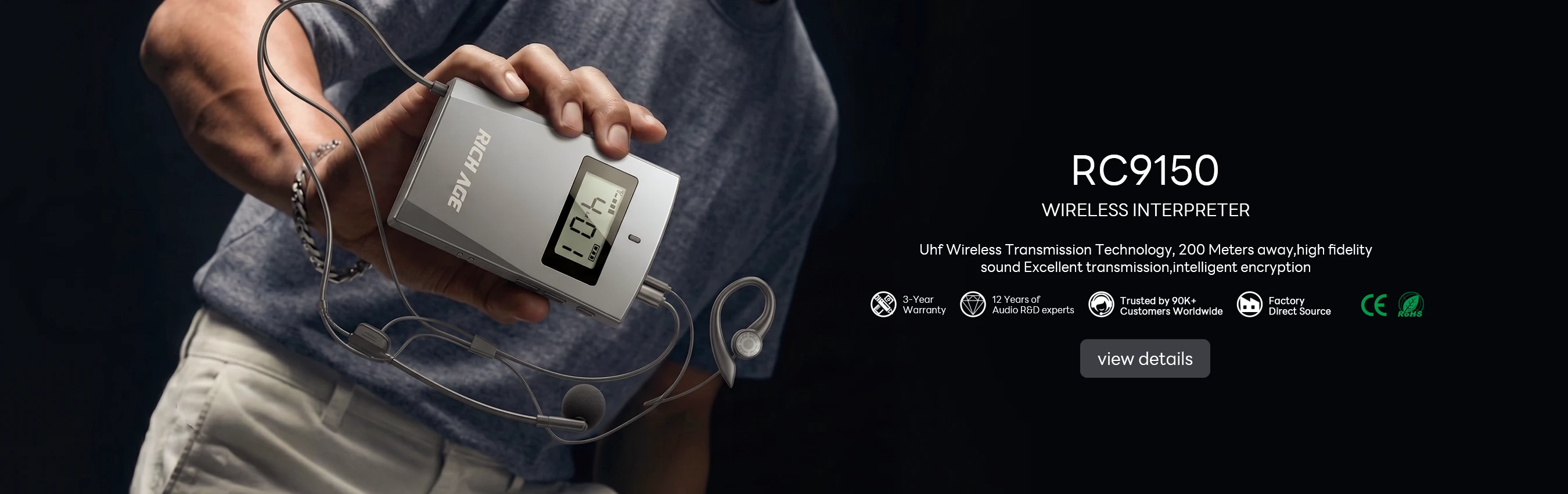
A museum multilingual tour has two kinds of wear. The obvious one is physical — receivers dropped, earpieces pulled, charging ports worn. The one that causes more complaints is invisible: the language system itself slowly degrading. A language file that no longer syncs, a channel map that drifts after a firmware update, an earpiece whose hygiene routine has slipped. Over the years I have seen more multilingual tour problems traced to maintenance habits than to hardware failure. This guide covers the maintenance routine that keeps an RC9150 and RC2402 fleet ready for every language, every day.
💡 Why Multilingual Tours Wear Out Differently
A single-language tour uses one channel and one audio file, and its maintenance is mostly mechanical. A multilingual tour runs six, eight, or twelve languages in parallel, and each language is a separate channel with its own audio content, its own playlist, and its own set of visitors. When a language breaks, it is usually not a hardware fault — it is a content or configuration drift that only surfaces when a visitor selects that language and hears silence. That is the failure mode a museum maintenance plan has to catch before the visitor does.
The good news is that the RC9150 and RC2402 share the same management workflow, so a museum running both does not maintain two different systems. Our museum wireless audio solutions page covers the deployment side; this article is the maintenance side, and the routine below applies to both models.
Keeping the Language Channels in Order
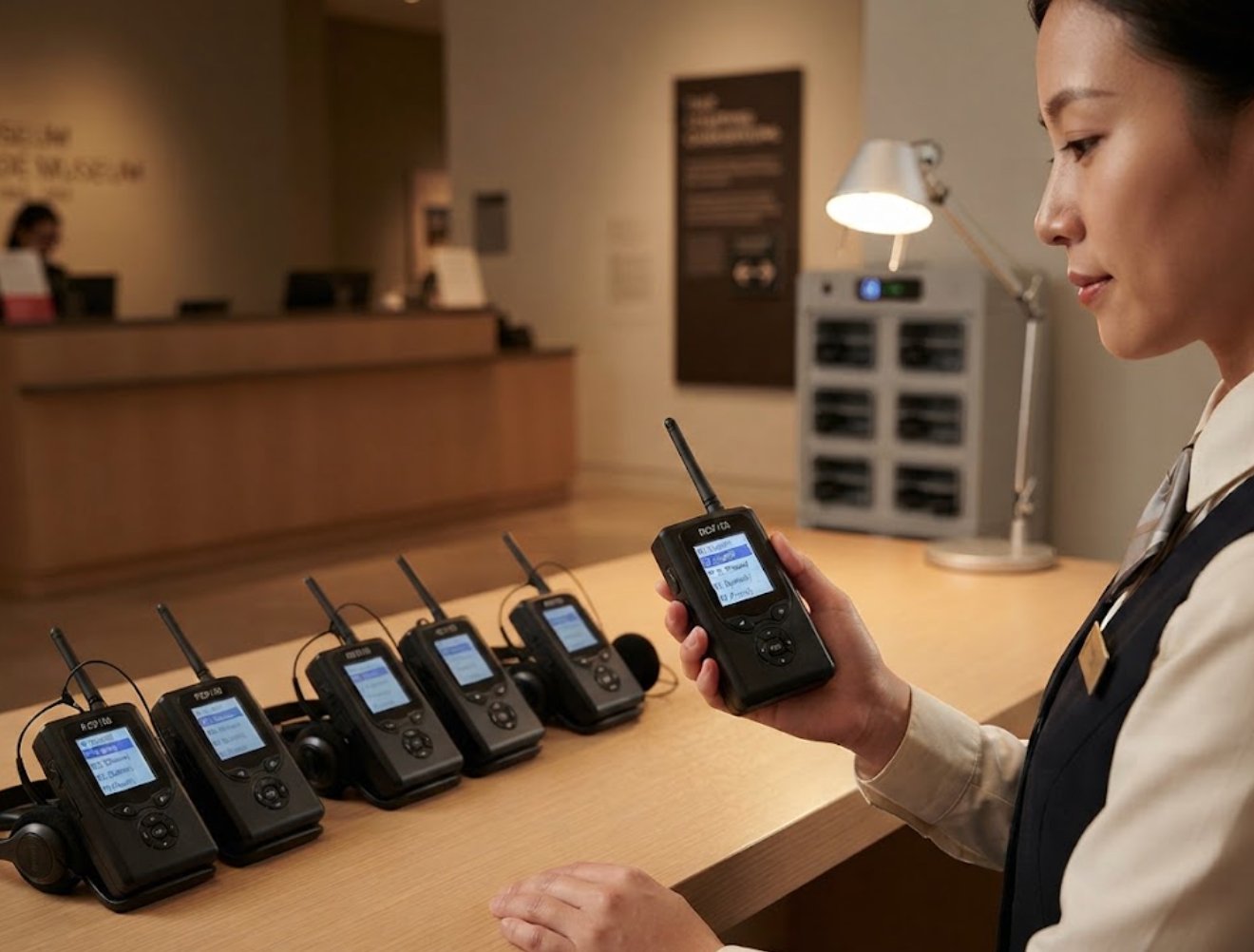
The RC9150 is the flagship unit most museums use for their main multilingual tours, and its channel capacity is the first thing to maintain. Set a fixed channel map — for example, channel one for English, two for Mandarin, three for Spanish, and so on — and write it down at the receiver station. The single most common multilingual failure we see is a receiver that was left on yesterday's channel, so a visitor selecting English hears Mandarin. A printed channel map at the charging station fixes that without any software.
Language audio files should be re-verified on a monthly schedule, not when a complaint arrives. Load each language, play ten seconds, and confirm the file plays on the correct channel. This takes about fifteen minutes per language and catches sync failures, corrupted files, and channel-map drift long before the museum's busiest hours. Most museums we work with run this check on a fixed weekday when the galleries are closed to the public.
Earpiece Hygiene for Shared Devices
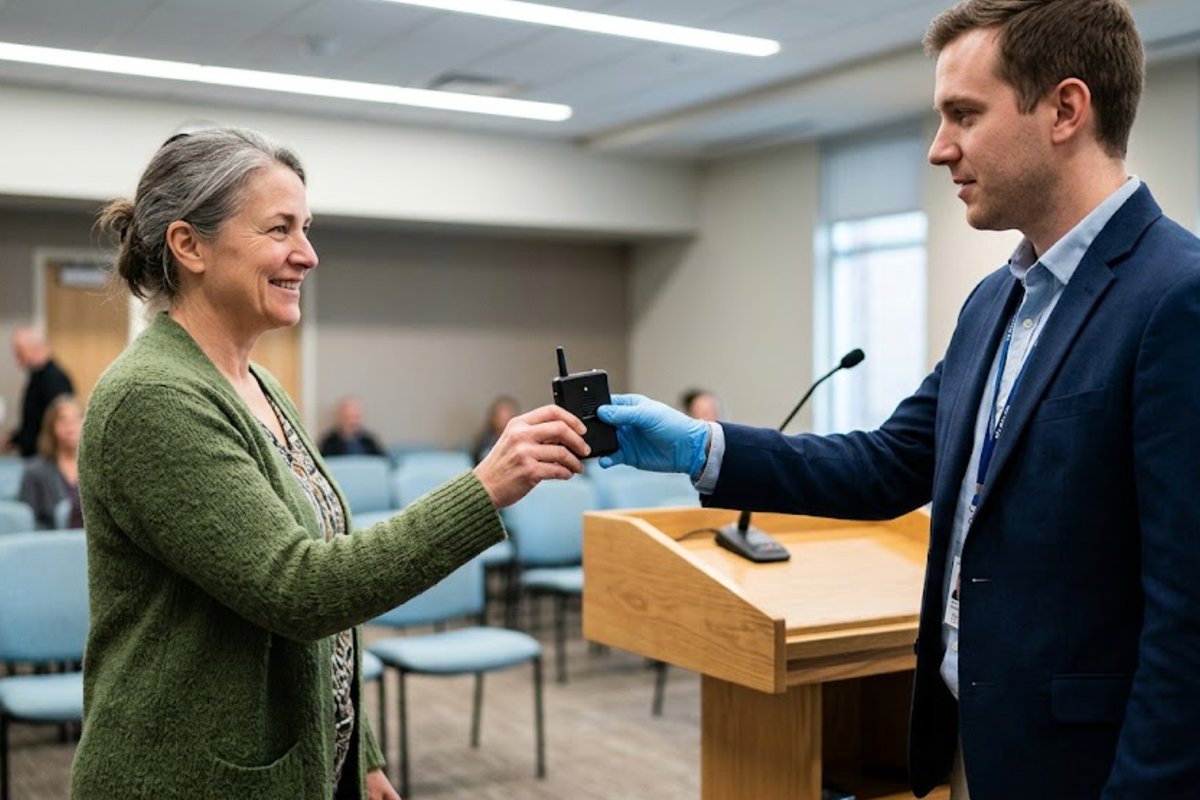
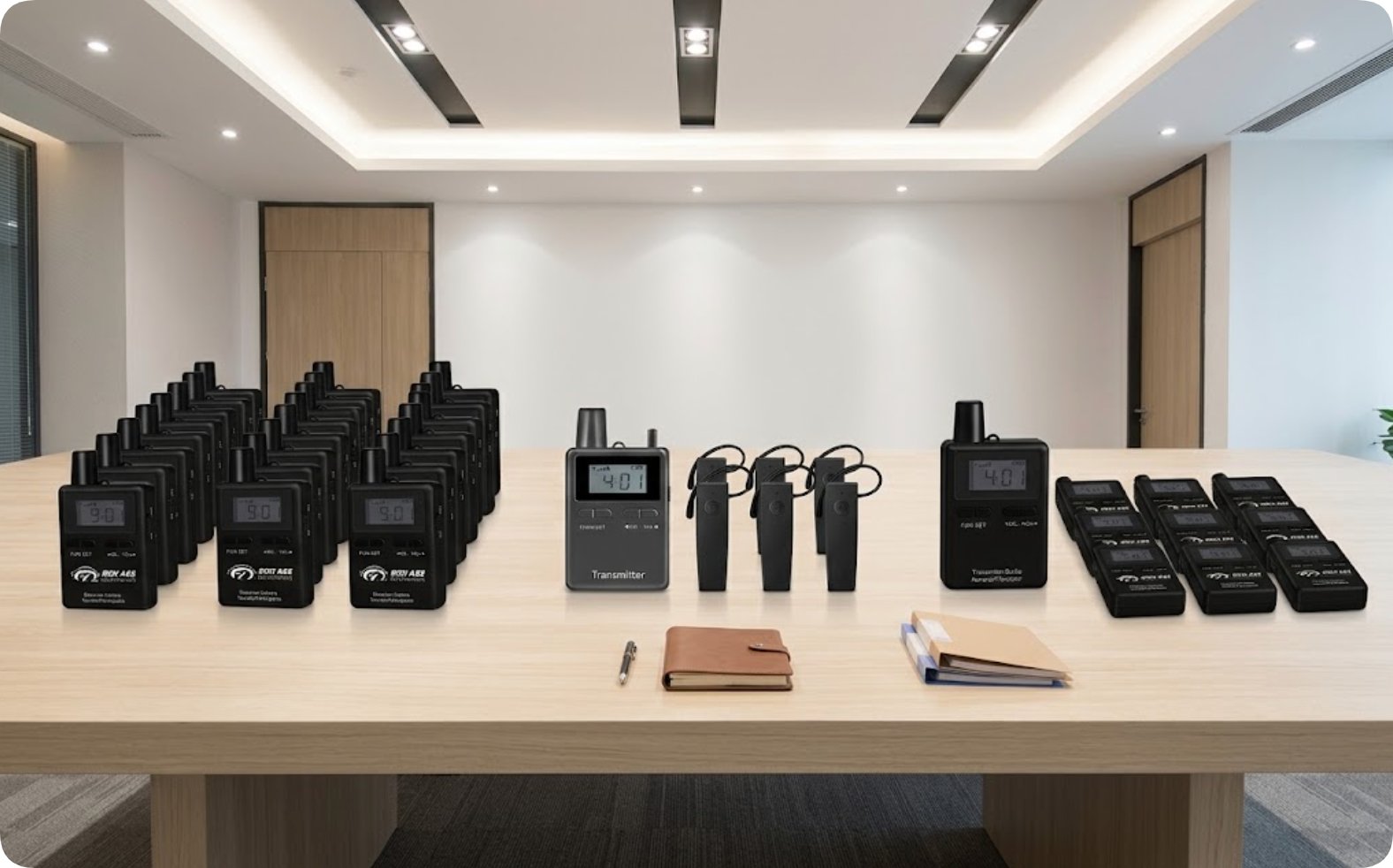
The RC2402 is often the unit museums issue for large multilingual groups, which means its earpieces pass through many ears in a single day. Earpiece hygiene is a maintenance task, not a cleaning afterthought, because shared earpieces are the first thing visitors notice and the first thing they complain about. Establish a simple rule: wipe each earpiece with a disinfectant wipe when the receiver returns to the station, and replace the foam tips on a fixed schedule rather than when they look worn.
The RC2402's sealed body makes the cleaning routine easy — the unit itself can be wiped down without concern, and the earpiece jack is the only part that needs care. Keep a small tray of fresh foam tips at the station, and train the front-desk staff to swap tips as part of the return process rather than only when asked. In the museums that follow this, the earpiece complaint rate drops to nearly zero.
🔧 A Monthly Maintenance Checklist
| Task | Frequency | Model |
|---|---|---|
| Verify each language channel plays correctly | Monthly | RC9150 |
| Re-confirm the channel map at the station | Weekly | Both |
| Wipe earpieces on return | Every return | RC2402 |
| replace foam tips | Fixed schedule | RC2402 |
| Charge receivers to full, rotate the pool | Daily | Both |
| Check battery health on a sample of units | Quarterly | Both |
The daily and weekly tasks are quick enough to fold into the station routine; the monthly and quarterly tasks are where the multilingual system stays healthy. A museum that runs the monthly language check and the quarterly battery check rarely needs an emergency repair during opening hours.
🔋 Battery and Charging Pool Discipline
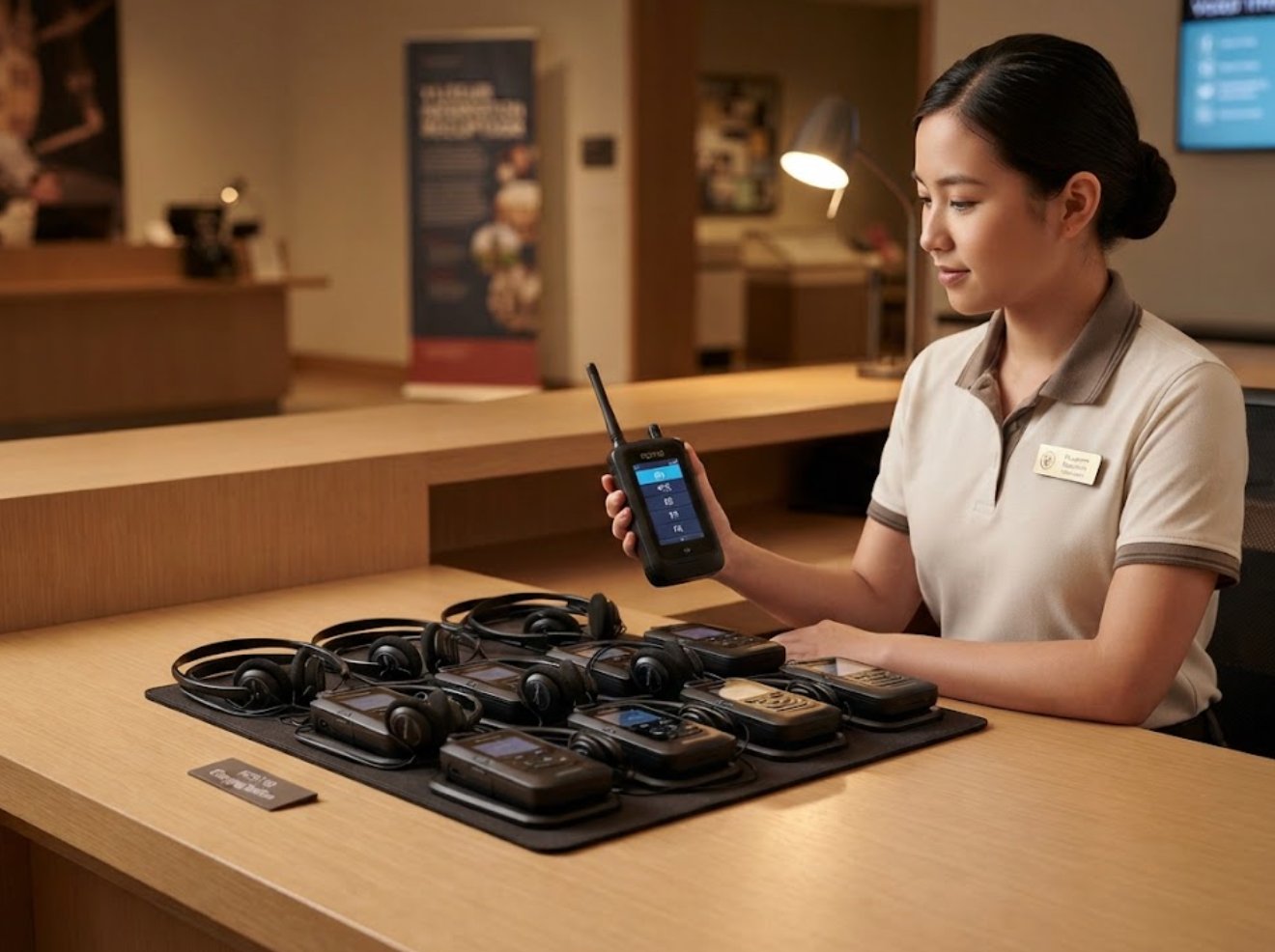
The RC9150 and RC2402 receivers share a charging workflow, and the discipline that matters is rotation. If the same receivers always charge in the same bays, a failing battery is discovered only when that unit dies mid-tour. Rotate the receivers through the charging bays on a daily or weekly basis, so a weak battery surfaces during a routine check rather than during a tour. A simple label — bay number on each receiver — is enough to make rotation visible.
For the quarterly battery check, pick a sample of receivers from across the pool, charge them fully, and note the run time. A receiver that finishes the day noticeably earlier than its siblings is a candidate for replacement. This sample check costs an hour per quarter and prevents the most disruptive failure mode in a museum fleet: a unit dying during the lunchtime rush.
🏨 Training the Front Desk
Maintenance does not happen in a back room; it happens at the front desk, where the receivers are issued and returned. The staff who hand out the devices are the ones who will notice a receiver that behaves oddly, a language that does not play, or an earpiece that looks worn. Give them a one-page routine: wipe on return, check the channel before issue, flag anything that fails the ten-second language test, and drop it in the repair tray instead of handing it out again.
The museums with the fewest complaints are not the ones with the newest hardware; they are the ones with the clearest front-desk routine. The RC9150 and RC2402 are reliable enough that a museum can run a full season on a maintenance habit rather than a repair budget.
Keeping the Languages Fresh
One last maintenance item that museums often miss: the language content itself. A tour script changes, a new exhibit opens, a pronunciation is corrected — and the museum forgets to reload the affected language file. Add a content review to the monthly language check: confirm the current script is the one playing, not last season's version. It is the cheapest maintenance task on this list and the one that most improves the visitor experience.
If your museum is planning a multilingual rollout or wants to tighten the maintenance routine on an existing fleet, our wireless tour guide systems page has the full range, and the product pages for the RC9150 and the RC2402 carry the full specifications. For a worked example of a museum deployment, the museum audio guide system case shows how a similar fleet runs in daily operation.